Proline Promass E 500 PROFIBUS PA Commissioning
Endress+Hauser 127
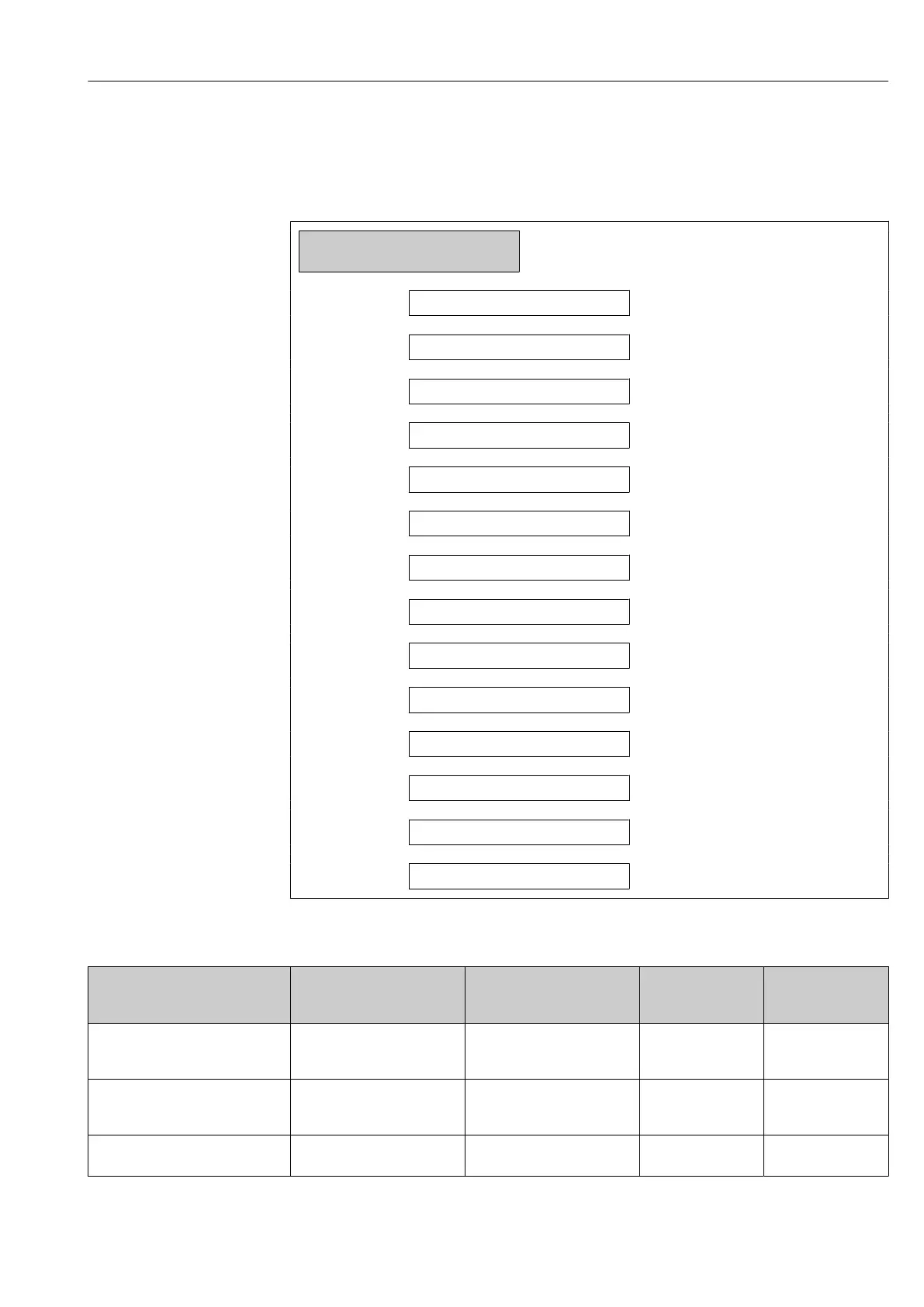
Configuring the switch output
Navigation
"Setup" menu → Pulse/frequency/switch output
‣
Pulse/frequency/switch output
1 to n
Operating mode
→ 127
Terminal number
→ 127
Signal mode
→ 127
Switch output function
→ 128
Assign diagnostic behavior
→ 128
Assign limit
→ 128
Assign flow direction check
→ 129
Assign status
→ 129
Switch-on value
→ 129
Switch-off value
→ 129
Switch-on delay
→ 129
Switch-off delay
→ 129
Failure mode
→ 129
Invert output signal
→ 129
Parameter overview with brief description
Parameter Prerequisite Description Selection / User
interface / User
entry
Factory setting
Operating mode – Define the output as a pulse,
frequency or switch output.
• Pulse
• Frequency
• Switch
–
Terminal number – Shows the terminal numbers
used by the PFS output
module.
• Not used
• 24-25 (I/O 2)
• 20-21 (I/O 4)
*
–
Signal mode – Select the signal mode for the
PFS output.
• Passive
• Active
–







 To Next Page