50
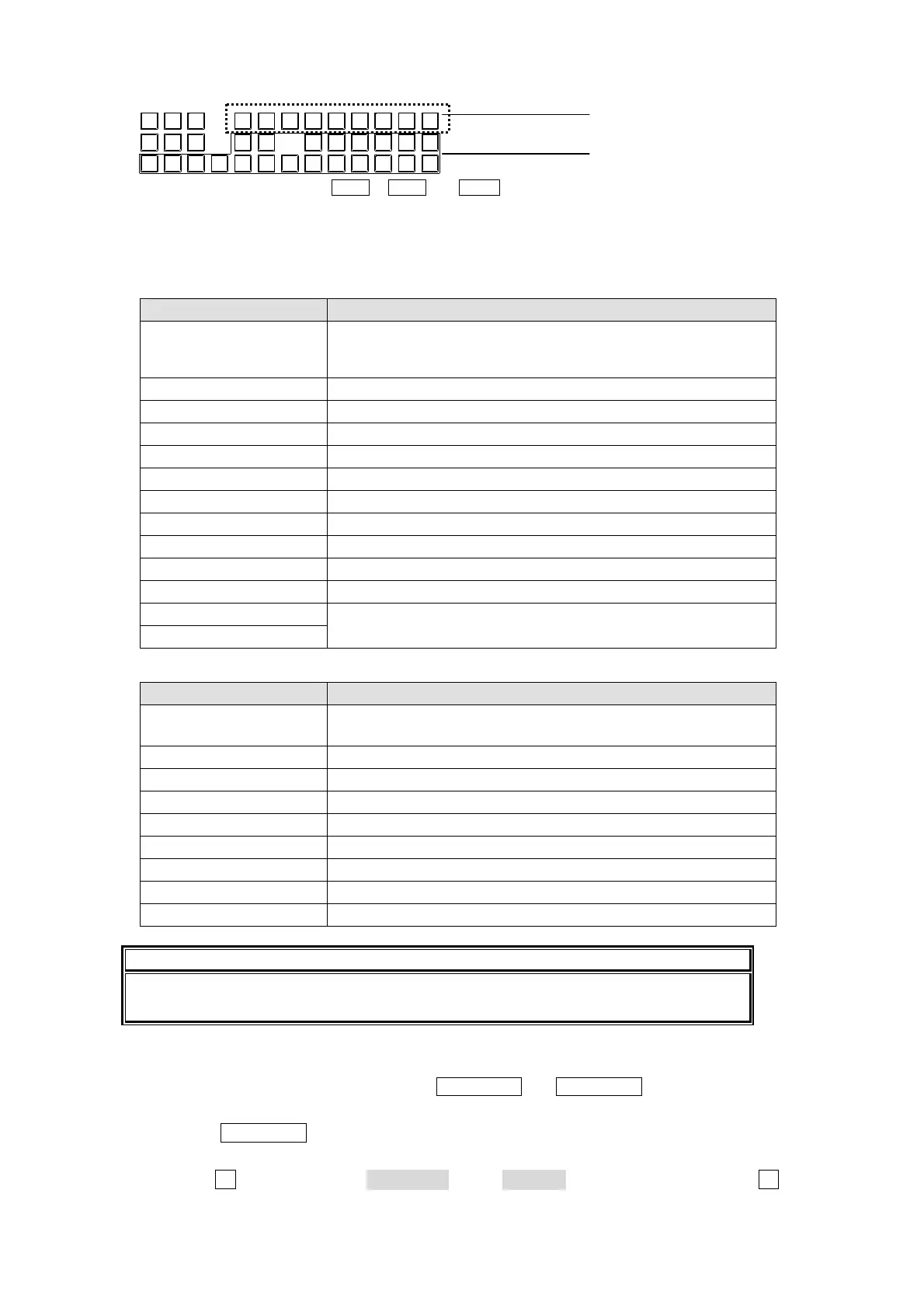
Press a button to select the signal for the output target.
The signals assigned to the bus buttons at the factory shipment are shown below.
HVS-16/24OUA
Selected buttons Signal
1-16 (HVS-16OUA),
1-24 (HVS-24OUA),
MATT1
Signals assigned in the bus assignments (Same as M/E bus)
MATT2 and 17-32(HVS-16OUA) or 25-48(HVS-24OUA) can be
selected with SHIFT. See 5-1-2. "SHIFT Button."
M/E1PGM M/E1 Program output
M/E1PREV M/E1 Preview output (Next output with KEY)
M/E1CLEAN M/E1 Clean output appears at connector (with or without keys).
M/E2PGM M/E2 Program output
M/E2PREV M/E2 Preview output (Next output with KEY)
M/E2CLEAN M/E2 Clean output appears at connector (with or without keys).
KEY OUT A Signal assigned to KEY OUT A button. See next page.
KEY OUT B Signal assigned to KEY OUT B button. See next page.
MV1 Multi Viewer output 1 (if HVS-38AUMV option installed.)
MV2 Multi Viewer output 2 (HVS-38AUMV option installed.)
UTL1
Input video signals (asynchronous acceptable) that can be
assigned to AUX11-16 (HVS-38AUMV required)
UTL2
HVS-12ROUA
Selected buttons Signal
1-12
Signals assigned in the bus assignments (Same as M/E bus))
13-24 can be selected with SHIFT. See 5-1-2. "SHIFT Button."
M/E1PGM M/E1 Program output
M/E1PREV M/E1 Preview output (Next output with KEY)
M/E1CLEAN M/E1 Clean output appears at connector (with or without keys).
M/E2PGM M/E2 Program output
M/E2PREV M/E2 Preview output (Next output with KEY)
M/E2CLEAN M/E2 Clean output appears at connector (with or without keys).
KEY OUTA Signal assigned to KEY OUT A button. See next page.
KEY OUTB Signal assigned to KEY OUT B button. See next page.
NOTE
When the optional HVS-AUX16/32 is used, the AUX outputs can be controlled
remotely.
KEY OUT A, KEY OUT B
The following signals can be assigned to the KEY OUT A and KEY OUT B buttons, which can
be selected for AUX output. This can be set in the MU SETUP - OUTPUT menu.
Press the MU SETUP button in the menu section and display the top of the MU SETUP
menu.
Turn the F1 control to select 3 OUTPUT in the SELECT section. Either press the F1
control, or press the DOWN button to display the MU SETUP – OUTPUT menu.
M/E 1
KEY1
M/E2
KEY1
M/E1
KEY2
M/E2
KEY2
M/E 1
KEY3
M/E2
KEY3
3214
AUX
5
AUX
1/9 2/10
6
AUX
3/11
78
M/E1
PGM
AUX
4/12
AUX
5/13
M/E1
PREV
910
M/E1
CLEAN
AUX
6/14
AUX
7/15
M/E2
PGM
11 12
M/E2
PREV
AUX
8/16
SHIFT
M/E2
CLEAN
SHIFT
AUX/
KEY
BUS
SELECT
OUT BOUT A
KEYKEY
Select the
output target.
Select the
output signal.
HVS-12ROUA
* To select AUX9 to AUX16, press AUX1 to AUX8 with SHIFT pressed.



 To Next Page