51
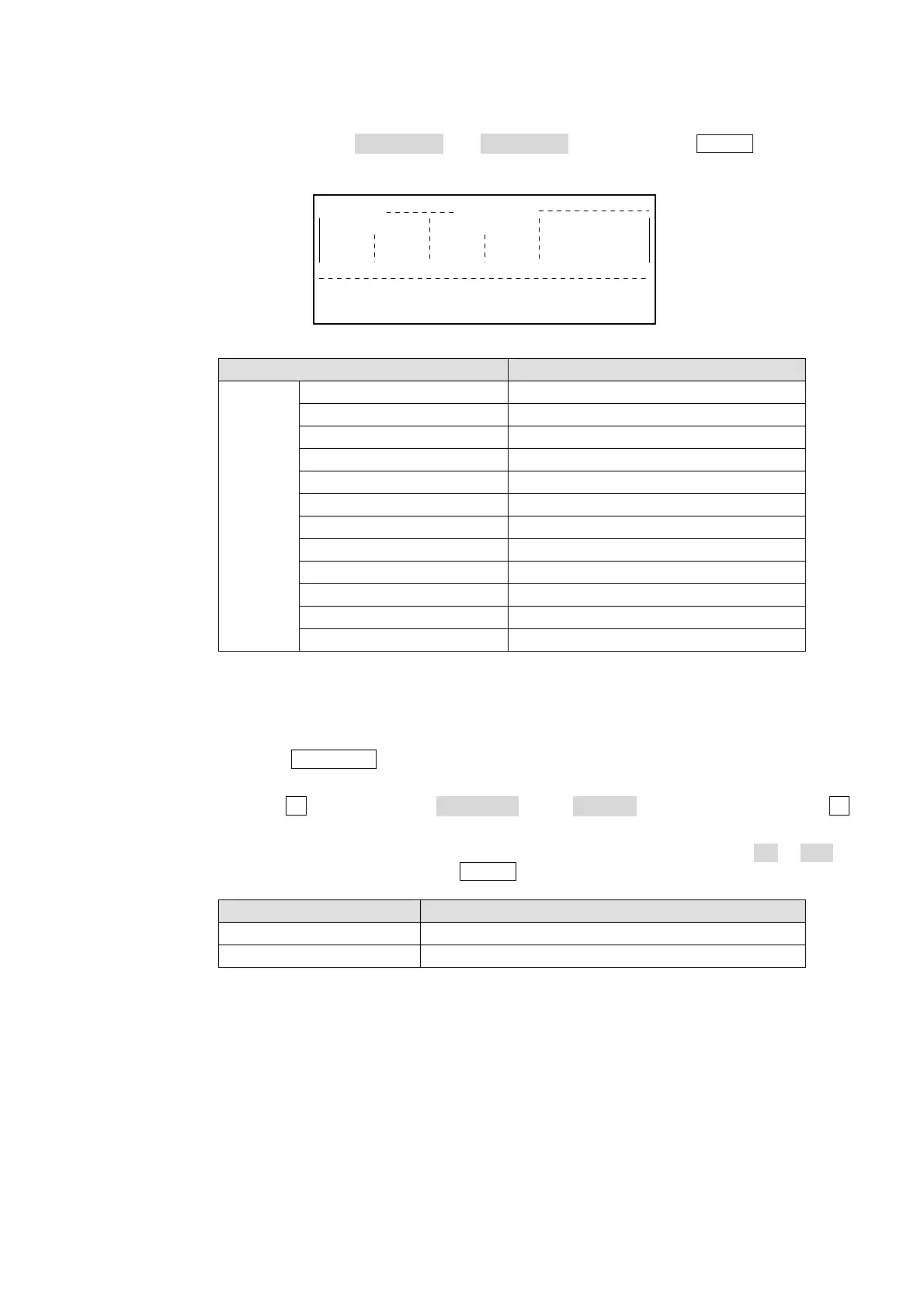
Press the DOWN button again to move to the bottom page, and then select the key
output signal in the KEY OUT A and KEY OUT B items. Press the ENTER button in the
keypad to confirm the selection.
Selectable Signals for KEY OUT A/B
Setting Signal
ME1
or
ME2
PGM PGM bus DVE KEY
PST PST bus DVE KEY
_A A bus DVE KEY output
_B B bus DVE KEY output
KEY1 KEY1 bus DVE KEY
KEY2 KEY2 bus DVE KEY
KEY3 KEY3 bus DVE KEY
D KEY1 DVE channel 1 KEY output
D KEY2 DVE channel 2 KEY output
D KEY3 (SD mode only) DVE channel 3 KEY output
D KEY4 (SD mode only) DVE channel 4 KEY output
KEY KEY composite output for three keyers
CLEAN
CLEAN can be routed to any AUX output. The signals for CLEAN outputs can be selected at
the MU SETUP – OUTPUT menu as in the procedure below.
Press the MU SETUP button in the menu section and display the top of the MU SETUP
menu.
Turn the F1 control to select 3 OUTPUT in the SELECT section. Either press the F1
control, or press the DOWN button to display the MU SETUP – OUTPUT menu
Press the DOWN button again to move to the bottom page, and then select ON or OFF in
the CLEAN OUT menu. Press the ENTER button in the keypad to confirm the selection.
Setting Signal
ON (default setting) Clean output + KEY1 + KEY2
OFF Clean output only
MU SETUP OUTPUT(2/2)
M/E1
ON
M/E2
ON
A
ME1PGM
CLEAN OUT
B
ME2PGM
KEY OUT



 To Next Page