10 Setups
366
Setups
10
Mailbox Settings
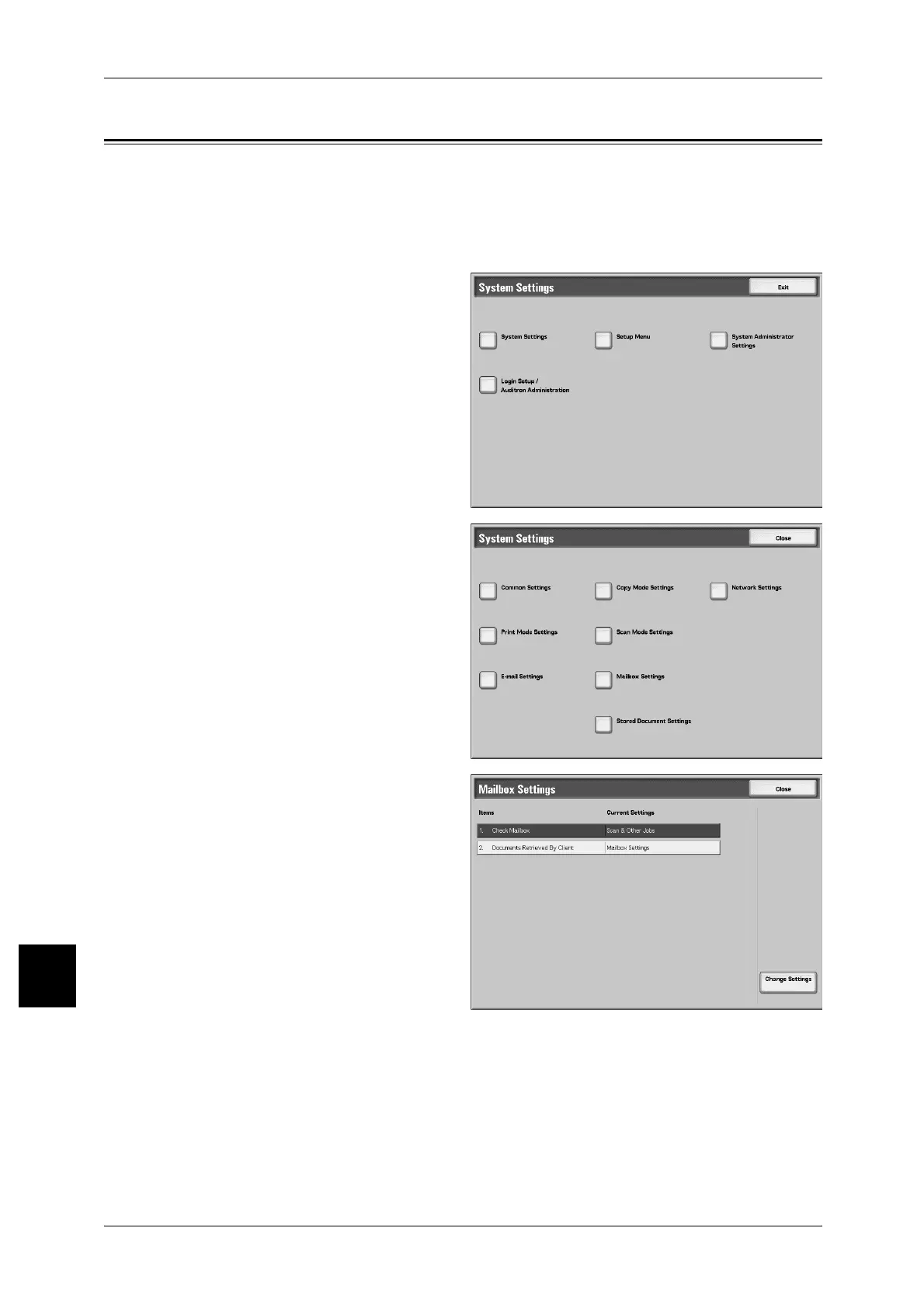
In [Mailbox Settings], make the settings for handling of documents stored in
mailboxes.The following are the places to reference for details of each setting.
Check Mailbox Default Screen .................................................................................................367
Documents Retrieved By Client ...............................................................................................367
1 In the [System Settings] screen,
select [System Settings].
For the method of displaying the [System
Settings] screen, refer to "System Settings
Procedure" (P.284).
2 Select [Mailbox Settings].
3 Select the item to be set or
changed, and select [Change
Settings].
4 Set the setting value.
5 Select [Save].



 To Next Page
 Loading...






