16-6 16. Fuji Electric
Available Device Memory
The available setting range of device memory varies depending on the PLC model. Be sure to set within the range available for
the PLC to be used. Use [TYPE] when assigning indirect device memory for macro programs.
*1 For items where double-words can be used (Num. Display, Graph, Sampling), data is processed as double-words.
For those where bits or words can be used, data is processed as words consisting of lower 16 bits.
For input: Upper 16 bits are ignored.
For output: “0” is written for upper 16 bits.
*2 WS (step relay) is a byte device processed as described below.
For input: Upper 8 bits are “0”.
For output: Lower 8 bits are written.
*3 To set up the file memory on the editor, enter “file number” + “: (colon)” + “address” in
order.
*4 Define the file area as “SI”.
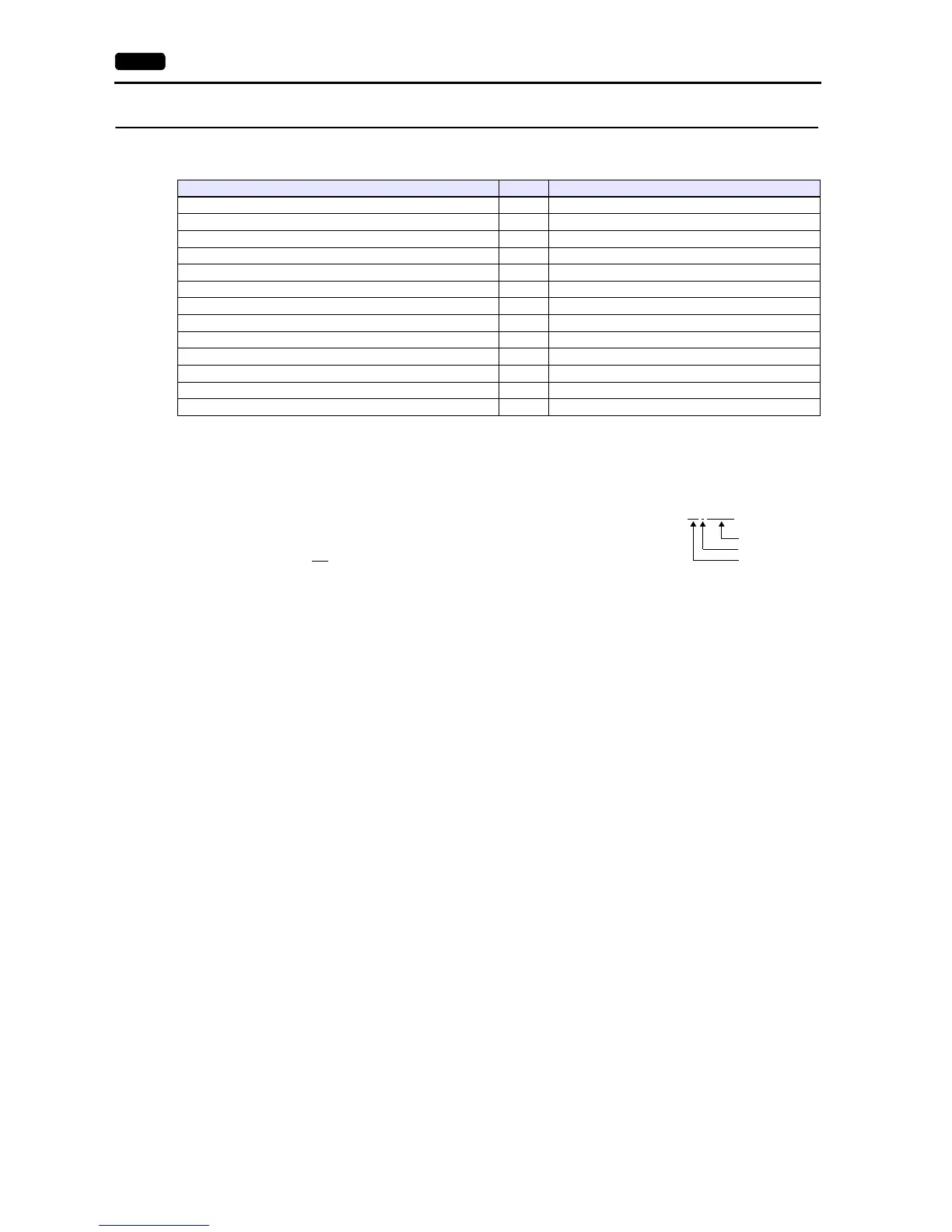
Device Memory TYPE Remarks
M (auxiliary relay) 00H WM as word device
K (keep relay) 01H WK as word device
B (input/output relay) 02H WB as word device
L (link relay) 09H WL as word device
F (special relay) 0AH WF as word device
TS (timer/set value) 0BH *1
TR (timer/current value) 0CH *1
W9 (0.1-sec timer/current value) 0DH *1
CS (counter/set value) 0EH *1
CR (counter/current value) 0FH *1
BD (data memory) 10H *1
WS (step relay) 11H *2
Wn (file memory) 12H *3, *4



 To Next Page