16-36 16. Fuji Electric
F-MPC04S
Communication setting
The communication parameters can be set using keys attached to the front of the power monitor unit.
Be sure to match the settings to those made under [Communication Setting] of the editor.
(Underlined setting: default)
*1 The communication function of F-MPC04 can be selected at the time of purchase. Select a model on which “F-MPC04 mode” is available.
*2 The communication parameter (stop bit) is fixed to 1 bit.
F-MPC30
Communication setting
The communication parameters can be set using keys attached to the front of the power monitor unit.
Be sure to match the settings to those made under [Communication Setting] of the editor.
(Underlined setting: default)
* The communication parameter (stop bit) is fixed to 1 bit.
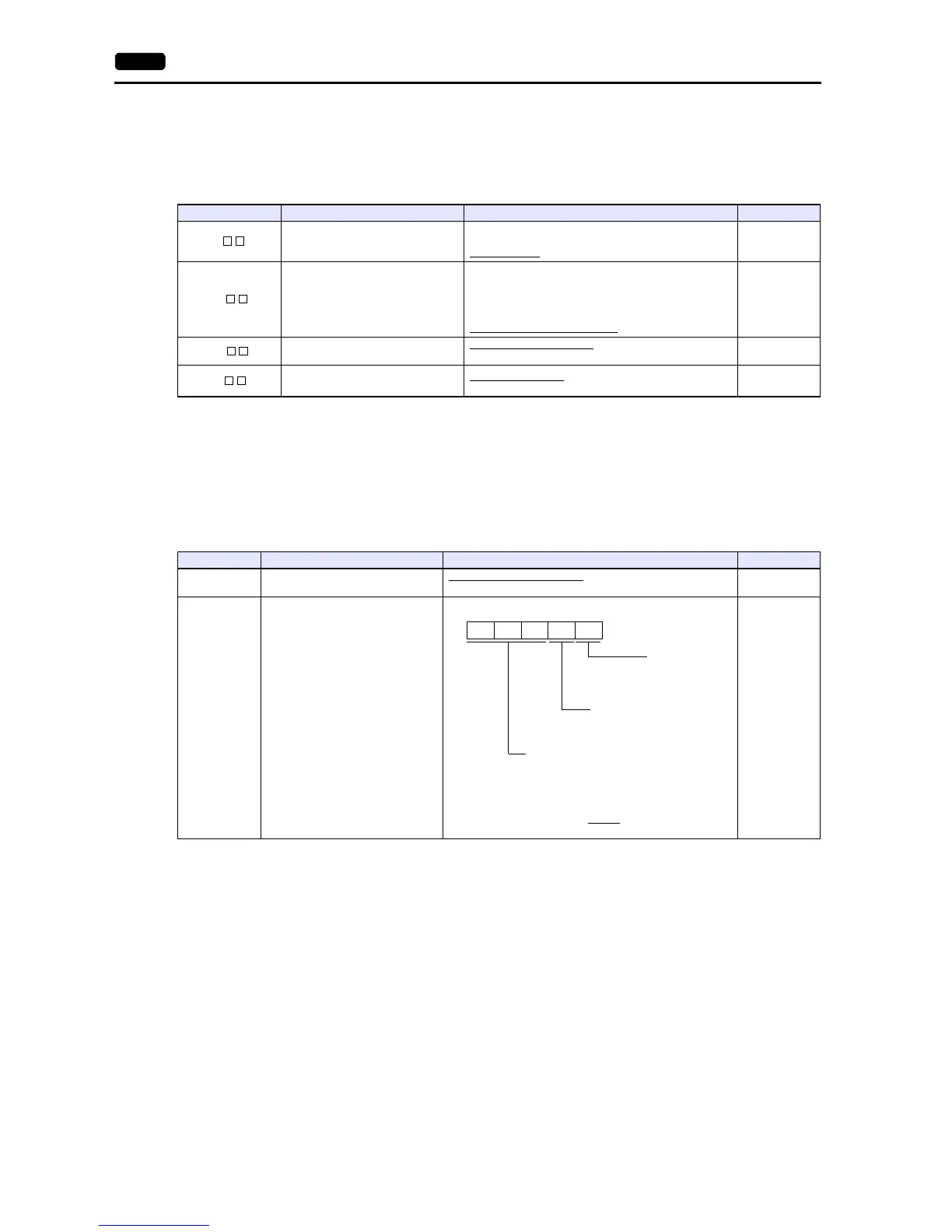
Setting Code Item Setting Example
L-
Baud rate
4.8: 4800 bps
9.6: 9600 bps
19.2: 19200 bps
19.2
L2-
Data length and parity
8n: Data length 8 bits, without parity
8E: Data length 8 bits, even parity
8o: Data length 8 bits, odd parity
7n: Data length 7 bits, without parity
7E: Data length 7 bits, even parity
7o: Data length 7 bits, odd parity
7o
LA-
Address
(Transmission station number)
Loc: Station number not set
01 to 99
01
Lt-
Communication model mode
04: F-MPC04 mode
*1
PP: PPM (B) mode
04
Setting Code Item Setting Example
90 RS-485 address setting
Loc: Communication not used
01 to 99
01
91 RS-485 transmission specification
7SEG LED
1927o



 To Next Page