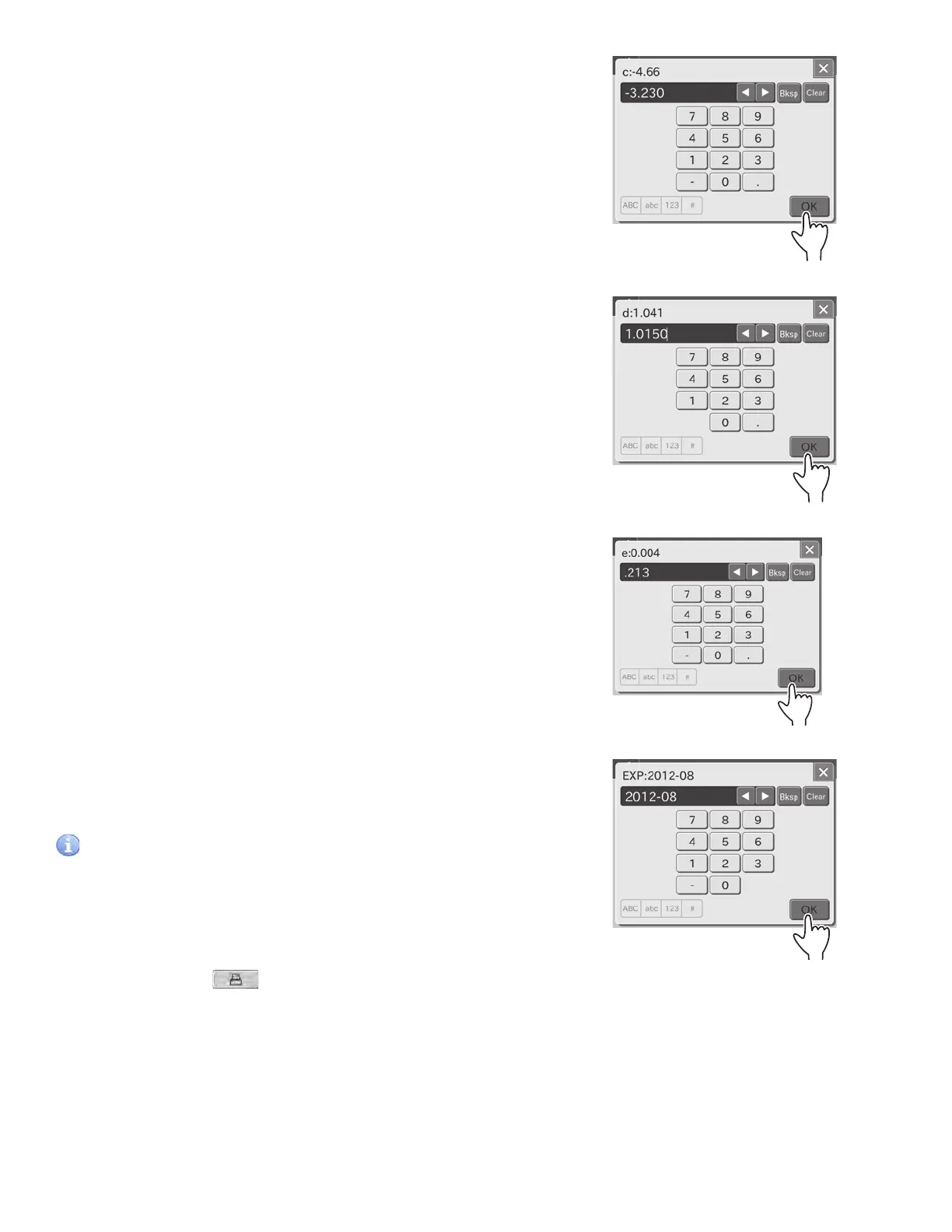
7. Input value in the [c: ], and then touch OK.
The screen keyboard to input the lot compensation coefficient
(d ) appears.
8. Input value in the [d:], and then touch OK.
The screen keyboard to input the lot compensation coefficient
(e ) appears.
9. Input value in the [e: ], and then touch OK.
The screen keyboard to input the expiration appears.
10. Input the expiration, and then touch OK.
The screen keyboard disappears. Then, the edit dialogue is
displayed.
IMPORTANT
Incorrect inputs for (Lot, c, d, e, EXP) will cause incorrect test
results.
Make sure that the inputs (Lot, c, d, e, EXP) are correct using this
mode.
NOTE: When touching
, the values for the before/after
editing are printed out.
110



 To Next Page