SETTING CHANGES
iTDC
p.95
3.1 ID REGISTRATION
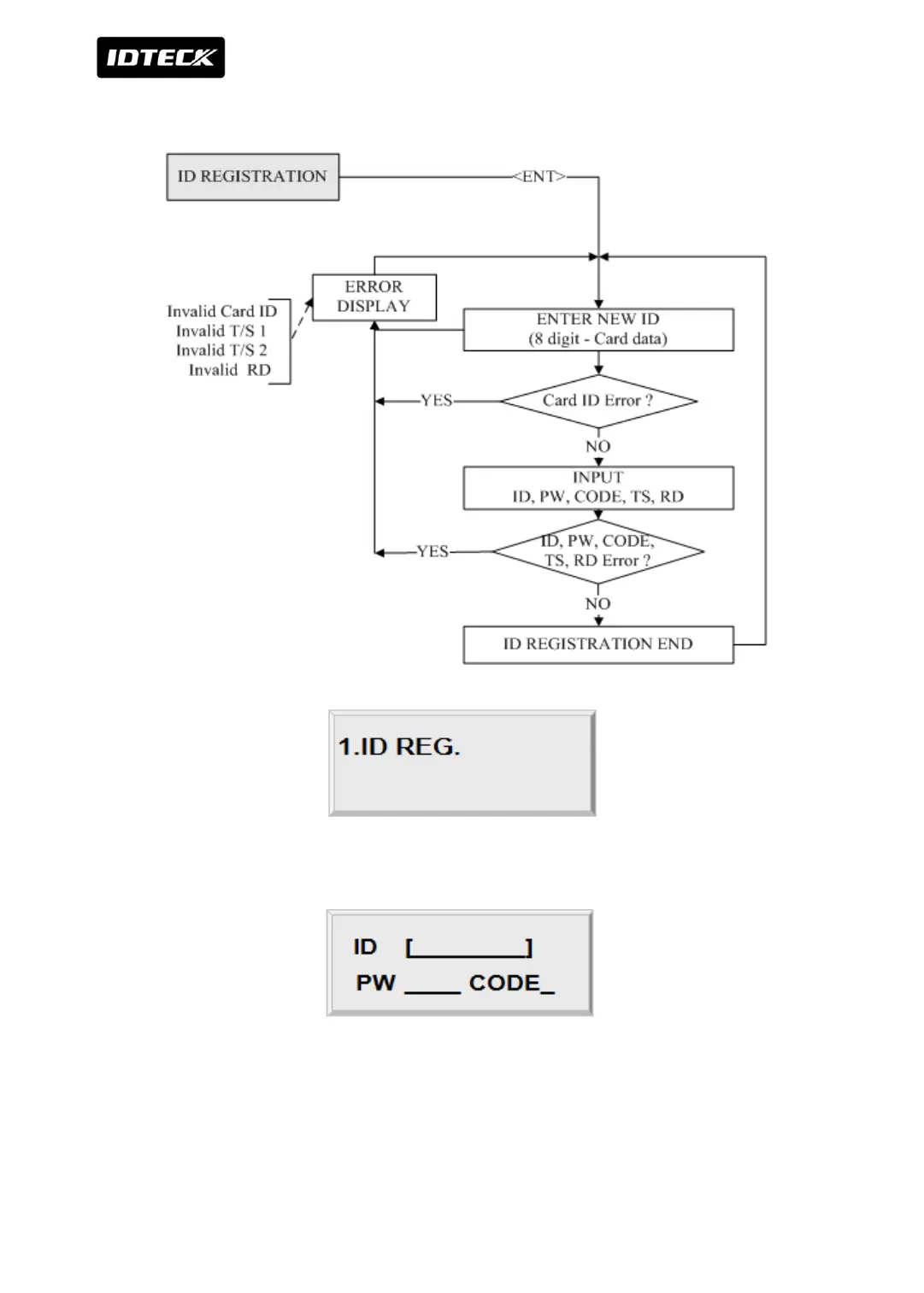
Press <ENT> key to register new User ID.
Enter 8 digit Card ID in the ID [________] field and press <ENT> key. For 8 digits user ID, First
3 digits should be between 000 and 255, and last 5 digits should be between 00000 and
65535 Enter 4 digits Password in the PW [____] field and press <ENT> key. Even you don’t
use Password, it is necessary to enter 4 digits Password as default.



 To Next Page