p.100
SETTING CHANGES
iTDC
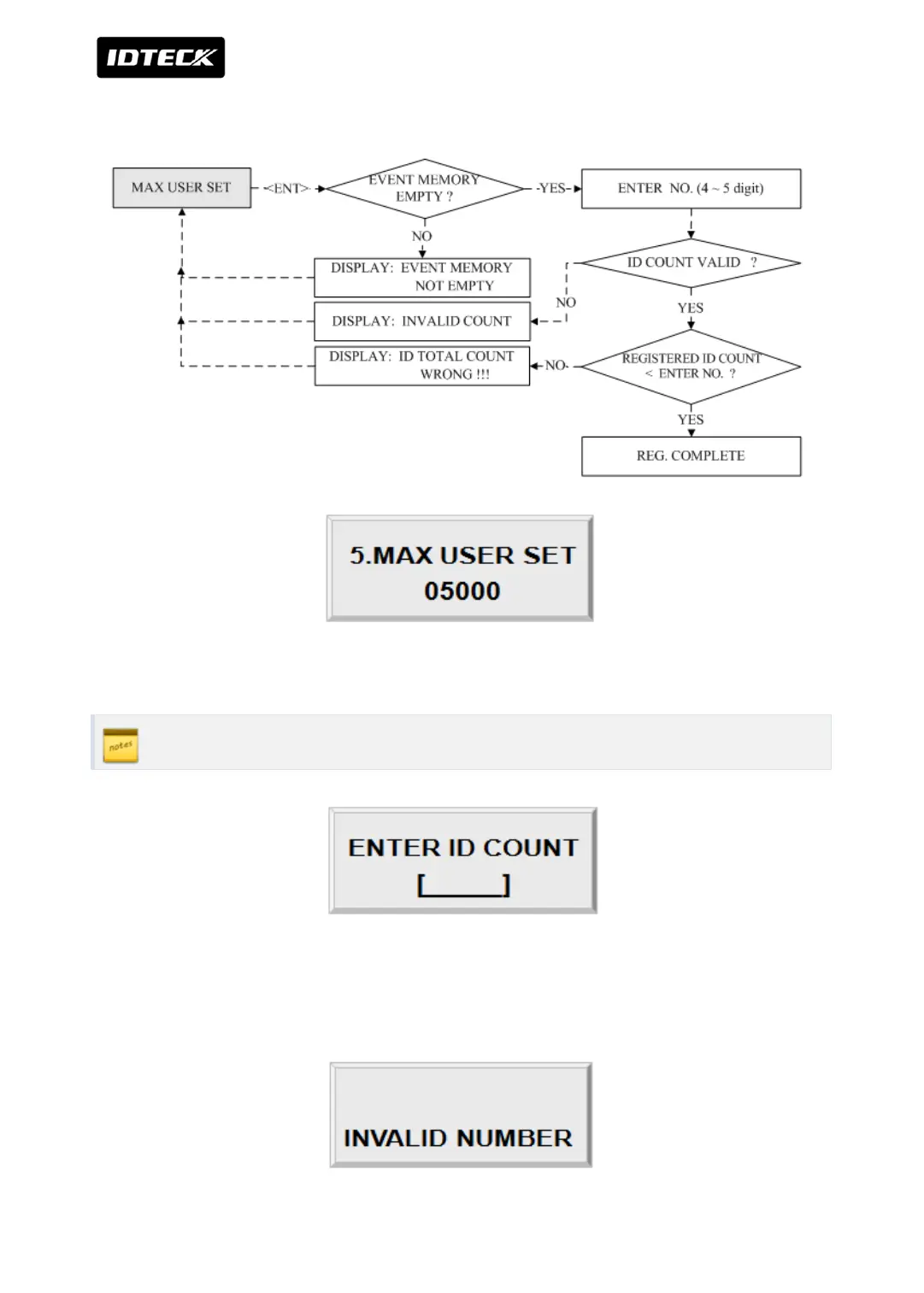
3.5 MAX USER SETTING
Press <ENT> key to change maximum User ID.
MAX USER SETTING must be set-up first before other set-up.
Enter number from 1000 to 20000 in multiple of 1000 for the maximum User ID. Every time
1000 user IDs increase, 500 event buffers decrease. The default ID COUNT is 5,000 Users and
the default EVENT Buffer size is 27,500. Maximum EVENT Buffer size is 29,000



 To Next Page