SETTING CHANGES
iTDC
p.91
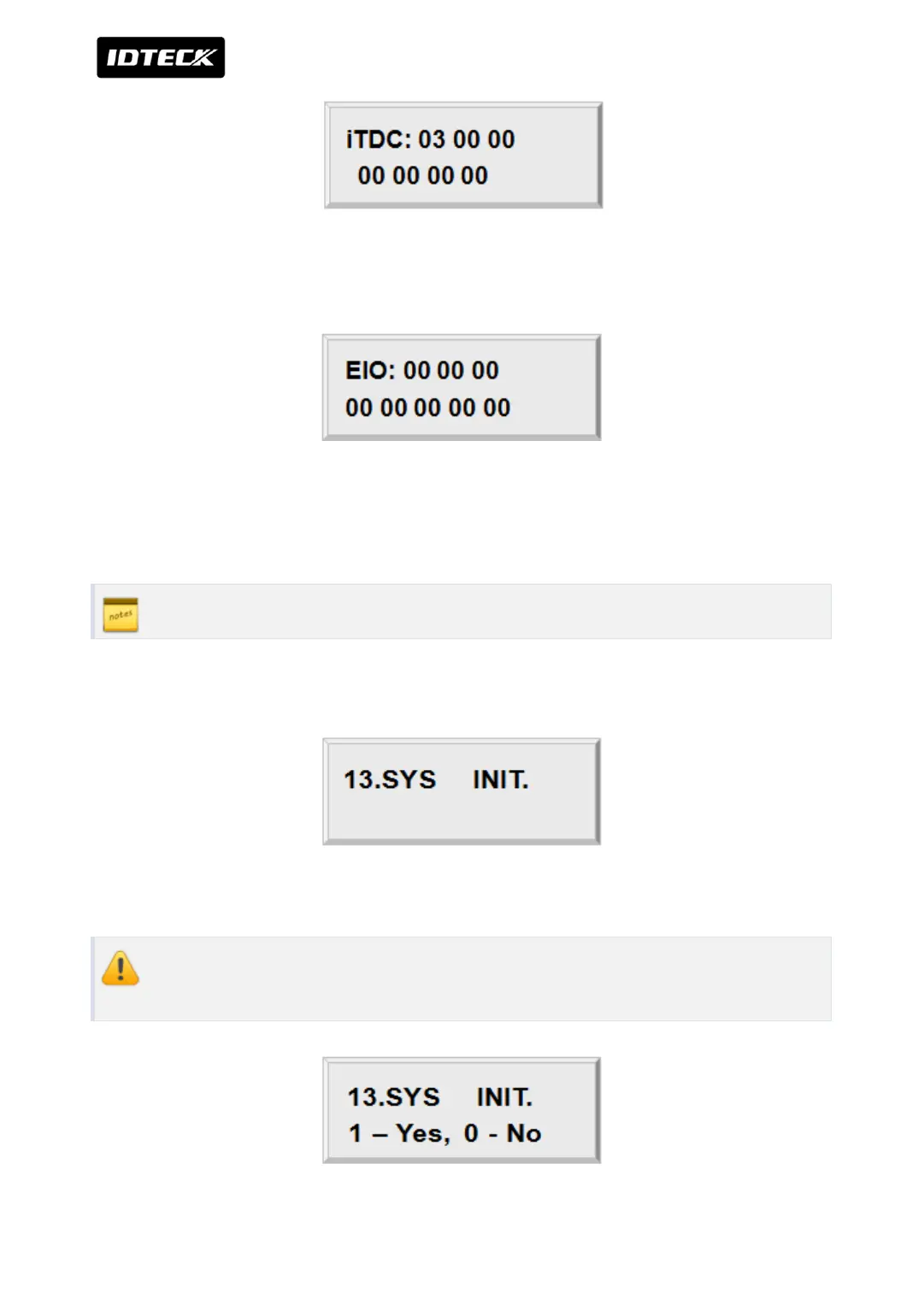
Press <ENT> key and you will see a cursor blinking at the first digit from the left of the seven
couples of digits (Output of iTDC). Enter the 14 digit (seven couples) key.
Press <ENT> key and you will see a cursor blinking at the first digit from the left of the eight
couples of digits (Output of EIO88). To set time for eight couples, press <ENT> key. For more
inputs, repeat the process. To end input setting, press <ESC> key.
Please refer to more information of initialization setting value in APPENDIX
2.13 SYSTEM INITIALIZE
This operation will initialize the iTDC. Press <ENT> key, if an initialization is needed.
Prior to system initialization, make sure to check whether or not the data stored in
the device is not needed, since it will be deleted after the initialization.



 To Next Page