p.74
SETTING CHANGES
iTDC
Now you can change the mode by pressing <4> or <6> key to toggle the mode. If you want to
set-up the mode displayed then press <ENT> key to accept this mode.
RF ONLY
The door is accessible with the proximity card alone.
RF+PASSWORD (4 digit number)
The door is accessible with the proximity card and Password.
READER2, READER3 and READER4 MODE set-up is the same as above.
1.2 ANTI PASS-BACK MODE SETTING
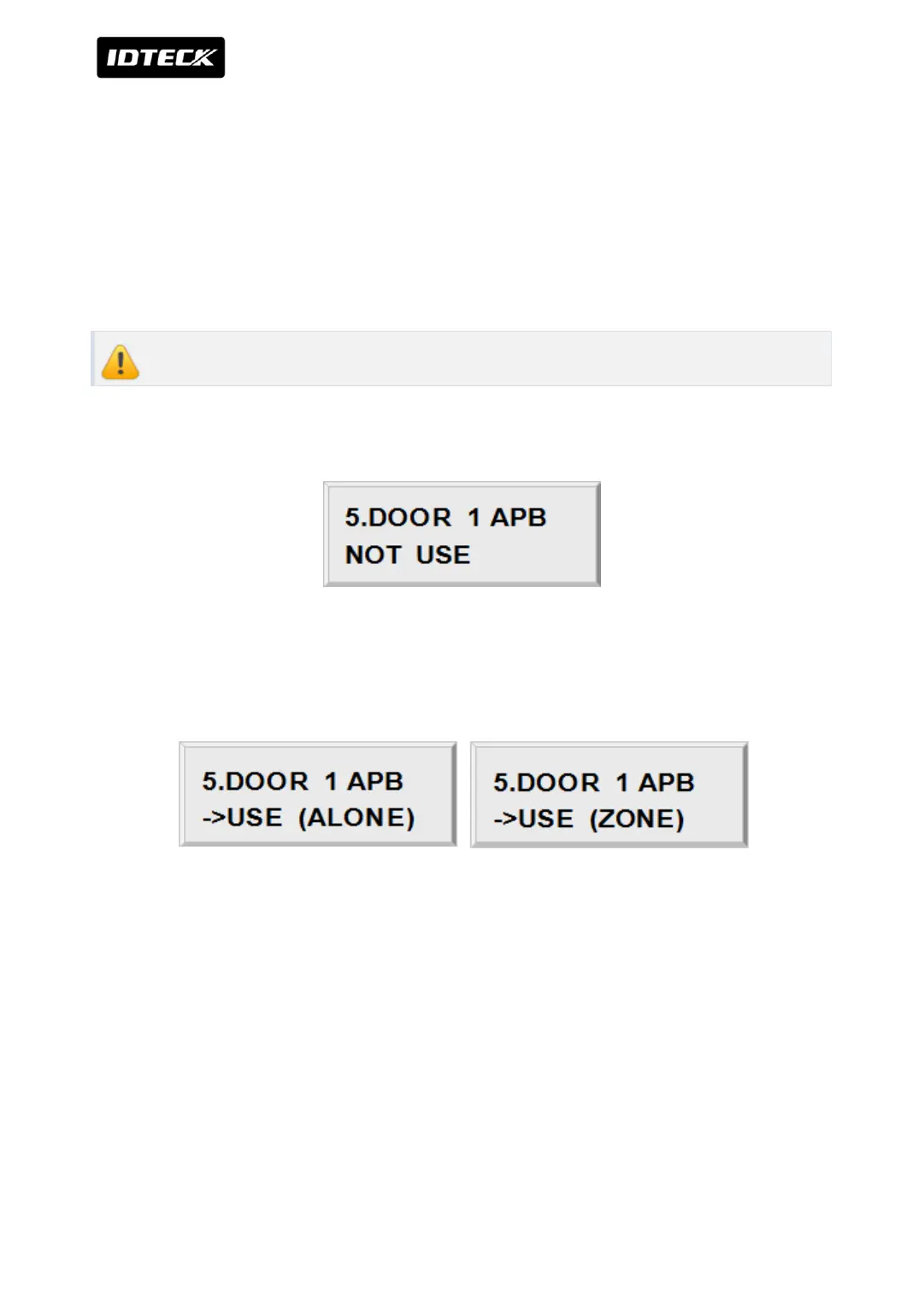
It shows DOOR1 anti-pass-back operation is not used. Press <ENT> key. (It is only applied
when the Door has Exit Reader)
For Door1 (2), you must have Reader #1(#2) for entry and Reader #3 (#4) for exit.
Press <4> or <6> key for searching the APB mode.
Press <ENT> key to select the mode.
NOT USE
Anti-pass-back mode is not applied.
USE (ALONE)
Door1 (2) Anti-pass-back mode is separately applied.



 To Next Page