p.104
SETTING CHANGES
iTDC
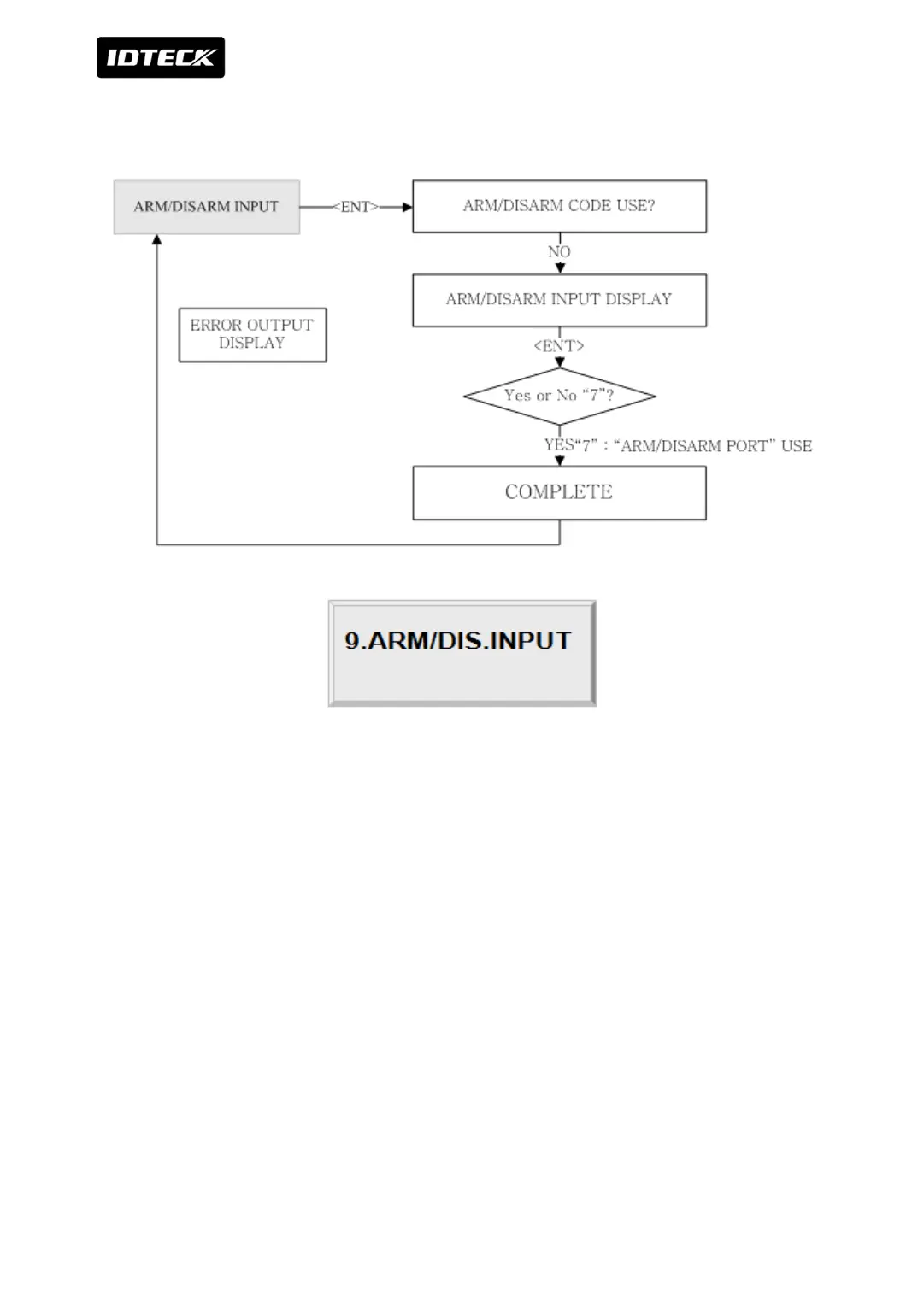
3.9 ARM/DISARM PORT
Set whether to use input port that can set ARM / DISARM function. Input port is fixed by
input port #7 of iTDC (default: “0”).If you wish to use ARM / DISARM function with port of
input device, press “7” key. According to input signal, the unit
operates on toggle mode. If input #7 is pressed, it operates on ARM. And if input #7 is not
pressed, it operates DISARM.



 To Next Page