SETTING CHANGES
iTDC
p.103
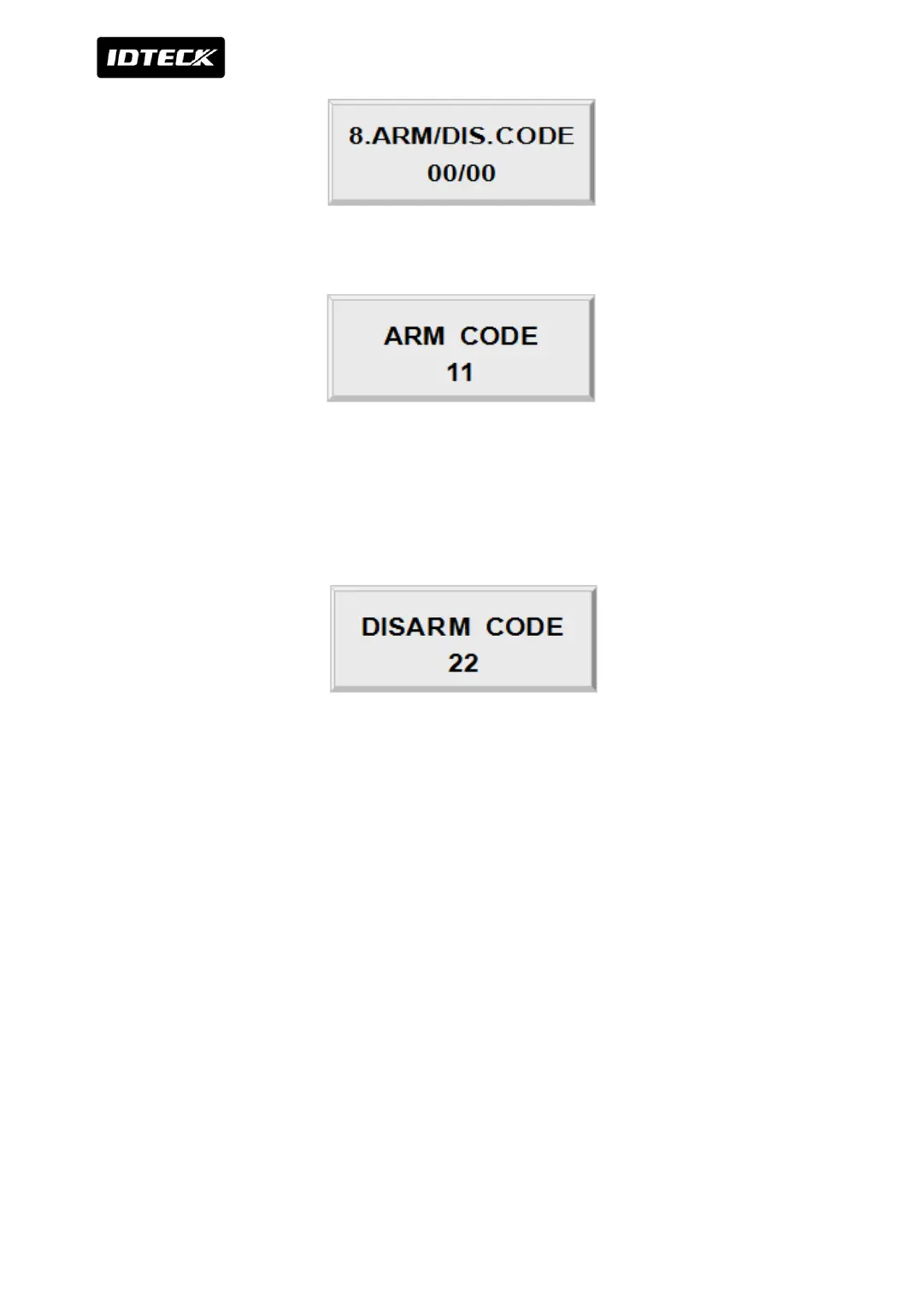
If you want to set “ARM/DISARM CODE”, press the <ENT> key in this menu.
Press 2 digit of ARM CODE. “00” is default which means not to use this function. Make sure
that number must be different from “Duress P/W” or “Disarm Code”.
If you press “00” for ARM CODE, DISARM CODE is automatically set by “00”. In result, this
mode is not to use ARM / DISARM function.
Press 2 digit of DISARM CODE. “00” is default which means not to use this function. Make
sure that the number must be different from “DURESS P/W” or “ARM CODE”.
If you press “00” for DISARM CODE, ARM CODE is automatically set by “00”. In result, this
mode is not to use ARM / DISARM function.



 To Next Page