p.86
SETTING CHANGES
iTDC
You can register up to 100 specified holidays per year for each schedule setting. There can be
10 other registration sets created, meaning holidays can be set for up to 10 years. Press
<ENT> to register the days.
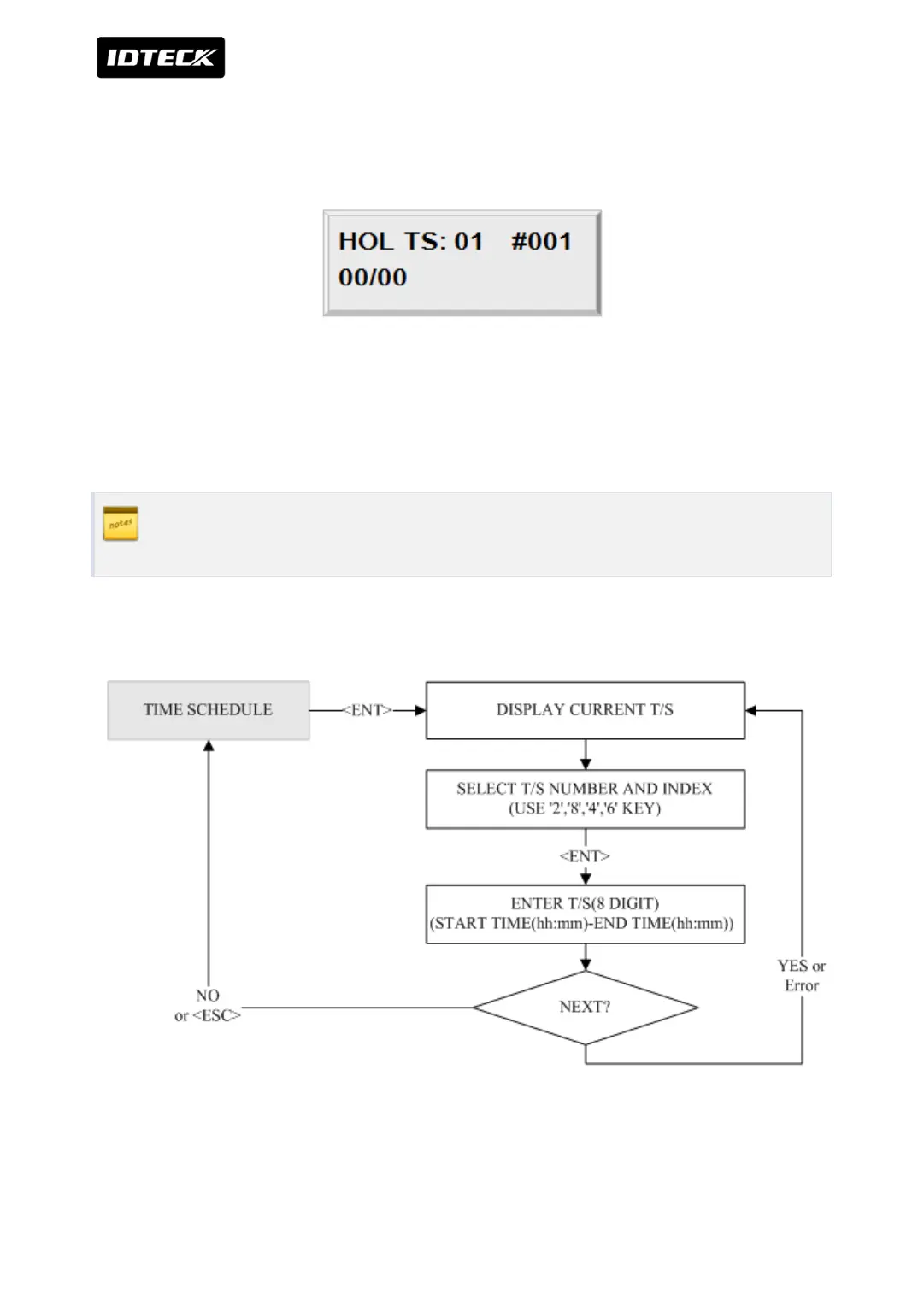
With the <2> key and <8> key, select the Date Registration Set Number (1~10), and with the
<4> key and <6> key, select the index for the days (1~100). Press <ENT> key and the cursor
will blink. Enter the date, in form of the Month (1~12). The LCD will indicate the defined
date. Now a day has been registered. For further registration, repeat the process.
1) Holiday Time schedule (Date registration set) number: 01 ~ 10(10 years)
2) Index for the days: 01 ~ 100(100 days)
2.10 TIME SCHEDULE SETTING



 To Next Page