SETTING CHANGES
iTDC
p.83
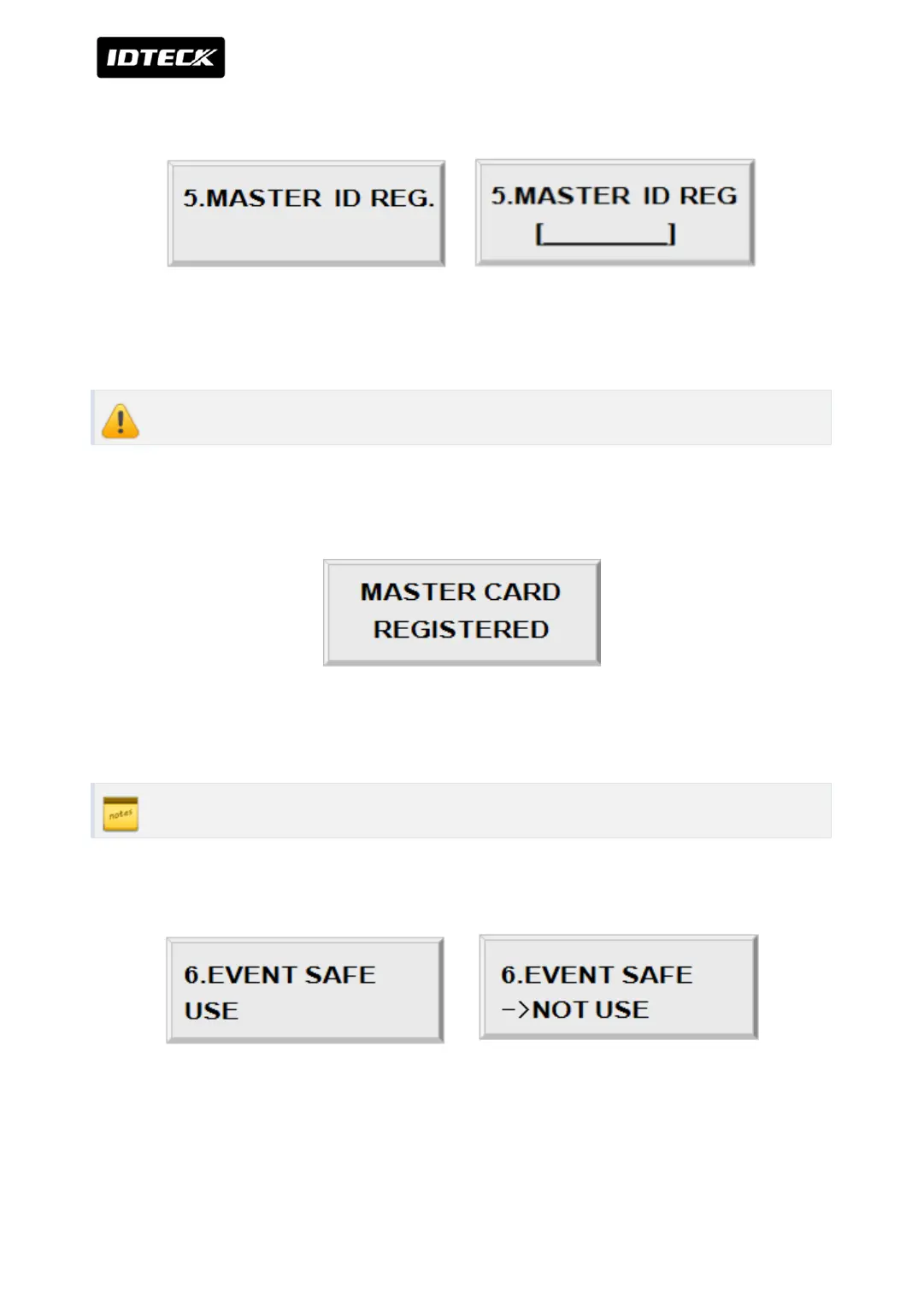
2.5 MASTER ID CHANGE
Press <ENT> key to change the current Master ID (“00000000”). You should enter an ID for
the manager only so the manager should be only person who can set up the device.
Without altered MASTER ID, you cannot access SETUP MENU.
You should use 8 digits number for Master ID. Press <ENT> key and enter the new 8 digits
Master ID and <ENT> key.
Master ID is now changed and stored in the memory. LCD shows new Master ID is registered
successfully.
The Master ID for iTDC -SR is 10 digits number (Default setting “0000000000”).
2.6 EVENT MEMORY SETTING
You can select whether you protect event memory or not. When you select USE and in case
of event memory full then iTDC generates an error message and keeps all events stored in the
memory. When you select NOT USE then iTDC will not generate an error and new event



 To Next Page