p.112
SETTING CHANGES
iTDC
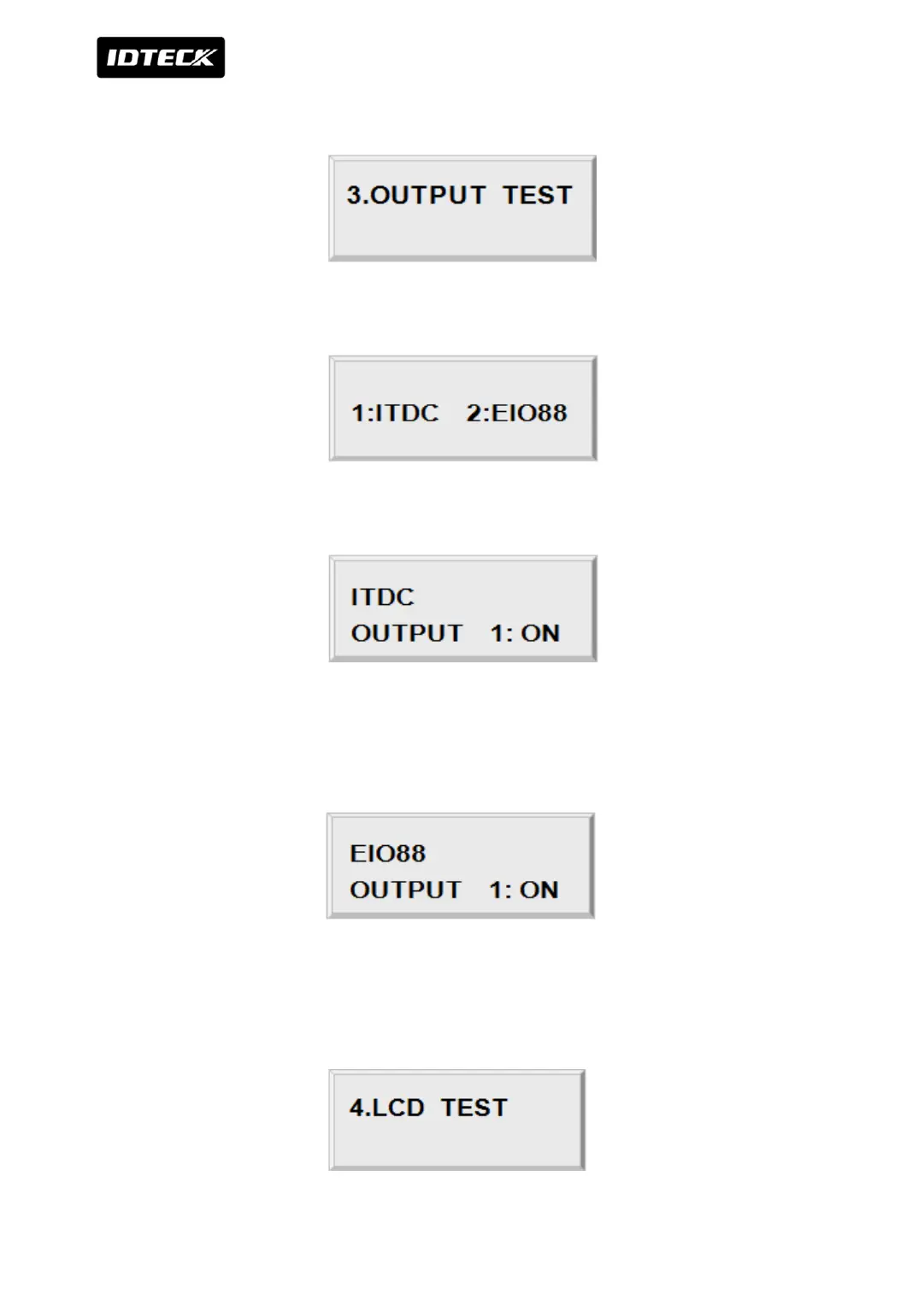
4.3 OUTPUTS TEST
To test the outputs, press <ENT> key.
By pressing key 1 or 2, select between iTDC and EIO88 for output test.
Select output port test by key 1 then output ports of iTDC 1 ~8 and status are displayed on
LCD.
Output port 8 of iTDC is buzzer and buzzer sound is generated when operating.
Select RIO88 output port test by key 2 then output ports of EIO88 1 ~8 are displayed on LCD.
4.4 LCD TEST



 To Next Page