p.92
SETTING CHANGES
iTDC
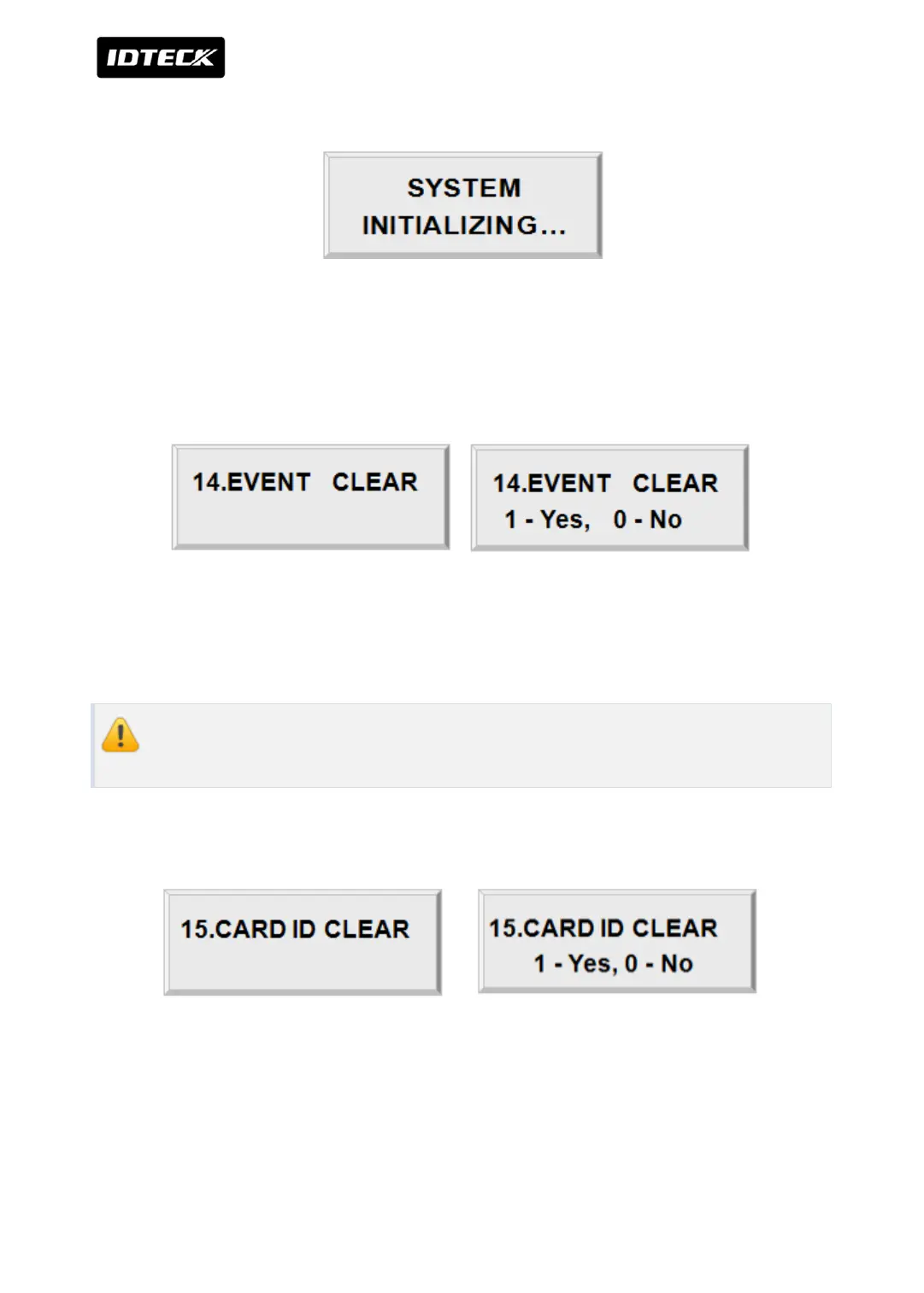
Press <1> key to initialize or <0> key to cancel the operation.
This message appears while the system is being initialized.
After the initialization, iTDC will return to the set-up menu.
2.14 EVENT CLEAR
When the event memory is full or when you want to change ID COUNT, you can clear the
event memory in this menu. Press <ENT> key then press <1> key to clear event memory or
<0> key to cancel the operation.
Prior to clearing events, make sure to check whether or not the data stored in the
device is not needed, since it will be deleted after the event clear.
2.15 CARD ID CLEAR
When you want to delete all User ID (Card ID), you can clear all User ID from the memory.
Press <ENT> key then press <1> key to clear all User ID or <0> key to cancel the operation.



 To Next Page