SETTING CHANGES
iTDC
p.101
LCD will display “INVALID NUMBER” error message when you enter the ID Count which is not
multiple of 1,000 or the ID Count is not in between 1,000 and 20,000.
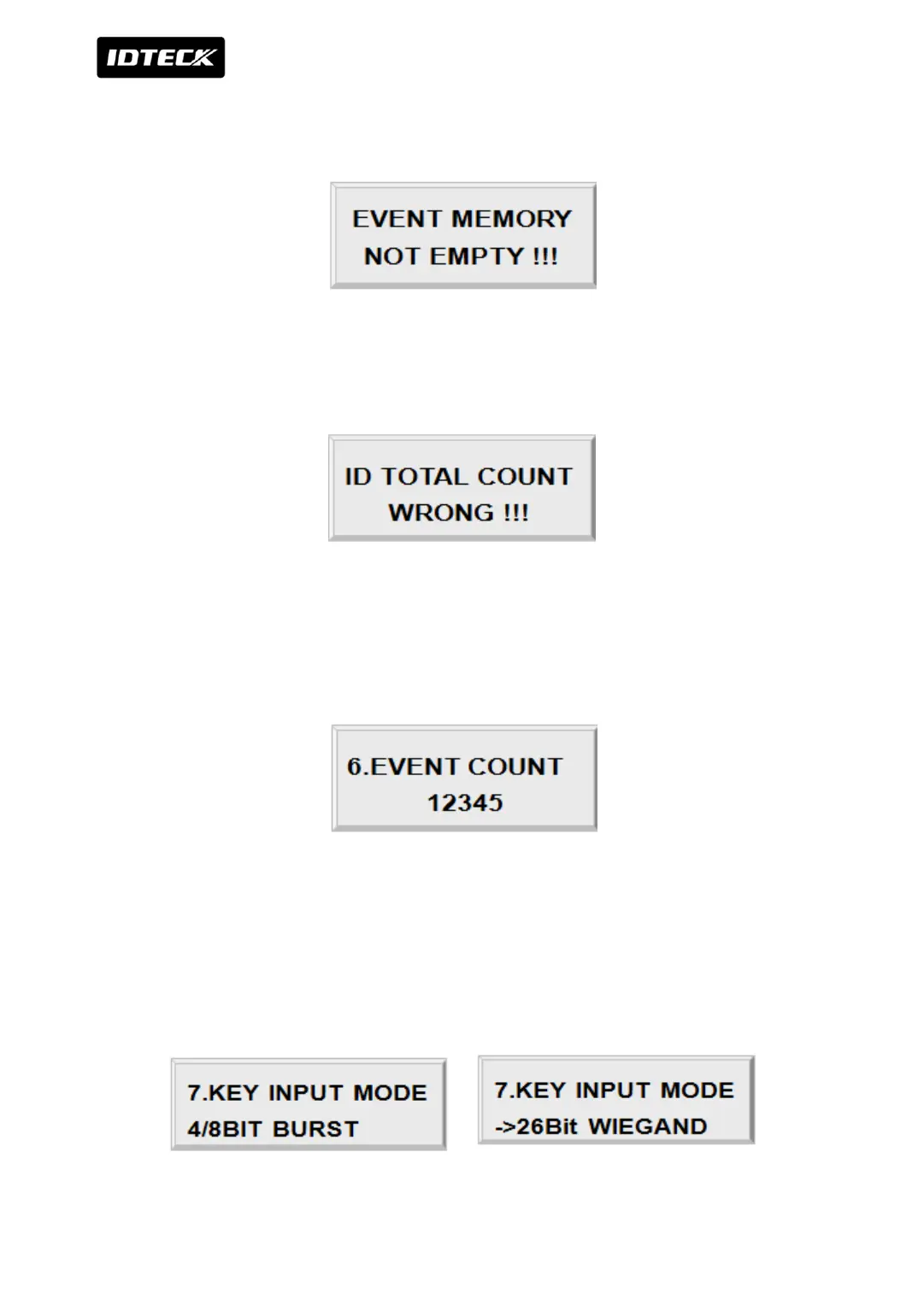
LCD will display “EVENT MEMORY NOT EMPTY!!!” error message when you want to change
ID Count and there are some events still existing in the Event Buffer. Transfer data to PC or
clear data in [SETUP MENU F2] -> [14.EVENT CLEAR]
LCD will display “ID TOTAL COUNT WRONG !!!” error message when you enter the less ID
Count number than the number of User ID registered in the memory.
3.6 STORED EVENT COUNT
This menu displays the total number of event.
It automatically counts when you upload to PC.
LCD shows 12,345 User ID is now registered in the memory
3.7 KEY INPUT MODE



 To Next Page