p.98
SETTING CHANGES
iTDC
3.3 ID LIST
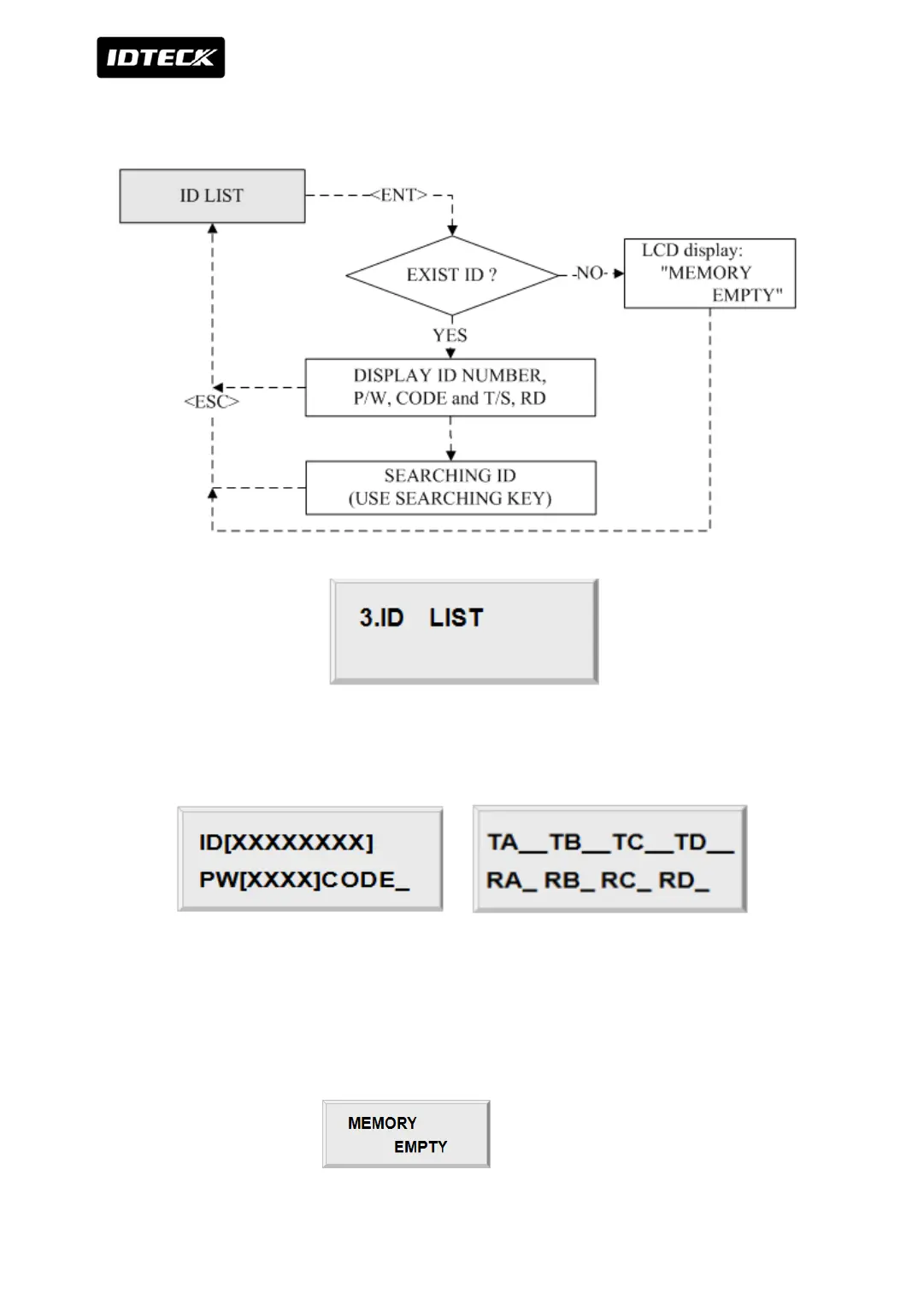
If you want to see the list of registered User ID, press the <ENT> key in this menu. IDs are
sorted by order or registration.
8 digit User ID, 4 digit password and 1 digit code (ID type)
are displayed on the LCD. 3sec later, display T/S (TA, TB, TC and TD) and readers (RA, RB, RC
and RD) which are in use. By pressing <4> and <6> keys, you can scroll up and down the list.
Press <ESC> key to return to the set-up menu.



 To Next Page