SETTING CHANGES
iTDC
p.97
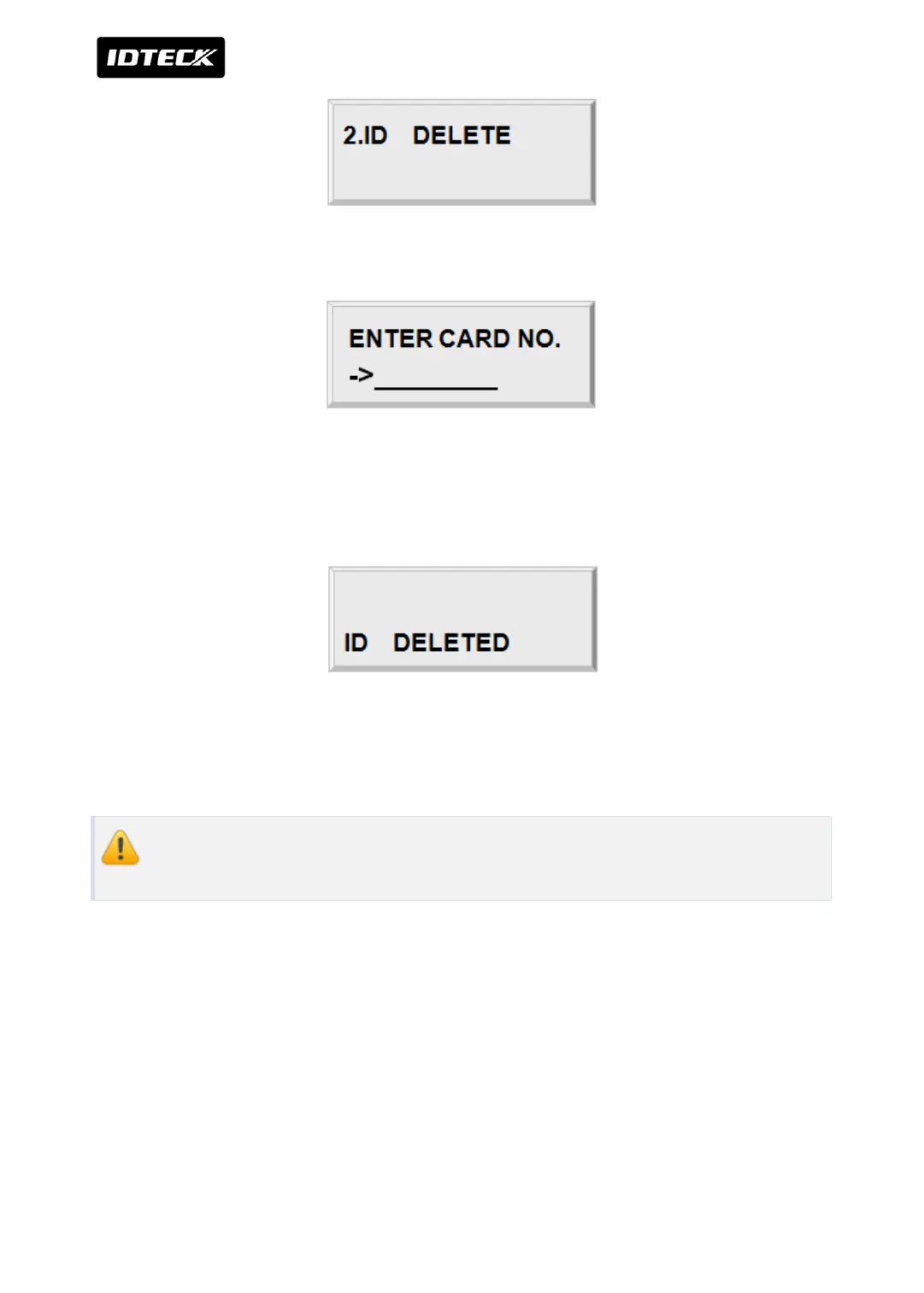
Press <ENT> key to delete registered User ID.
Enter 8 digit User ID that you want to delete and <ENT>.
For 8 digits user ID, first 3 digits should be between 000 and 255, and last 5 digits should be
between 00000 and 65535
If the User ID you entered is found, the User ID will be deleted and display “ID Deleted” and if
the User ID is not found then only display “ID Unregistered”. You may repeat ID DELETE many
times and press <ESC> key to exit the menu.
ID number of iTDC-SR is a 10 digit number between 0000000000 and
4294967295.



 To Next Page