p.108
SETTING CHANGES
iTDC
You can change settings by pressing “4” or “6” key.
After changing, press <ENT> key if the setting is completed.
NOT USE
When you register ID, you should register code to group#1 ID (1) and group#2 ID
(2).When the user of these two groups tries authenticating on the iTDC/iTDC-SR that is
set “NOT USE TWO MEN MODE”, they are given same authorization with general user
(0).
USE (ALONE)
When you register ID, you should register code to group#1 ID (1) and group#2 ID
(2).When the user of these two groups tries authenticating on the iTDC/iTDC-SR that is
set “USE TWO MEN MODE”, they should surely present two group IDs
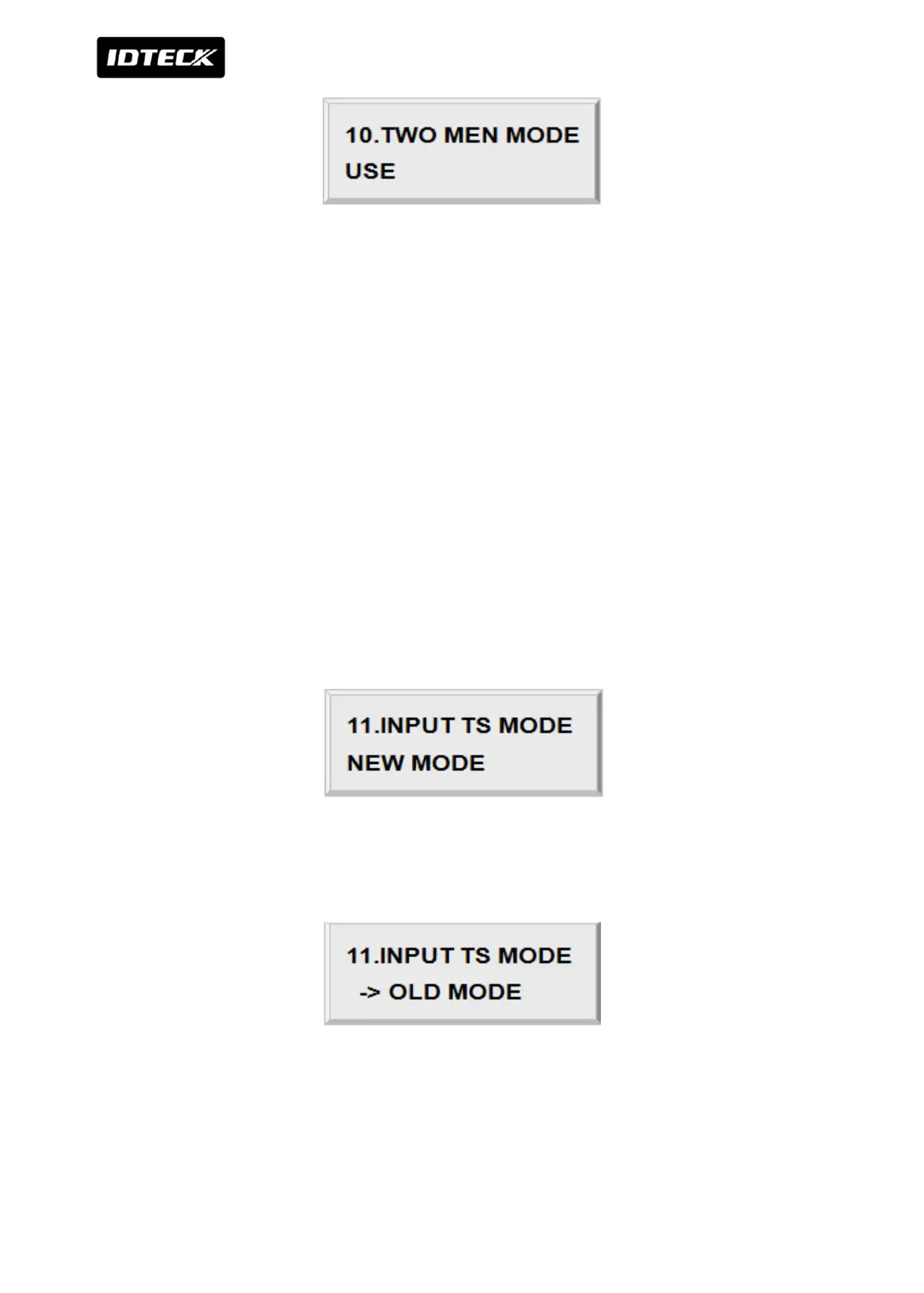
3.11 INPUT TIME SCHEDULE MODE SETTING
Set how to operate input time schedule mode.
Default value is set to “NEW MODE”.
You can change the settings by pressing “4” or “6” key. After changing the settings, press
<ENT> key if the setting is completed.



 To Next Page