SETTING CHANGES
iTDC
p.111
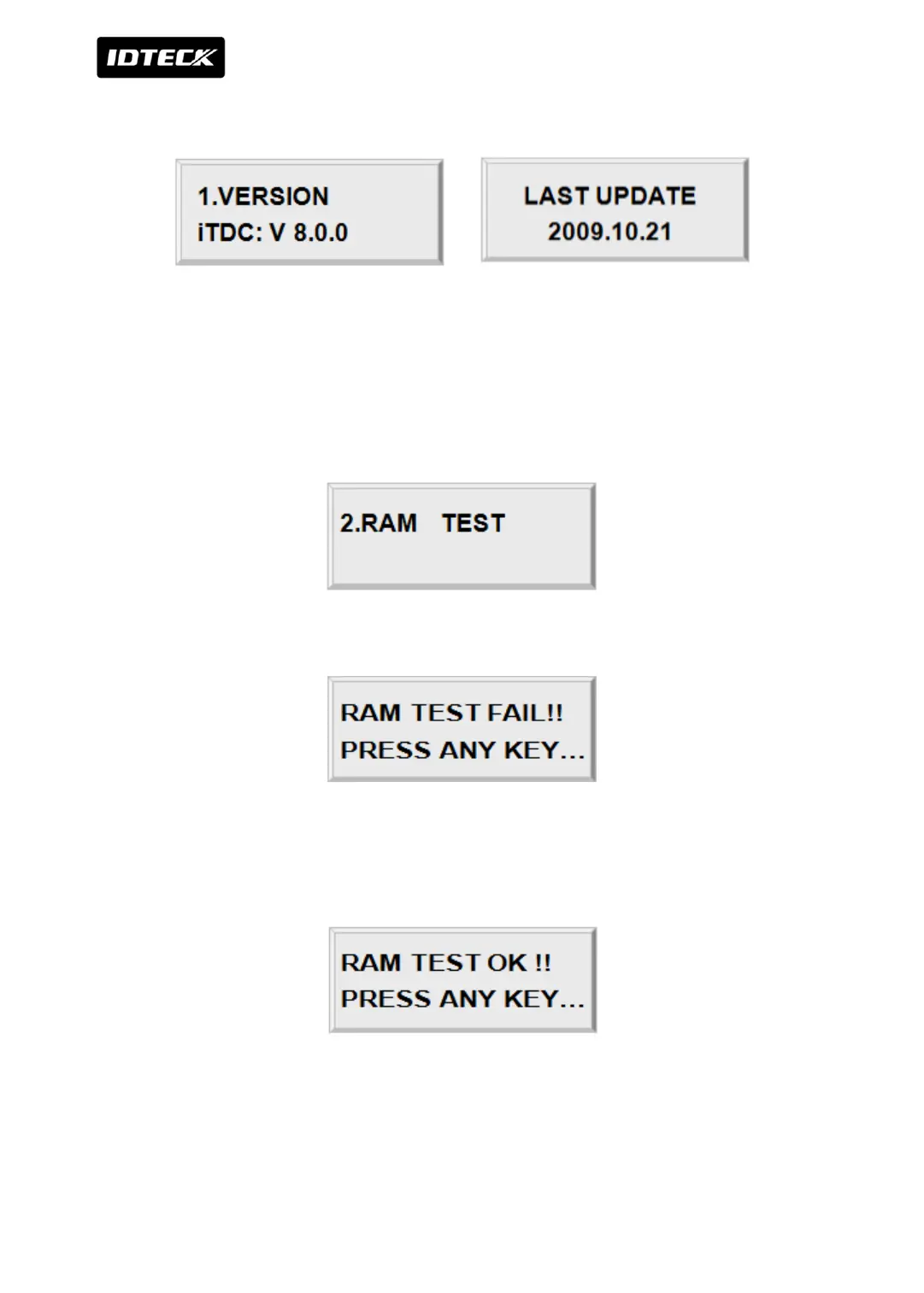
4.1 VERSION CHECK
The version of the controller’s firmware is displayed on the LCD. Pressing <ENT> here shows
you the last update date
Press <4> or <6> key to look for other menus of set-up menu F4.
4.2 RAM TEST
To test the RAM memory, press <ENT> key.
If the RAM has problems, LCD will show the memory block number with Memory fail
message. In this case, you have to contact technical support. Press any key to return to the
set-up menu.
If the RAM is working properly then LCD will show RAM test pass message. Press any key to
return to the set-up menu.



 To Next Page