SETTING CHANGES
iTDC
p.113
To test the LCD, press <ENT> key.
LCD will display all characters on each part of the screen. If not, it means that there is a
problem with LCD. Please contact local tech support.
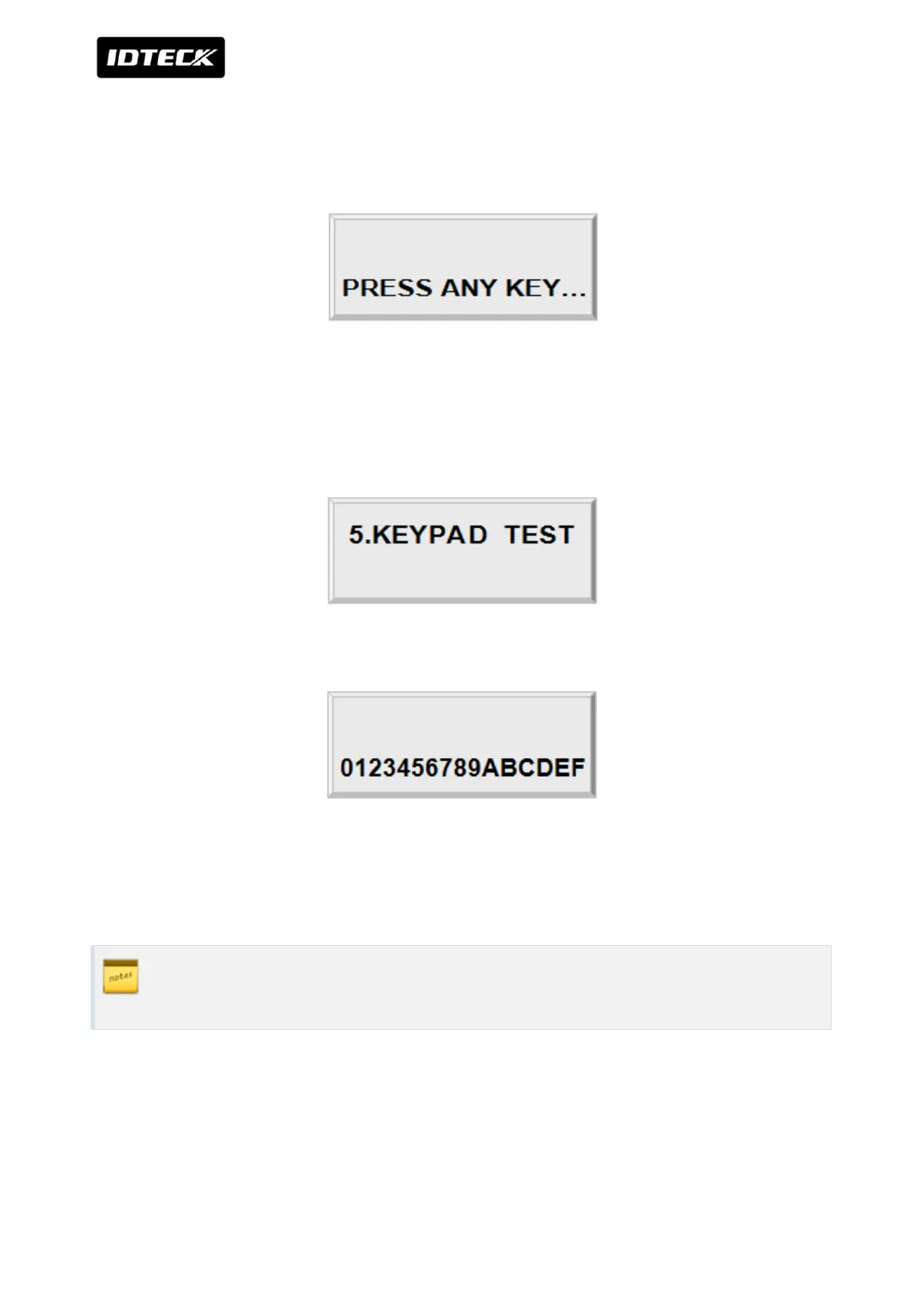
When the test is done, LCD will show “Last Update Press any key…” then press any key to
return to the set-up menu.
4.5 KEYPAD TEST
To test the keypad, press <ENT> key
LCD will display “0123456789ABCDEF” on the bottom line of LCD. Press each key from the
keypad then the depressed key will be disappeared from the LCD. After the test is done, it
returns to set-up menu.
F1 key is “A”, F2 key is “B”, F3 key is “C”, F4 key is “D”, ESC key is “E” and ENT key is
“F” on the screen.



 To Next Page