p.114
SETTING CHANGES
iTDC
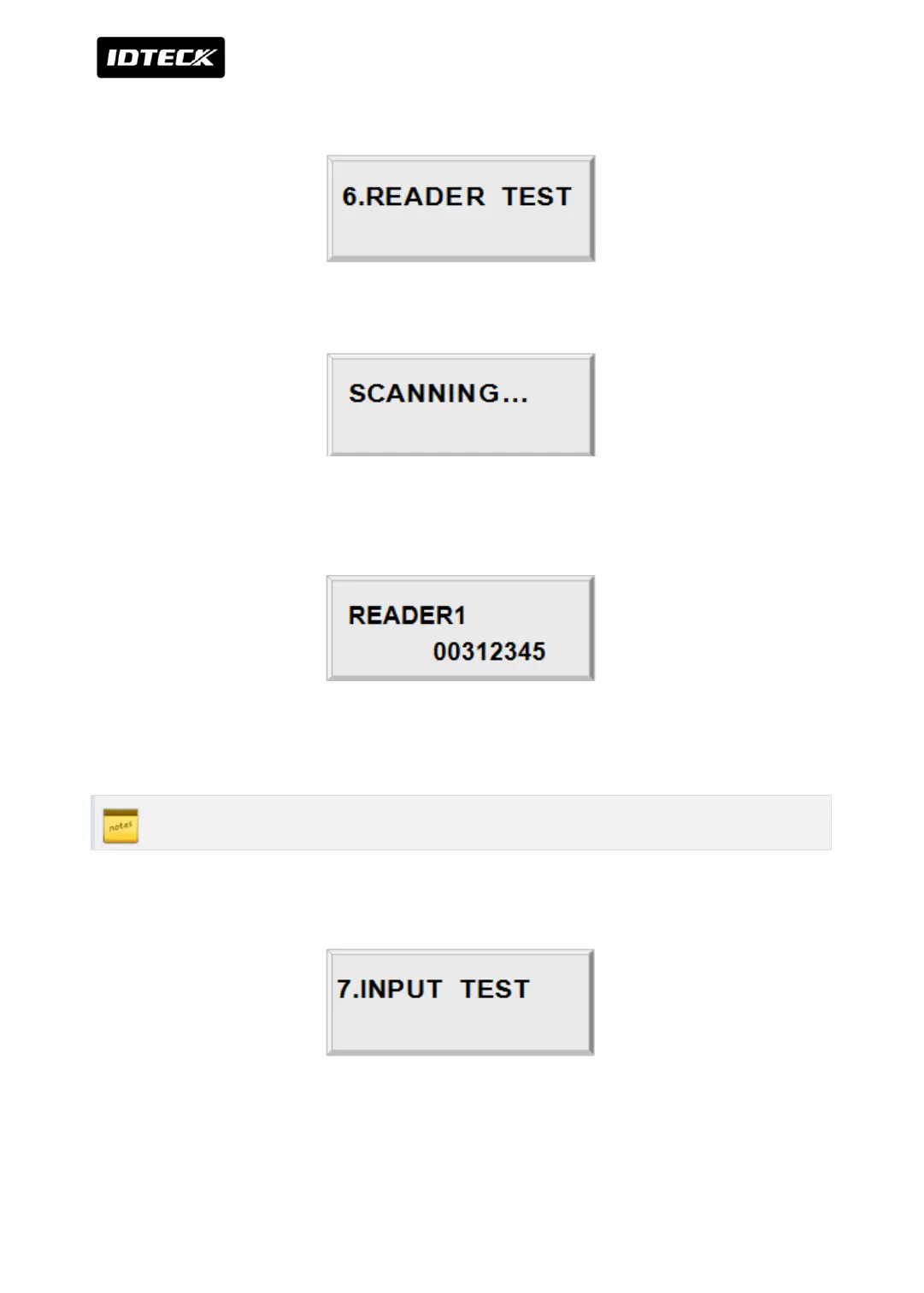
4.6 READER TEST
Press <ENT> key for the reader test.
LCD will display “Scanning…” for reading the cards.
Present the card to one of the readers.
When the reader successfully read the card, LCD will display reader number and 8-digit card
number on the LCD. It returns to standby status automatically in about 1 sec.
ID number of iTDC-SR is 10 digit number.
4.7 INPUT AND DIP SWITCH TEST
To test the reader, press <ENT> key.



 To Next Page