SETTING CHANGES
iTDC
p.87
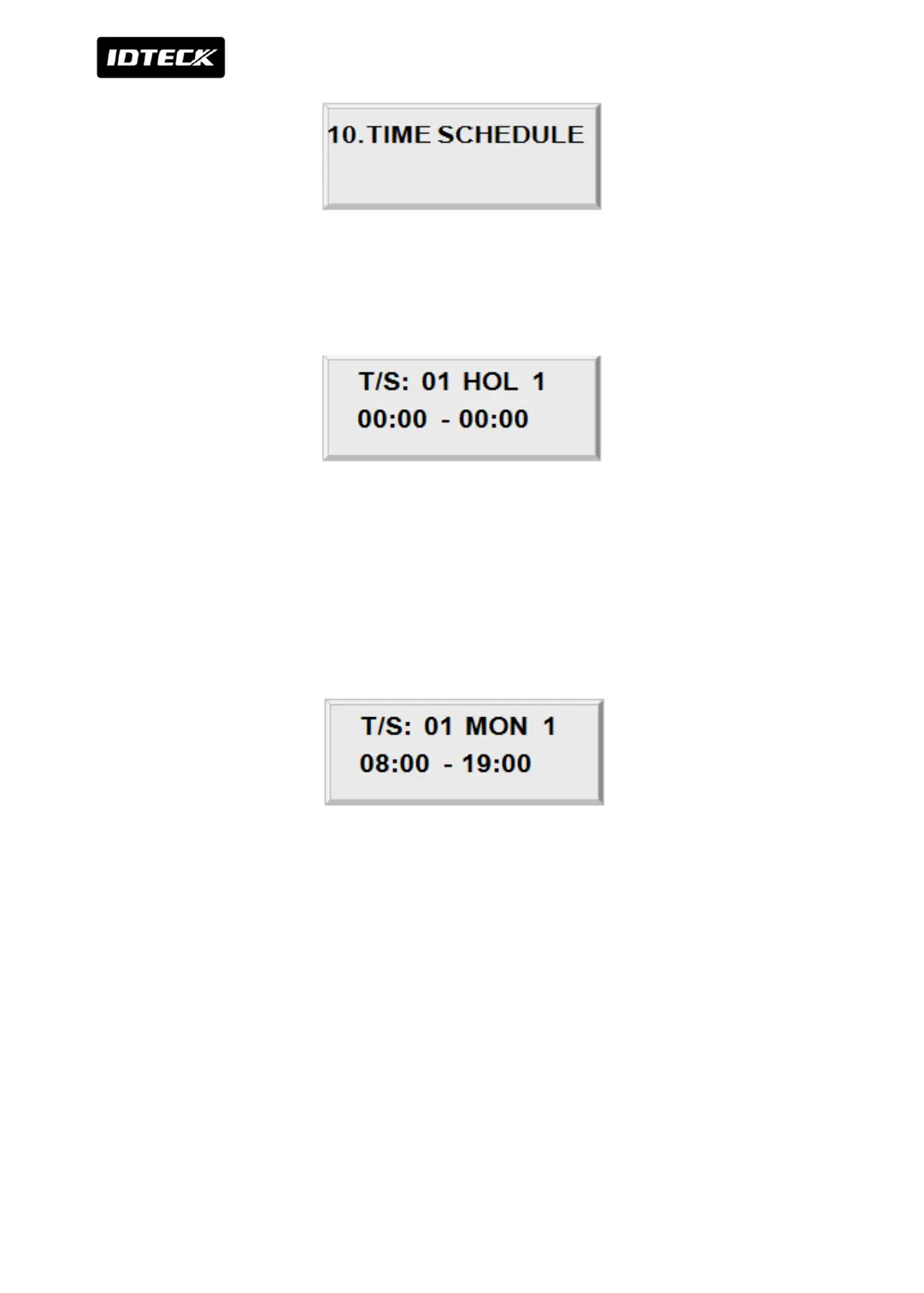
A Menu to Register or Change Time Schedule. To do that, press <ENT> on this Screen. You
can input time in 24 time system. (i.e. PM5 -> 17) . You can divide and set a day into 5
sections in this Time Schedule Menu
Press <2> key or <8> key to adjust the Time Schedule (T/S) number (1-15) and the day of the
week (Mon-Sun and ‘HOL’). Define which shift of the day (1-5), using the <4> key and <6>
key. ‘HOL’ refers to specific holidays you will register. Press <ENT> key, and the cursor will
blink, then enter the beginning time of the period, in the form of hour (2-digit): minute
(2-digit) and the ending time in the same form. Then the lower line will indicate the defined
period. For more schedules, repeat the process. To end time scheduling, press <ESC> key.
Ex) To open the door from 8AM to 7PM during week days and allow card access only during
the rest of time and designated holidays.
1. Like the picture, input 08:00-19:00 in #1 period of each day of Monday – Friday of T/S 1
2. In [SETUP MENU F2]->[11. IN/OUT DEFINE]->[20. OUTPUT T/S], apply T/S 01 to
corresponding output.
3. In [SETUP MENU F2]->[2. HOLIDAY INDEX], apply HOLIDAY CODE which is set in T/S
INDEX 01.
(Please refer to ‘9.2.9 Holiday setup’ for Setting up Holiday code)



 To Next Page