SETTING CHANGES
iTDC
p.89
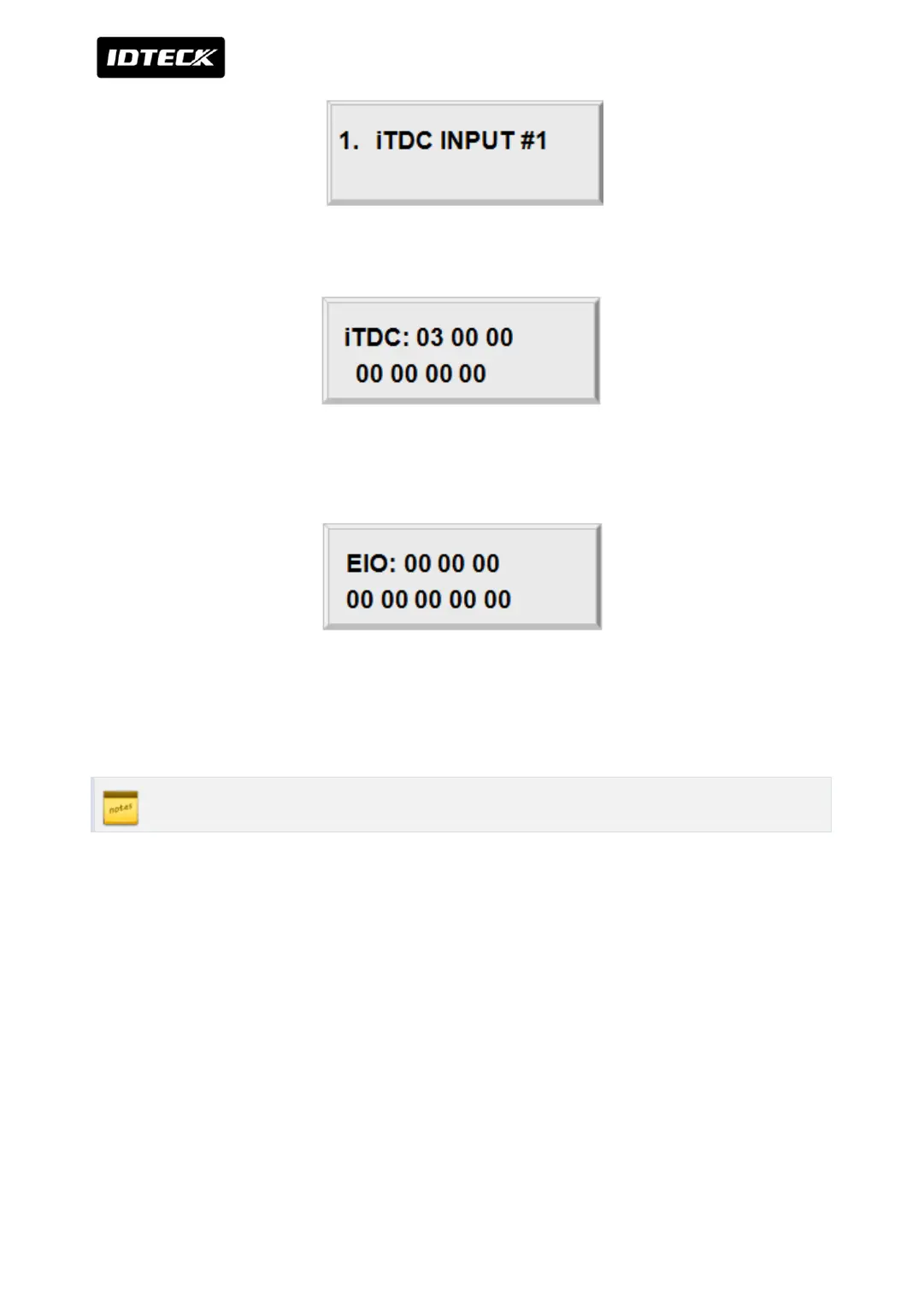
Select input sources by changing Index numbers with the keys <4> or <6>.
Press <ENT> key and you will see a cursor blinking at the first digit from the left of the seven
couples of digits (Output of iTDC). Enter the 14 digit (seven couples) key.
Press <ENT> key and you will see a cursor blinking at the first digit from the left of the eight
couples of digits (Output of EIO88). To set time for eight couples, press <ENT> key. For more
inputs, repeat the process. To end input setting, press <ESC> key.
Please refer to more information of initialization in APPENDIX



 To Next Page