Setup Manual Page 127
D.6.1.11 Lamp Position
This function allows modifying the position of the lamps.
The target is to position the light bar of each lamp in the horizontal midst of the scan area.
At the position of the overlapping light bars, this results in a maximum light level.
While scanning, the position of the maximum light level is synchronized with the camera
position.
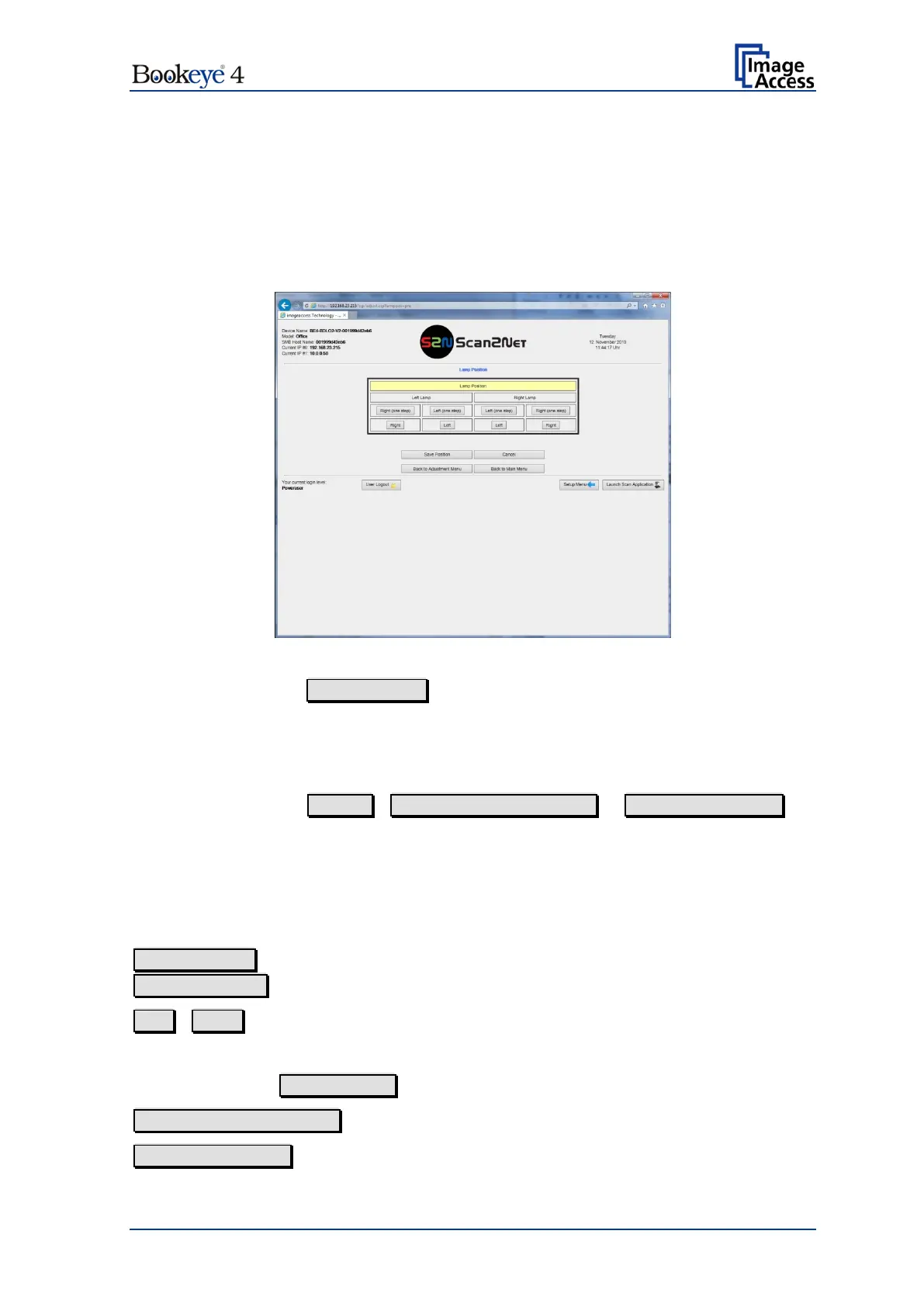
Picture 112: Lamp Position control
When clicking on the Lamp Position button, the screen changes to the lamp position
control and both lamps light up with reduced brightness.
The lamps switch off
• automatically after 100 seconds if no change of the values was performed,
• when clicking on Cancel , Back to Adjustment Menu or Back to Main Menu .
Clicking on one of the available buttons switches the other lamp off. The beam of the
selected lamp will be moved in the selected direction. The direction always refers to the
direction of the light beam.
When clicking on the button of the other lamp, the previously activated lamp switches off
and the lamp of the selected side lights up.
Left (one step)
Right (one step)
Moves the lamp’s light bar one unit to the left / one unit to the right.
Left / Right
Moves the lamp’s light bar ten units to the left / ten units to the right.
If only one lamp is activated, it turns off automatically after 30 seconds.
Click on the button Save Position to save the position of the lamps.
Back to Adjustment Menu returns to the former menu.
Back to Main Menu returns to the Poweruser level main menu (Picture 23).


 To Next Page
 Loading...






