Page 128 Setup Manual
D.6.1.12 Gear Correction
This function performs a fine adjustment of the synchronization between the lamps and
the camera.
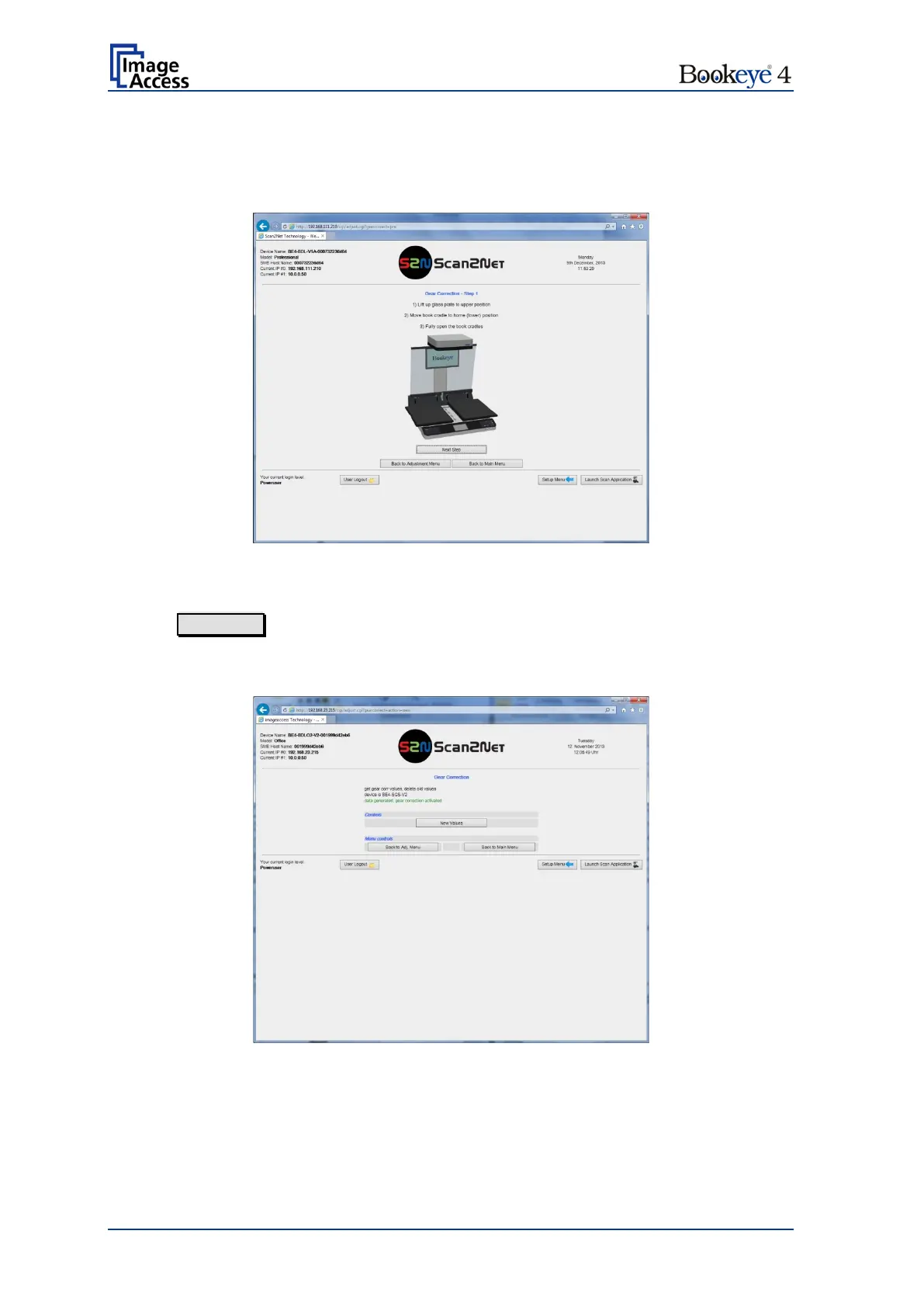
Picture 113: Gear Correction start screen
Open the book cradle plates as shown on the screen.
Click on Next Step to start the measurement.
The lamps light up and move over the scan area. Finally the status message will be
displayed.
Picture 114: Gear Correction status


 To Next Page
 Loading...






