Setup Manual Page 67
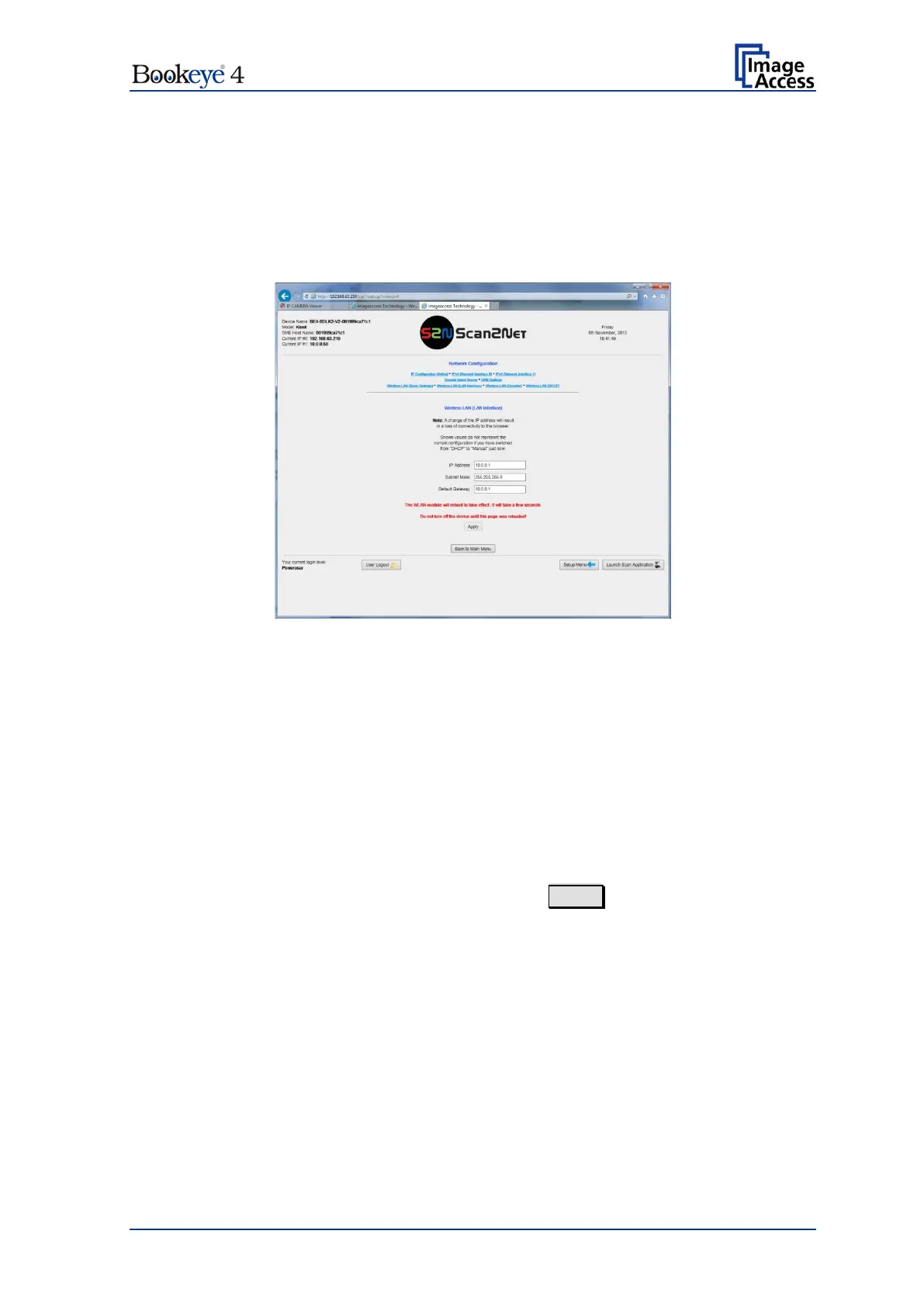
D.4.2.7 Wireless LAN (LAN Interface)
Use the function Wireless LAN (LAN Interface) to define the parameter of the secondary
LAN interface of the motherboard. This interface is used to connect the Wireless LAN
module with the motherboard..
Note: This menu is displayed only if a WLAN module is installed and if the settings for
IPv4 (Network Interface 1) and Wireless LAN (LAN Interface) fit together.
Picture 46: Wireless LAN (LAN Interface)
Enter the IP address of the secondary LAN interface of the
motherboard.
Enter the value for the subnet mask.
Enter the value for the gateway.
After modifying the network parameters, click on the Apply button to transfer the new
settings to the scanner. The scanner is now accessible with its new IP address.


 To Next Page
 Loading...






