Page 74 Setup Manual
D.4.4 Sound System
The section Sound System is divided into three subsections.
The Sound System start screen is the Set Volume screen.
D.4.4.1 Set Volume
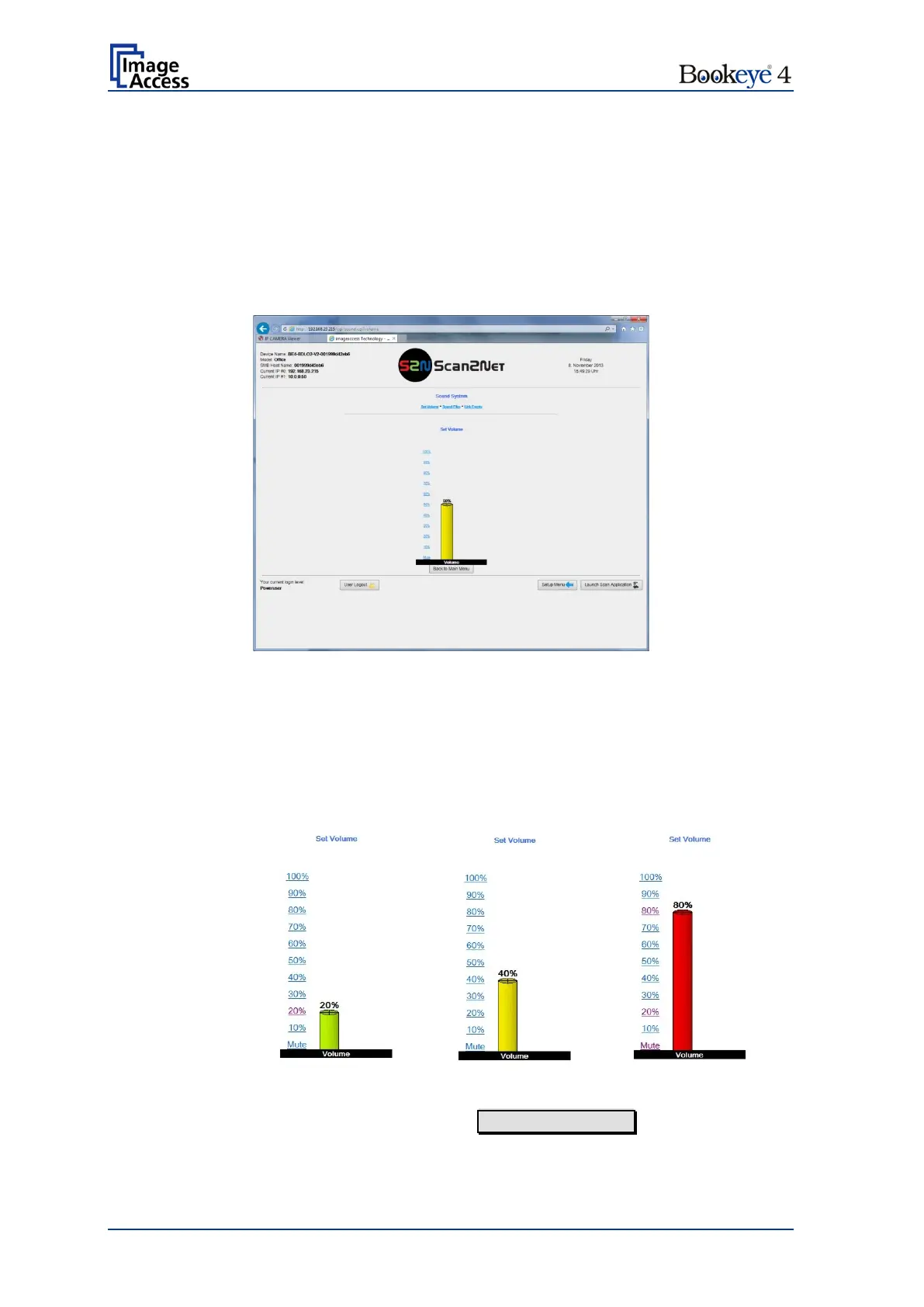
Use the function Set Volume to set the loudspeakers volume of the scanner.
Picture 53: Set Volume
A screen opens and shows a graphic to symbolize the volume.
Click on the percentage value to change the volume level. The color of the graphic will
change depending on the selected volume level.
Volume bar
color
To return to the previous screen click the button Back to Main Menu .


 To Next Page
 Loading...






