Page 140 Setup Manual
D.7.5 Restore Settings
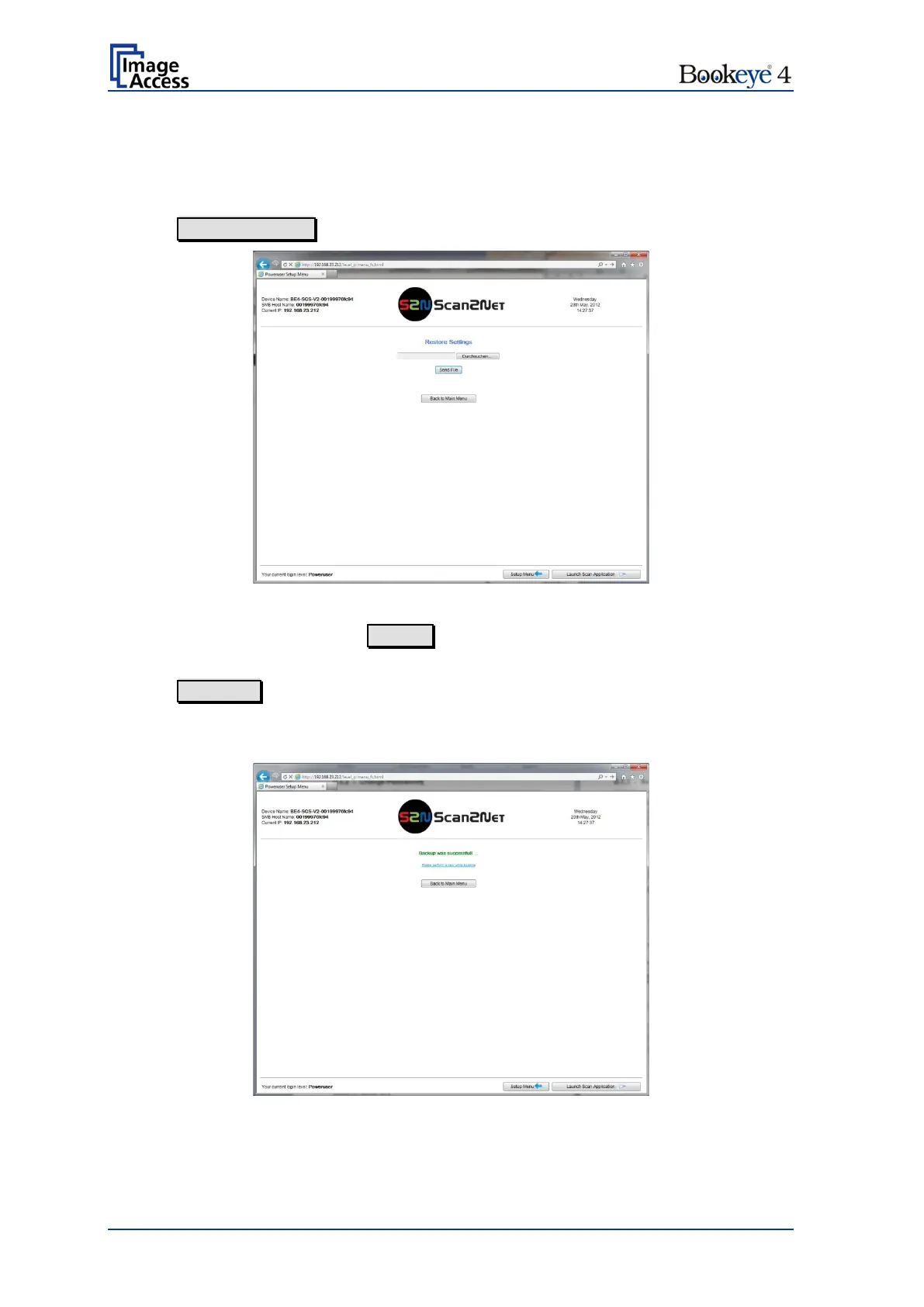
With this function, the ZIP file stored with the “Backup Settings” function can be loaded to
the scanner.
Click on Restore Settings
Picture 130: Restore setting from ZIP file
To find the ZIP archive, click on Search and browse the directory structure to find the
desired ZIP archive file.
Click on Send File to upload the file to the scanner.
After restoring the scanner settings, the screen shows a message and reminds the
operator to perform a White Balance sequence.
Picture 131: Message after restoring


 To Next Page
 Loading...






