Setup Manual Page 129
D.6.2 Log Files
D.6.2.1 Show Log Files
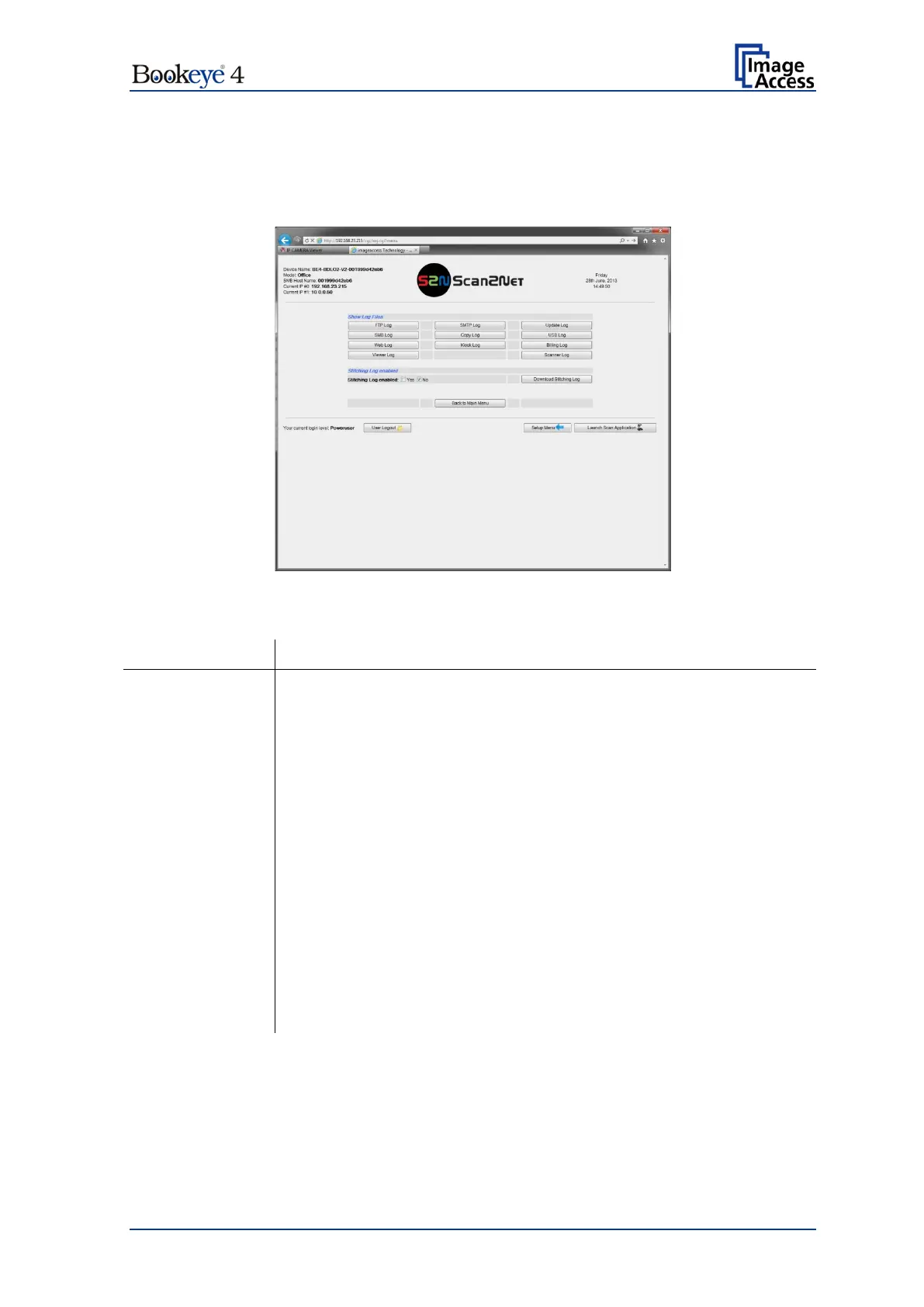
While working with the scanner, the activities will be logged in several log files.
Picture 116: Log files overview, software version 6.x
FTP Log FTP transfers will be logged with all transfer data.
SMTP transfers will be logged with all transfer data.
All firmware updates will be logged.
SMB transfers will be logged with all data.
The data transfer between scanner and printer will be logged.
The data transfer to connected USB devices will be logged.
The data transfer to a target in the internet will be logged.
All system activities of the scanner will be logged.
All billing relevant data will be logged.
All activities in conjunction with the kiosk functionality will be logged.
All viewer activities will be logged.
All logs can be saved as ASCII files.


 To Next Page
 Loading...






