Setup Manual Page 137
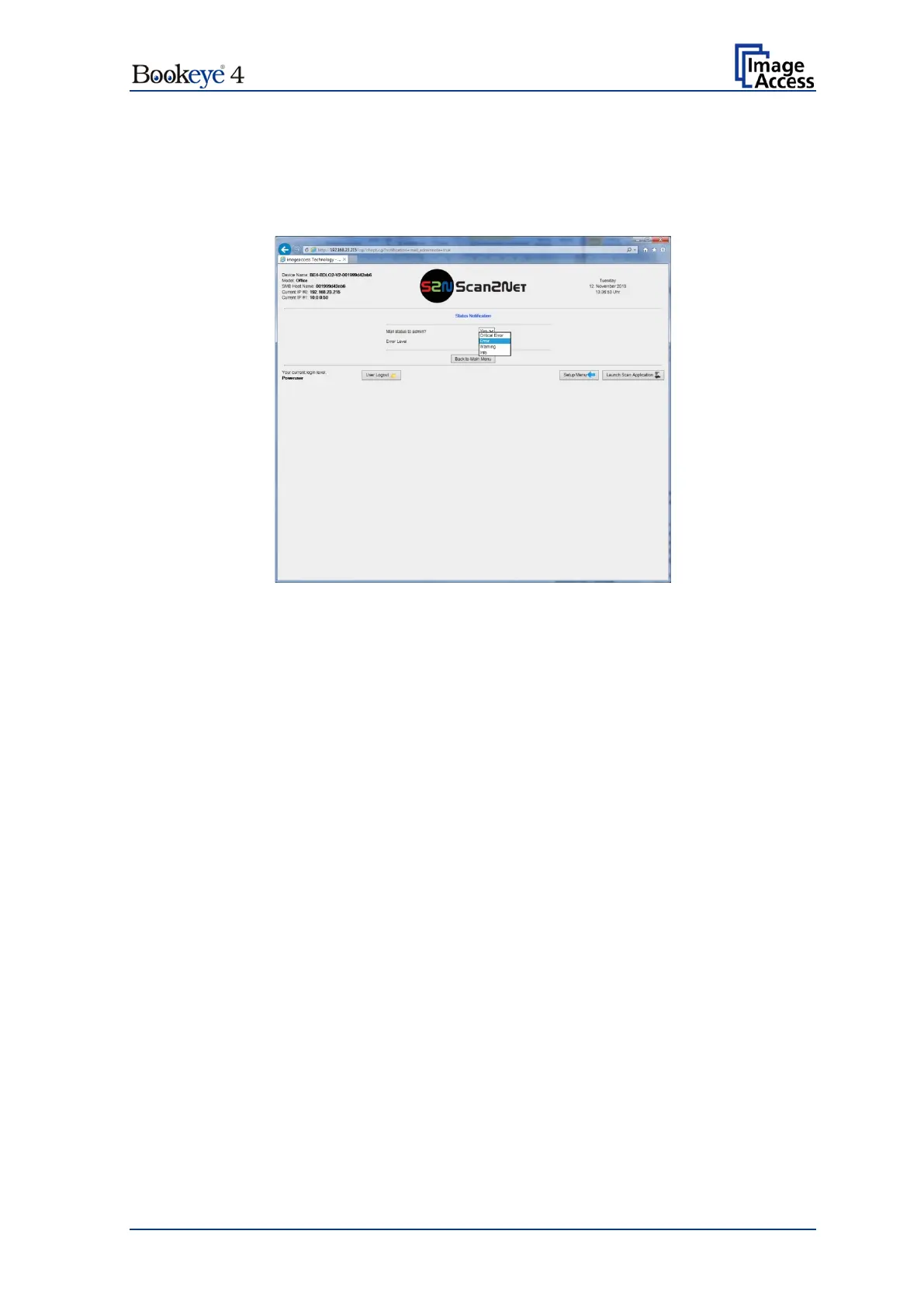
D.7.2 Status Notification
For monitoring the scanner, this menu allows defining if the system administrator gets a
mail in case of an error or not. Furthermore it allows specifying the error type which
triggers the mail to the administrator.
Picture 127: Status Notification parameters
Select between Yes or No.
Click at the selection arrow and select the error level which
triggers the mail. Available error levels are:
Critical Error, Error, Warning and Info.


 To Next Page
 Loading...






