Page 88 Setup Manual
D.4.6.4.1 Setup
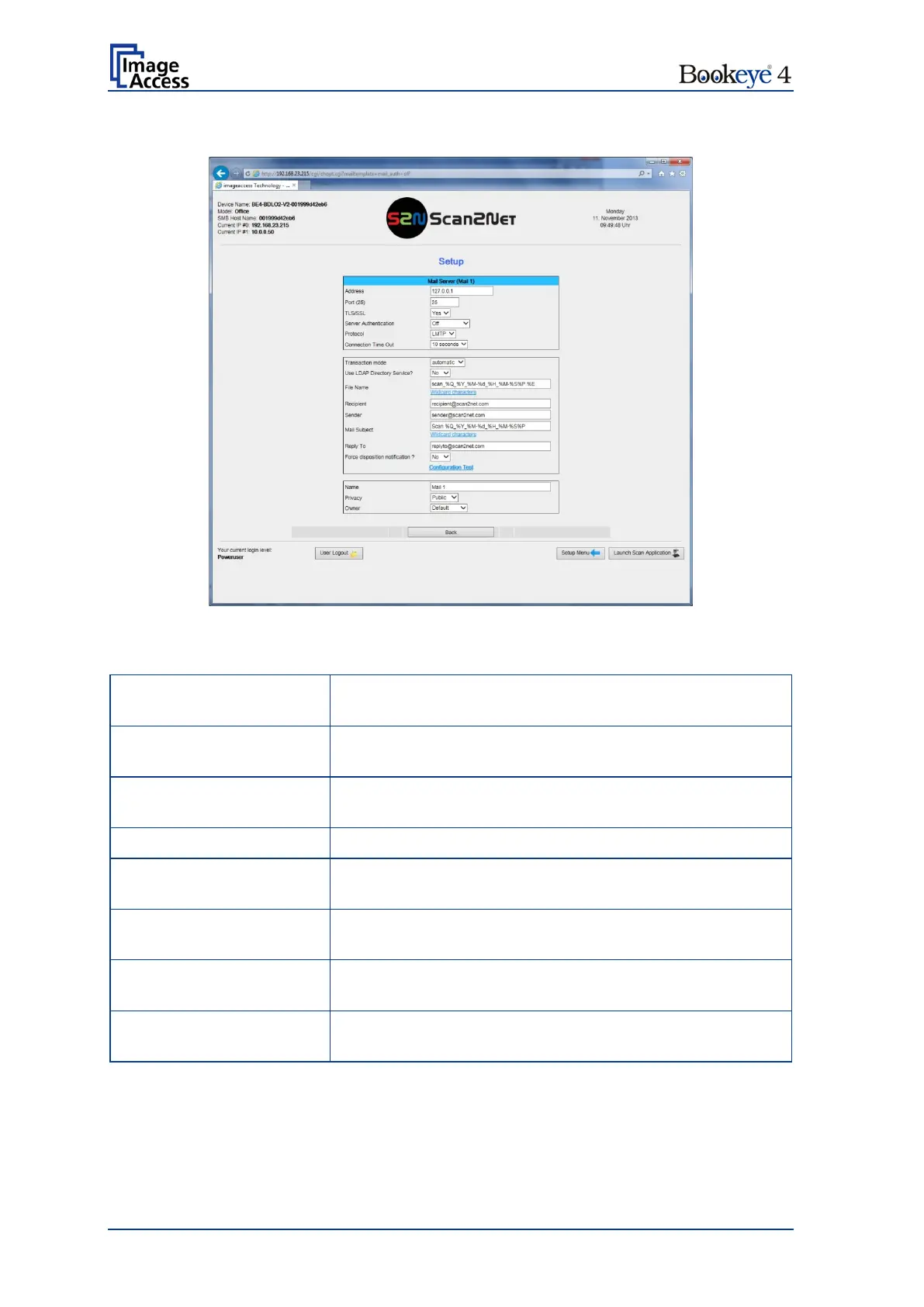
Picture 65: Mail Server parameters
Parameter Description
Enter the IP address of the outgoing mail (SMTP/LMTP)
server.
Enter the IP Port of the outgoing mail server.
Default: Port 25.
Select Yes if the SSL protocol should be used for the mail
transfer.
Set to YES if the mail server requires an authentication.
(if Server Authentication is set to Yes)
Enter the user name for authentication at the outgoing mail
server.
Enter the password for authentication at the outgoing mail
server. The password is stored using encryption.
Choose the connection protocol. SMTP is the most
common protocol.
Choose the timeout for connecting to the outgoing mail
server before the connection is aborted.


 To Next Page
 Loading...






