Page 68 Setup Manual
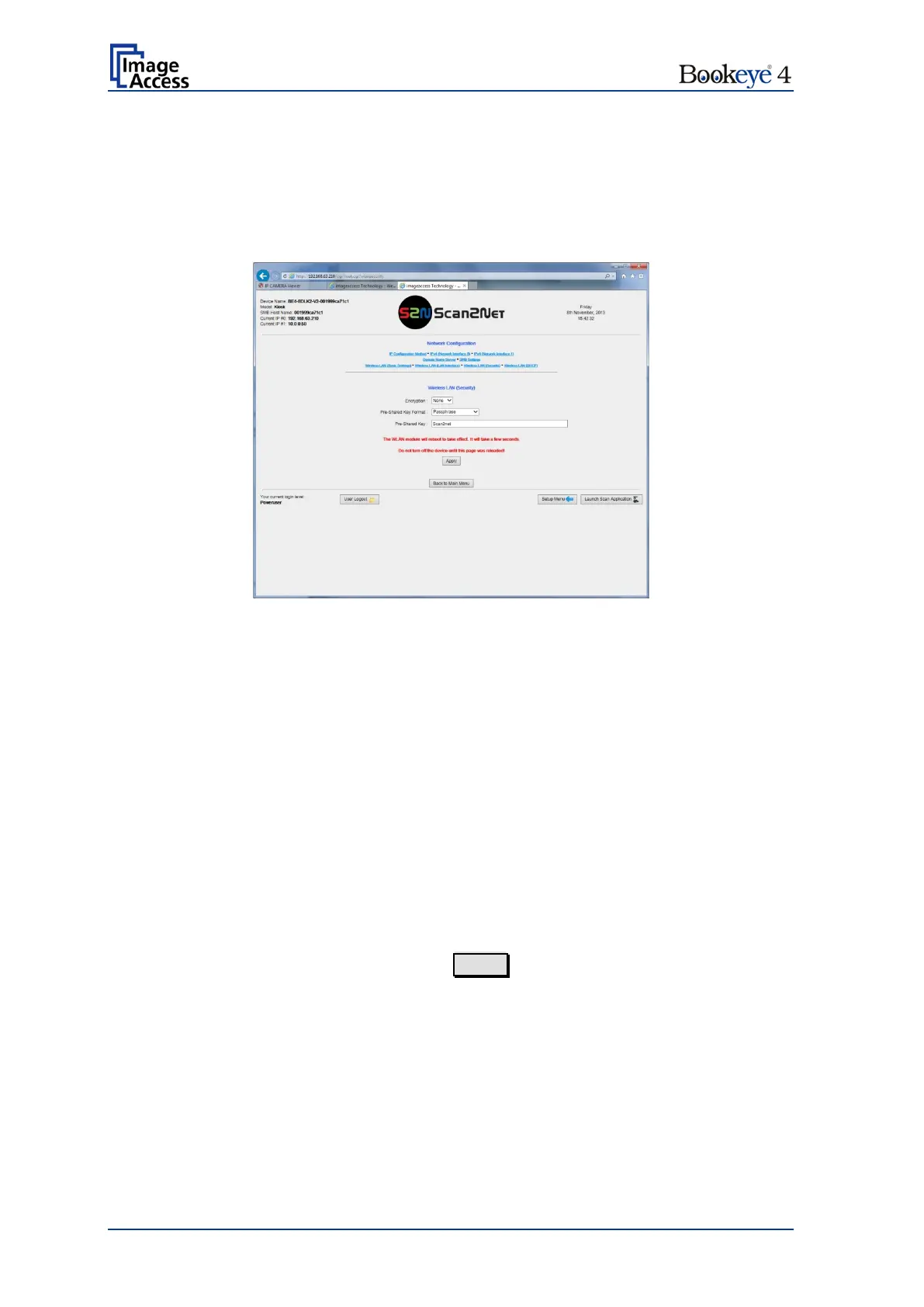
D.4.2.8 Wireless LAN (Security)
Use the function Wireless LAN (Security) to define the parameters for wireless LAN
security.
Note: This menu is displayed only if a WLAN module is installed and if the settings for
IPv4 (Network Interface 1) and Wireless LAN (LAN Interface) fit together.
Picture 47: Wireless LAN (Security)
The screen shows the parameters for wireless LAN security.
None: No encryption, no security.
WPA 2:
Recommended. Encryption according to the
WPA 2 standard, high security.
Select between Passphrase and HEX (64 characters).
Enter a string as pre-shared key here.
After modifying the parameters, click on the Apply button to transfer the settings to the
scanner.


 To Next Page
 Loading...






