Page 50 Setup Manual
D.4.1.2 File Name
Please note: Available from firmware version 6.08.
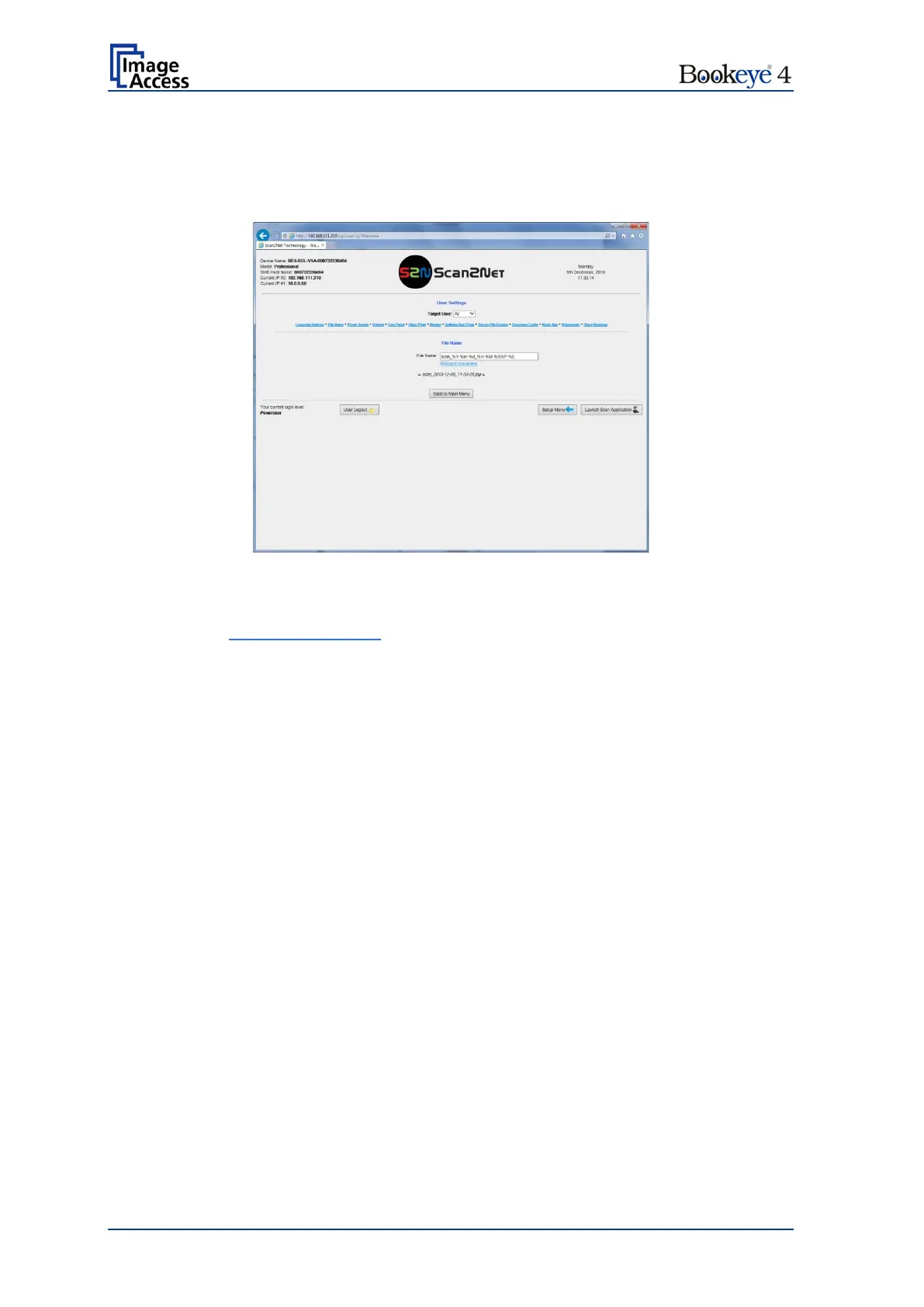
Use the function File Name to define a default file name when saving scanned images.
Picture 27: File Name settings
Variables can be used in the file name.
Click at the link Wildcard characters to list the available variables.
An example of the resulting file name is displayed below in a separate line.


 To Next Page
 Loading...






