When the OMNI Smart Programmer is in Master mode (Remote or Clinical), it
has total control of the OPTIMIZER Smart IPG, whereas when the OMNI Smart
Programmer is in Slave mode, the commands that interact with the OPTIMIZER
Smart IPG have been disabled (interrogation, programming, initiate marker mode,
reading statistics etc.)
31.4 OMNI II Programmer Client Window
Note: In order to connect the OMNI Smart Programmer to the OMNI Remote Server, the
OMNI Smart Programmer must first be connected to Internet. See Sections 30.1 and 30.2
on ways to connect the OMNI Smart Programmer to the Internet.
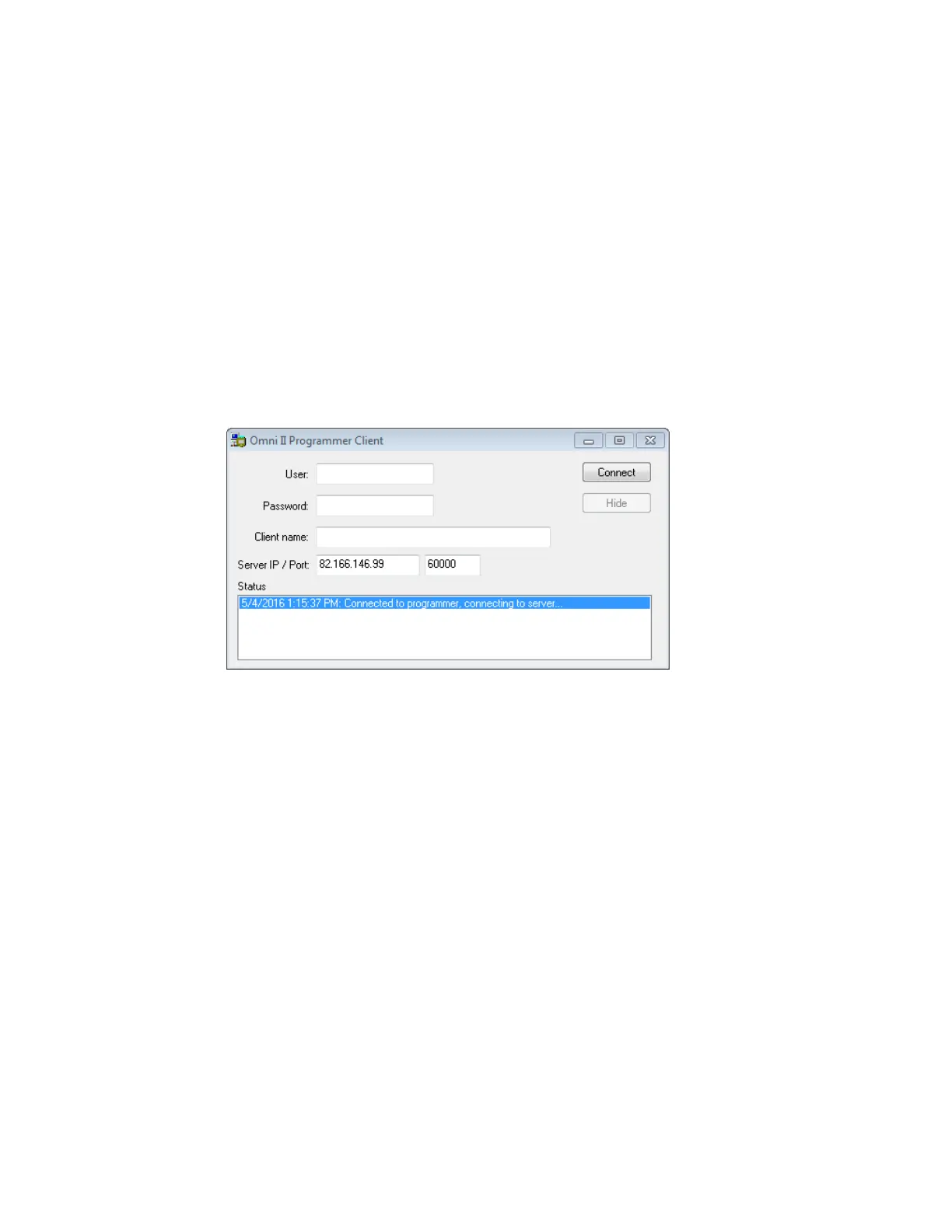
The Omni II Programmer Client window is used to log in to the Client Server.
To open the OMNI II Programmer Client window:
• Select the Remote button on the Task Bar
• Select the Connect button on the Tool Bar.
Figure 55: OMNI II Programmer Client Window
31.4.1 Connecting the OMNI Smart Programmer to the Remote Server
When the OMNI II Programmer Client window appears, enter the following
information:
• User: a user name compatible with the current Programmer’s startup
mode. If the user name is not registered with the server to operate in the
current startup mode (Clinical, Remote, or Remote Listener), the
connection will be rejected.
• Password: a password corresponding to the user name that is stored in the
server.
• Client name: a name (different than the User name) that uniquely
identifies the OMNI Smart Programmer. This field is not checked by the
server but it is important in order to identify the Client Programmer when
connecting to it remotely or when sending a chat message (the Client
name appears in the chat window).
• Server IP / Port: IP address of the server. (This is set by Impulse
Dynamics before the OMNI Smart Programmer is shipped and does not
need to be changed.)



 To Next Page