12.10.1 Follow Up
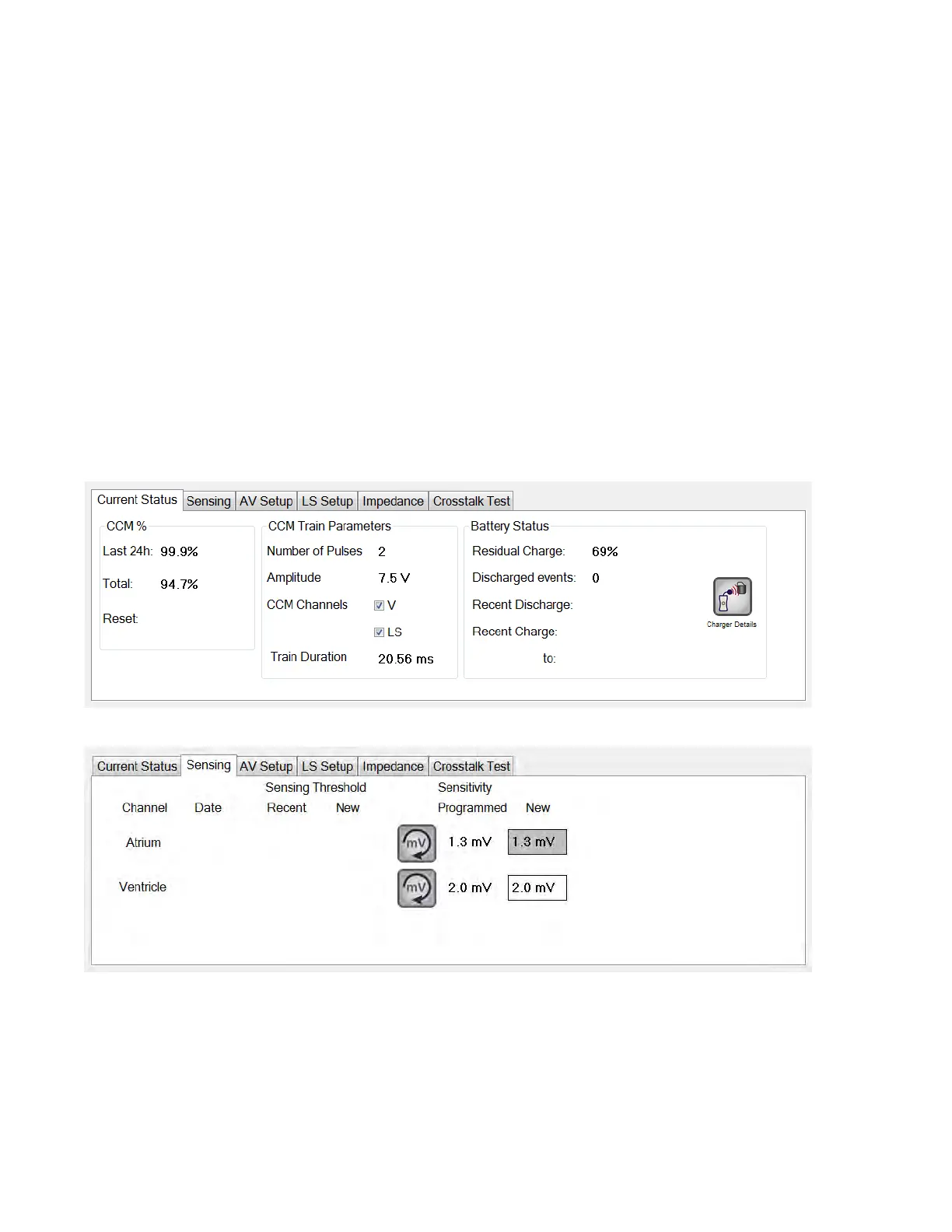
The Follow Up bar contains the following tabs, each with their own panel:
• Current Status: displays the current IPG status.
• Sensing: contains the atrium, ventricle, and LS sensing threshold buttons
which allows the user to measure the atrium and ventricle sensing
thresholds.
• AV Setup: contains the Propose AV button which allows the user to
determine the best AV Window Setting values.
• LS Setup: contains the LS Scan and Propose AV buttons which allows the
user to determine the best LS Window Setting values.
• Impedance: contains the V and LS impedance buttons which allows the
user to measure the V and LS lead impedances.
• Crosstalk Test: contains the Crosstalk Start button which allows the user
to perform interaction testing between the OPTIMIZER Smart IPG and an
implanted concomitant device.
Figure 21: Current Status Tab
Figure 22: Sensing Tab



 To Next Page