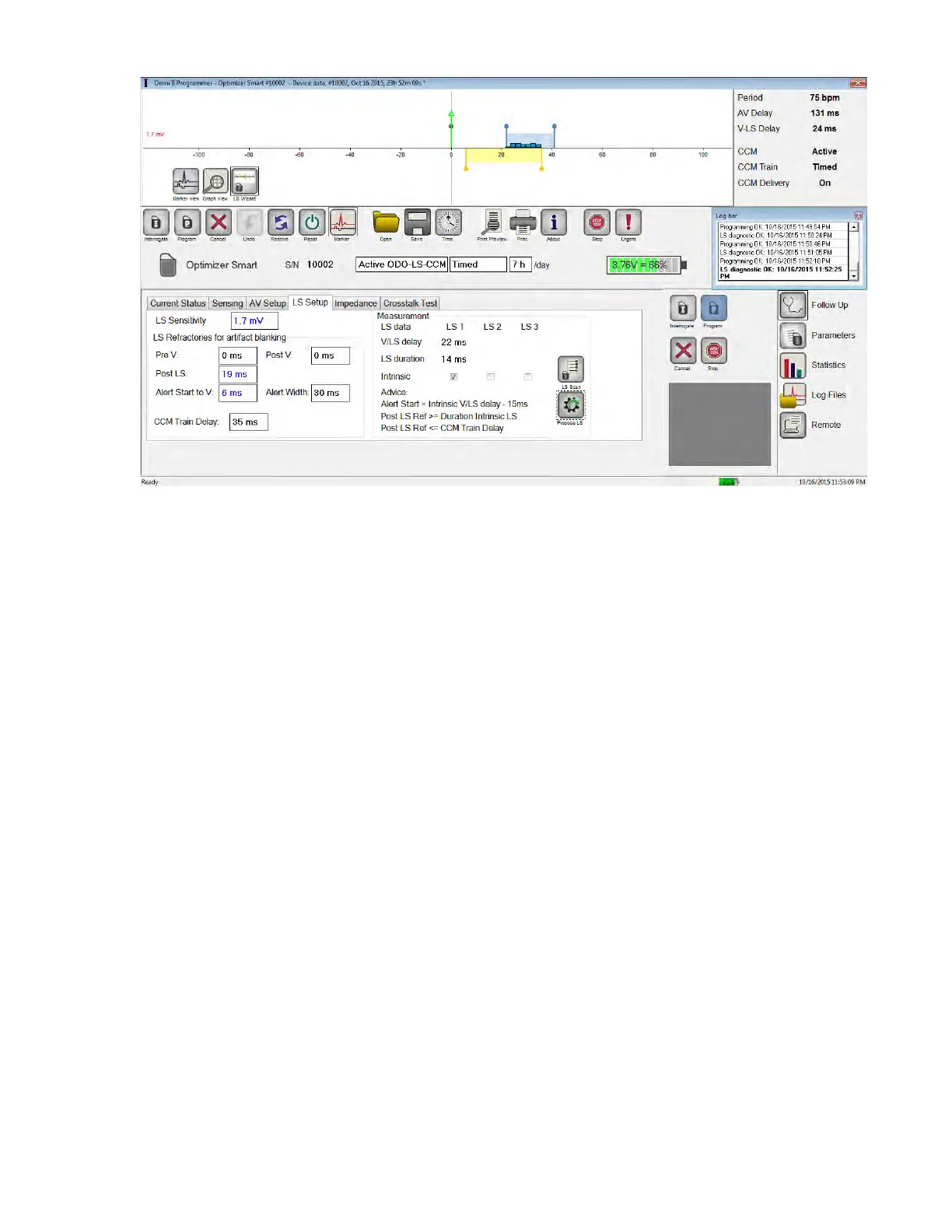
Figure 51: LS Setup Screen after Selection of Propose LS Button
31. REMOTE OPERATION
The OMNI Smart Programmer allows remotely monitoring and controlling of the device via the
Internet. Once connected, the operation is identical to the normal (local) operation, except that
some commands may be disabled depending on the operating mode.
In order to initiate a remote operation session, the OMNI Smart Programmer must be connected
to the Internet. The OMNI Smart Programmer supports wireless networks and Ethernet cable
connections. If connecting to a wired Ethernet network, the network cable must be connected to
the OMNI II Programmer Tablet PC through the medical-grade Ethernet isolator that is attached
to each Programmer.
Note: As with any other device that is connected to the Internet, there may occasionally be
technical issues which prevent operation of the remote feature, and thus not allow an implant
follow up to be performed by remote operation. In such cases, an in-person follow-up with a
Company Representative needs to be scheduled.
Warning: Connection of the OMNI Smart Programmer to a network that includes other
equipment could result in previously unidentified risks to patients, operators, or third
parties. In such cases, the responsible organization should identify, analyze, evaluate,
and control these risks. In addition, subsequent changes to the network/data coupling
could introduce new risks and require additional analysis. Changes to the
network/data coupling include:
• changes in network/data coupling configuration
• connection of additional items to the network/data coupling
• disconnecting items from the network/data coupling
• update of equipment connected to the network/data coupling
• upgrade of equipment connected to the network/data coupling



 To Next Page