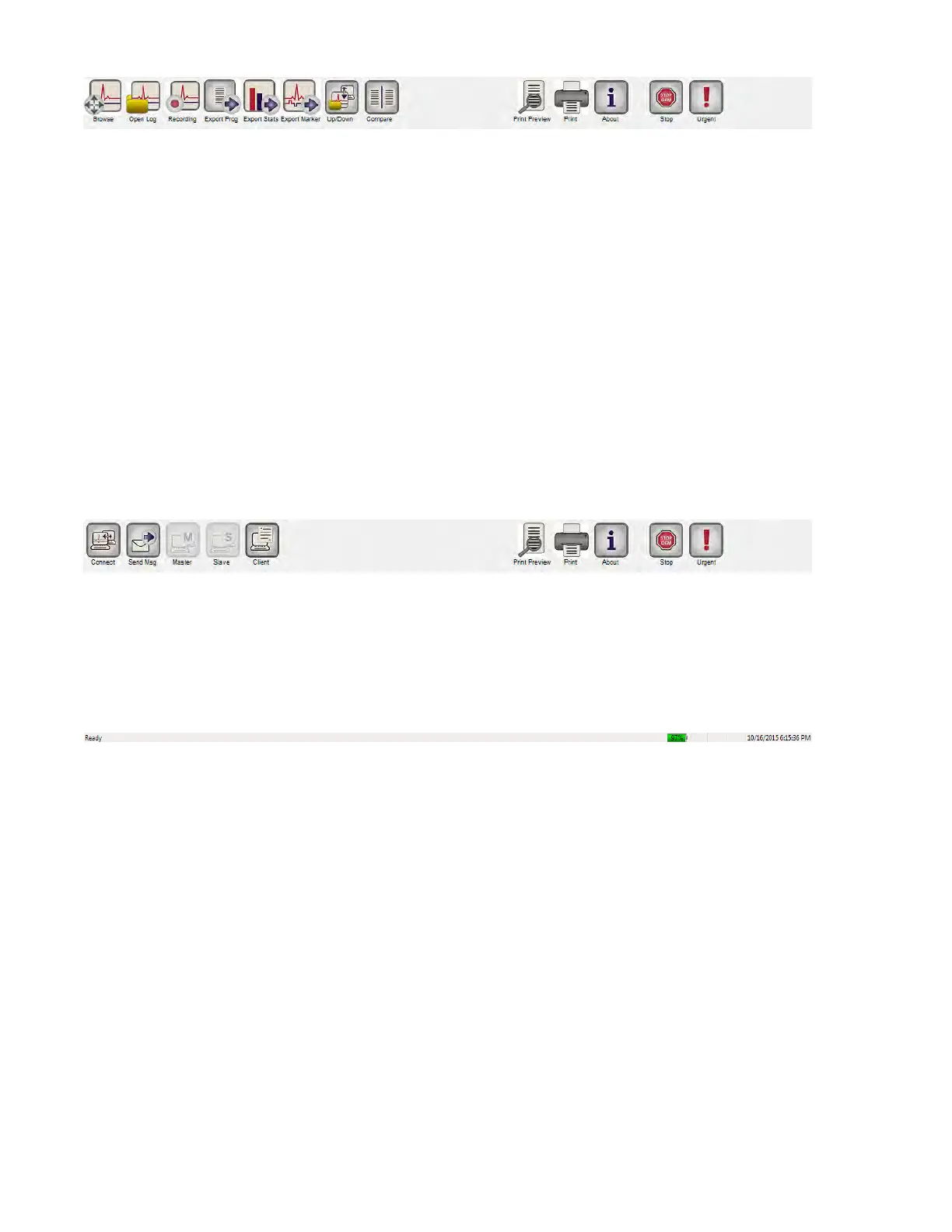
Figure 35: Tool Bar with Log File Commands
12.10.5 Remote
When the Remote button is selected, the programming commands on the Main
Log Bar are changed to the following Remote commands:
• Connect: opens the OMNI II Programmer Client window which allows
the user to initiate a remote session.
• Send Msg: opens Chat message window, which allows the user to
exchange chat messages with the remote pair.
• Master: puts the local OMNI Smart Programmer in Master mode, which
allows the user to control the programmer.
• Slave: puts the local OMNI Smart Programmer in Slave mode and allows
the Remote user to control the local programmer.
• Client: displays the OMNI II Programmer Client window (if a remote
session was initiated).
Figure 36: Tool Bar with Remote Commands
12.11 Status Bar
The current communication event (for example: interrogation, programming, ready) is
displayed at the screen’s last line along with the laptop’s battery charge percentage and
the system’s date and time.
Figure 37: Status Bar
13. INTERROGATION
13.1 Communicating with the Implanted OPTIMIZER Smart IPG
Place the Programmer Wand over the implant site, at a distance of no more than 3.5 cm
(1.4 in) from the implanted OPTIMIZER Smart IPG. A blinking green or yellow light on
the signal strength indicator indicates that the IPG is within communications range of the
Programmer Wand. A blinking red light indicates that the distance is excessive and
communications may be difficult. No light at all means that the Programmer Wand and
OPTIMIZER Smart IPG are completely out of communication range or that the battery of
the OPTIMIZER Smart IPG is completely discharged and thus incapable of
communicating with the Programmer Wand.



 To Next Page