of CCM delivered during the last scheduled CCM delivery session, and
the number of battery discharge episodes.
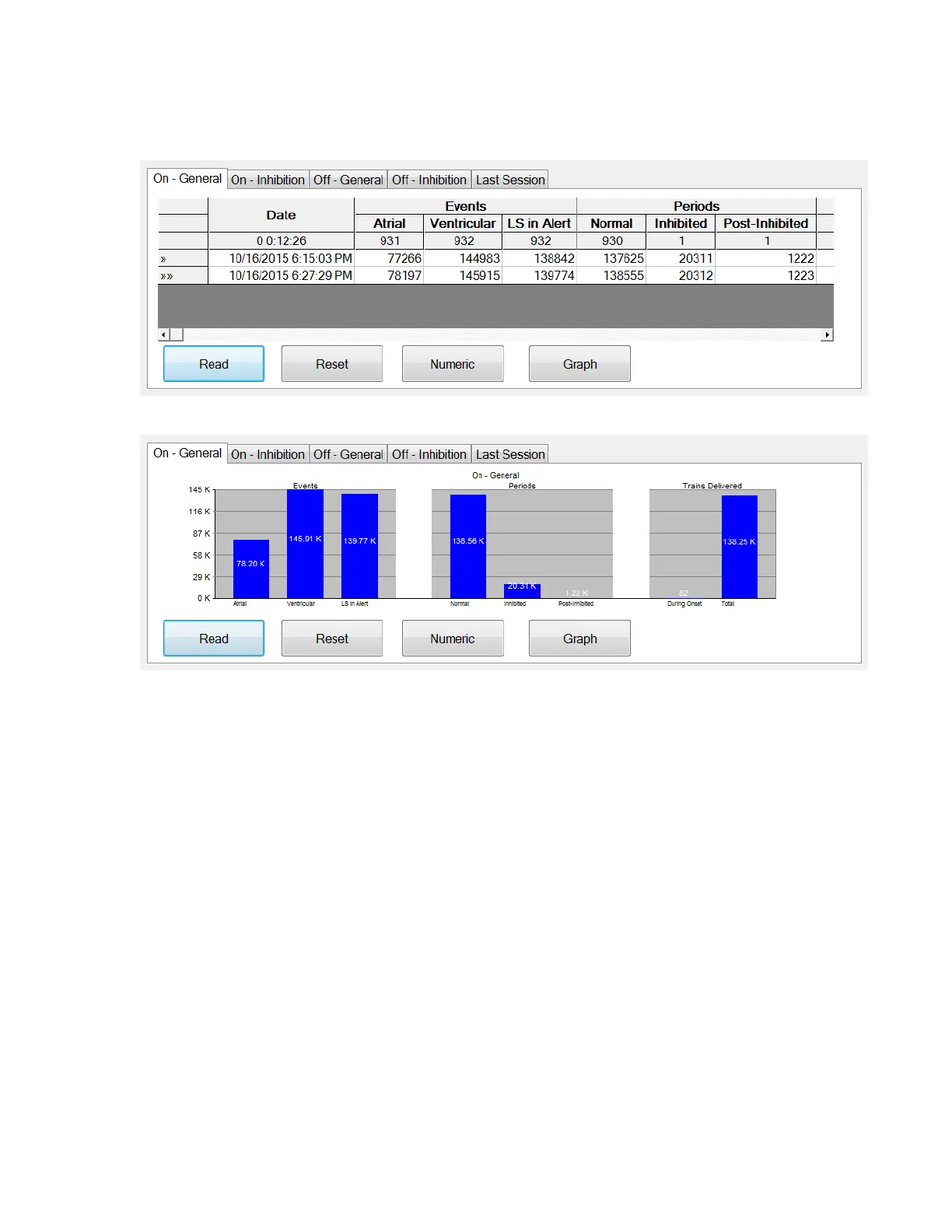
The panel of each tab can be viewed in Numeric Mode or Graph Mode
Figure 33: Statistics On - General Tab (Numeric View)
Figure 34: Statistics On - General Tab (Graph View)
12.10.4 Log Files
When the Log Files button is selected, the programming commands on the Main
Tool Bar are changed to the following Log File commands:
• Browse: opens the Marker window for viewing.
• Open Log: opens a window allowing the user to choose from the list of
the saved marker files.
• Recording: starts recording the patient’s ECG.
• Export Prog: writes a text file containing the values of the current
parameters.
• Export Stats: writes a text file containing the values of the statistics
counters.
• Export Marker: writes a text file containing the values of the markers.
• Up/Down: opens a window which allows the user to transfer log files
between the OMNI Smart Programmer and the Remote server.
• Compare: opens a window displaying the differences in parameters found
between the old values and the current values.



 To Next Page