32.4 Set Default Printer
To set the default printer for the OMNI Smart Programmer:
• At the Selector screen, click the Configuration button. The Configuration Dialog
window will appear.
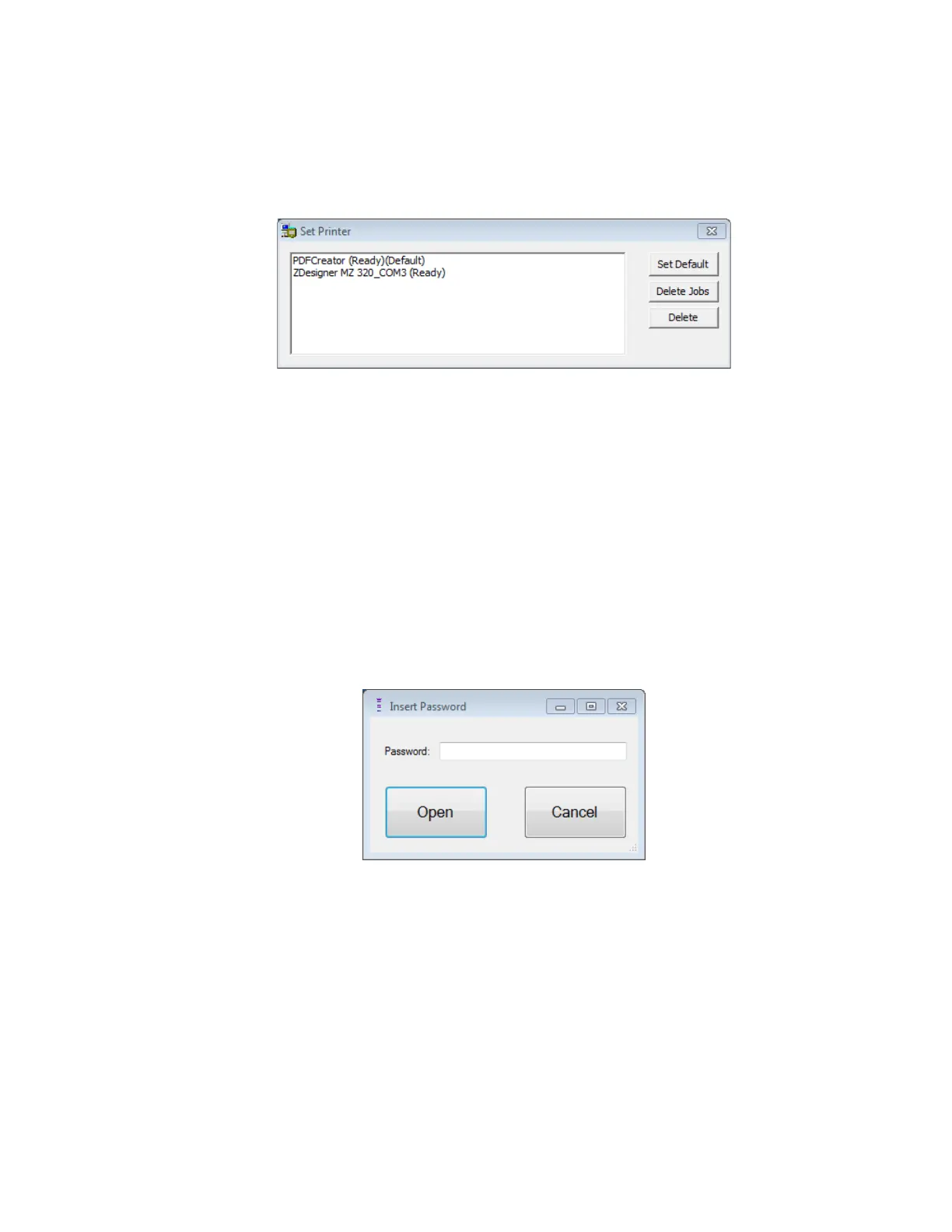
• Click the Set Default Printer button. The Set Printer window will appear.
Figure 59: Set Printer Window
• Select the ZDesigner printer and then click on the Set Default button.
• Click on the X to close the Set Printer window.
• Click on the X to close Configuration Dialog window.
33. LOG FILE MANAGER
The Log File Manager allows the user to copy and delete log files stored on the OMNI Smart
Programmer.
To copy and delete the stored log files:
• At the Selector screen, click the Log File Manager button. The Insert Password window
will appear.
Figure 60: Log File Manager Window
• Enter the password MountLaurel.
• Click the Open button. The Log File Manager 2.0 window will appear.



 To Next Page