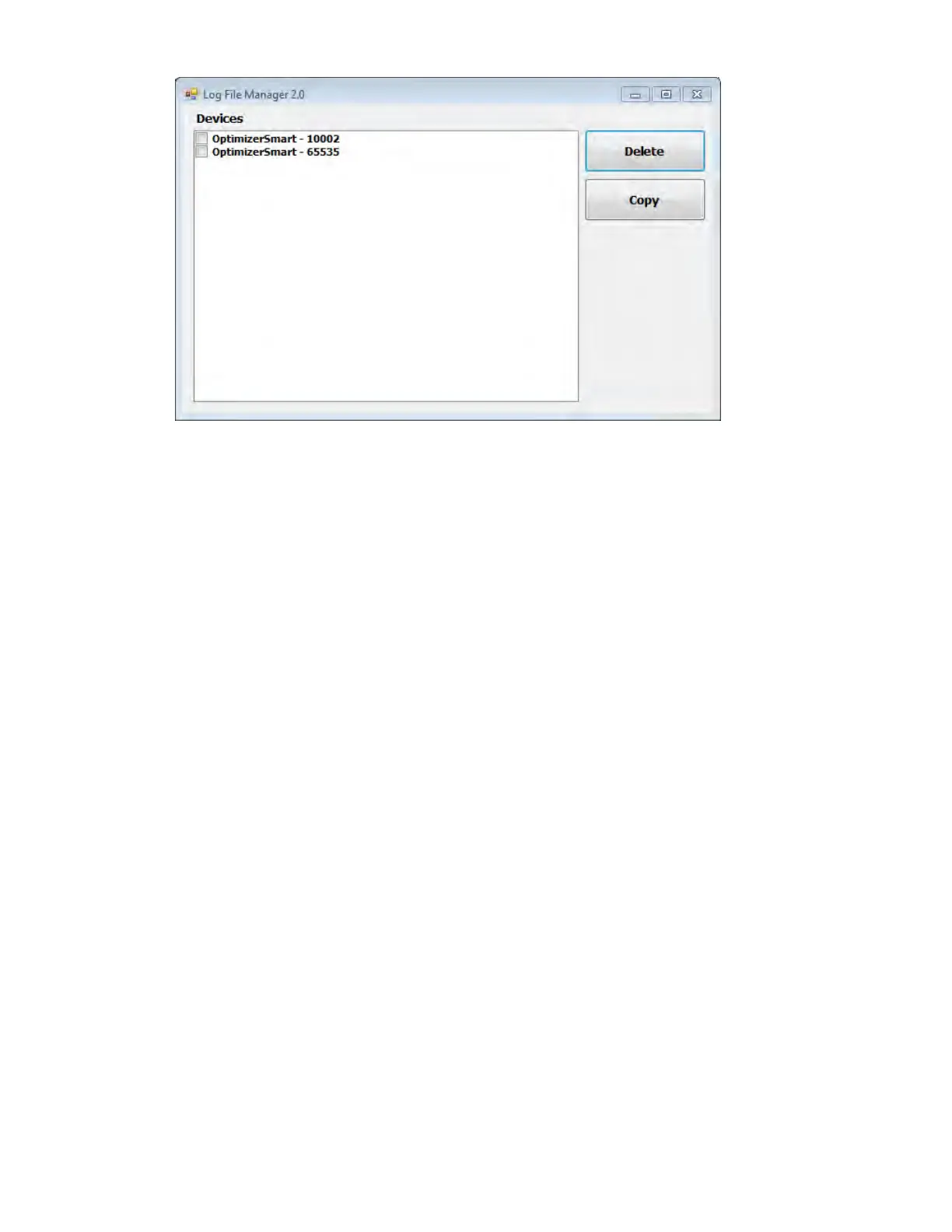
Figure 61: Log File Manager 2.0 Window
• To Delete files:
o Select the check box to the left of the file name of each file to be deleted.
o Click the Delete button.
o When the Warning window appears, click Yes to confirm the file deletion.
o Click on the X to close the Log File Manager 2.0 window.
• To Copy files:
o Select the check box to the left of the file name of each file to be copied.
o Insert a USB Flash drive into the USB port of the OMNI Smart Programmer
o Click the Copy button.
o Wait for the pop-up Information window to appear stating Copy completed and then
click OK.
o Click on the X to close the Log File Manager 2.0 window.



 To Next Page