28.3 Setting the OMNI Smart Programmer Clock
To set the system time of the OMNI Smart Programmer:
• Select the Parameters button on the Task Bar.
• Select the Settings tab on the Parameters bar.
• Select the Set system time… button on the Settings panel
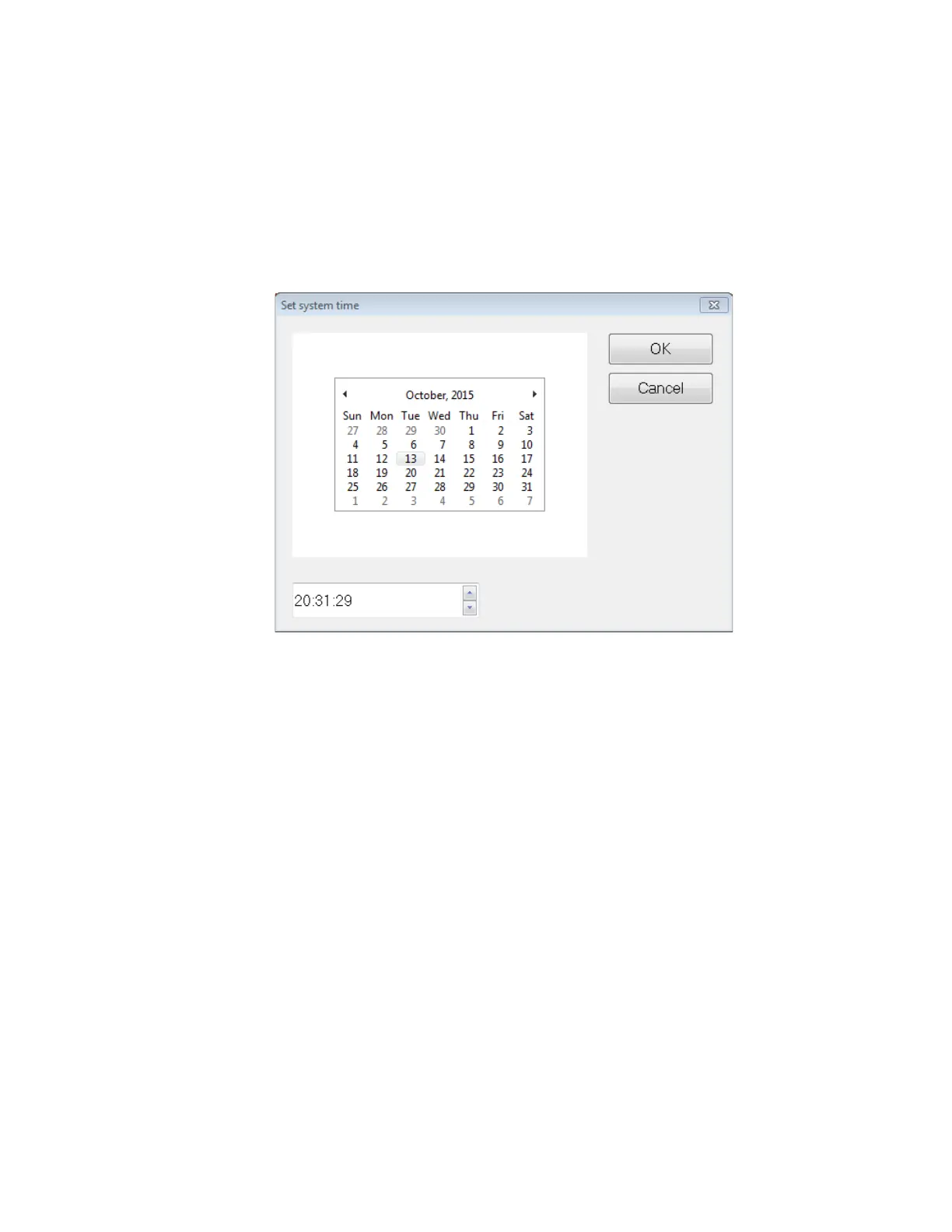
• A Set system time window will appear which has a calendar and the current
OMNI Smart Programmer time. The current system date is highlighted.
Figure 48: Set system time Window
• Using the cursor, select a new date, if required. To adjust the time, select the hour,
minute or seconds and then change the value using the up or down arrows to the
right of the time display.
• When you are done, select OK or cancel the operation by selecting Cancel.
29. OPTIMIZER SMART IPG ALARMS REPORTED TO THE
OPTIMIZER MINI CHARGER
29.1 Minimum Target Percentage for CCM Delivery
The OPTIMIZER Smart IPG keeps a record of the events and conditions that occurred
during the last Active Period of the CCM scheduled delivery. This record can be used to
calculate the percentage of CCM signals delivered compared to the number of right
ventricular events sensed during the period.
The minimum target percentage for CCM delivery parameter is the expected minimum
CCM train delivery ratio.
The OPTIMIZER Mini Charger can be programmed to display a Numerical Code
whenever that CCM therapy rate falls short of programmed minimum target percentage
(Numerical Code 4 – see Section 33.6.5).
To activate the Numerical Code 4 alarm in the OPTIMIZER Mini Charger:



 To Next Page