12.7 Log Bar
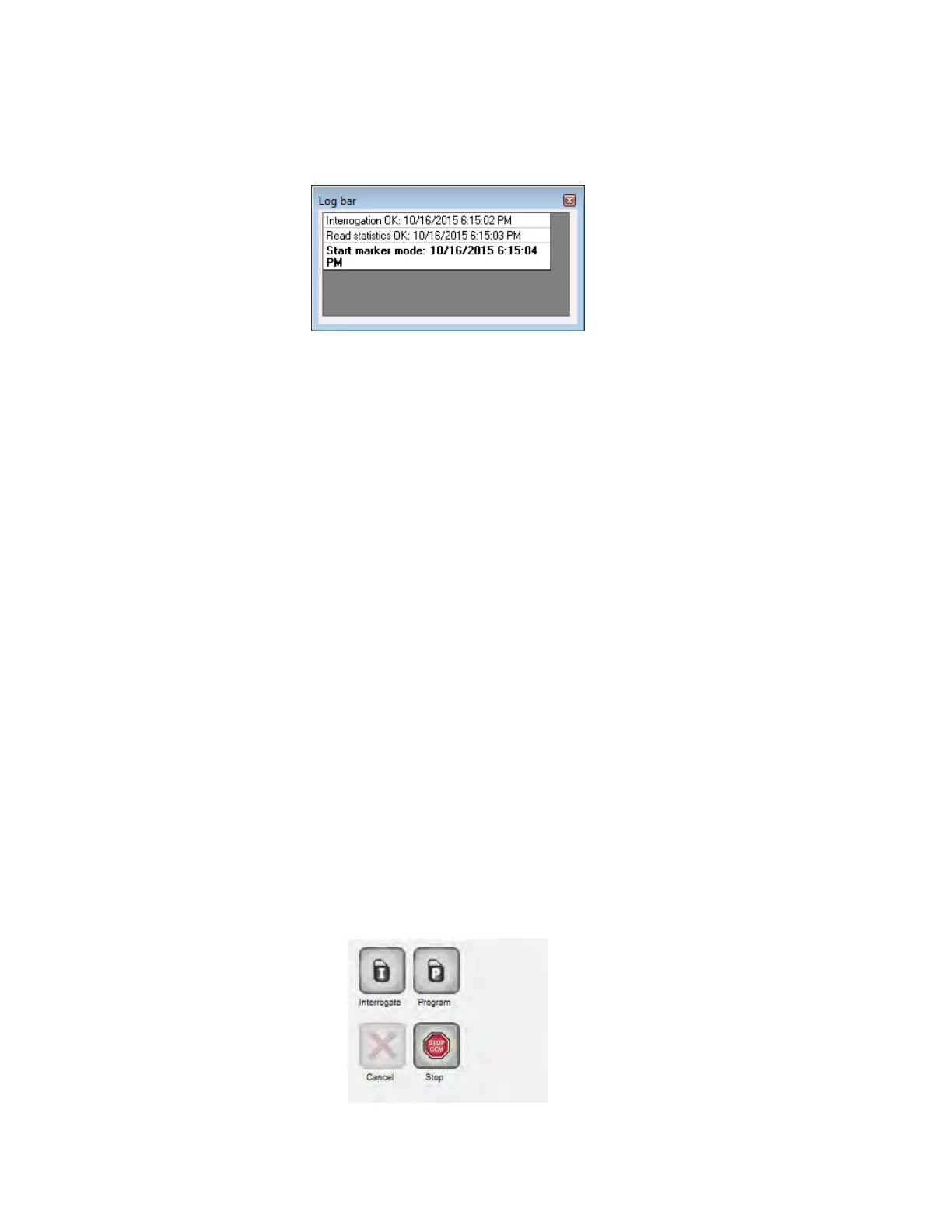
A special file in the OMNI Smart Programmer Software contains a record (log) of all the
interactions between the OPTIMIZER Smart IPG and the OMNI Smart Programmer,
including the date and time when these interactions occurred.
Figure 17: Log Bar
More information regarding an event in the log may be obtained by double-clicking on
the event in the Log Bar. If there are data associated with the selected event, the
following occurs:
• If an Interrogation or Programming event is chosen, the parameter values
displayed by the OMNI Smart Programmer are the set of values present at the
moment the selected event occurred.
• For all other recorded events (Bookmarks, begin/end of Marker Mode, etc.), a
message appears indicating that the event has no more associated data to display.
12.8 Programming Bar
The Programming Bar provides fast access to the OMNI Smart Programmer’s essential
commands with the following buttons:
• Interrogate: For obtaining the implanted device actual parameter values.
• Program: For transmitting a compatible set of parameter values to the IPG. This
button blinks in blue whenever a parameter value has been modified and there is
no parameter conflict. This indicates that the programmed parameter values of the
OPTIMIZER Smart IPG are different from the displayed parameter values. If
there is a parameter conflict, this button is disabled until the conflict is resolved.
• Cancel/Undo: Depending on the context – cancels the modifications not
transmitted yet, or restores the last programming action values.
• Stop/Start: Depending on the context – deactivates CCM signal delivery by
programming the CCM Mode parameter to CCM OFF, or activates CCM signal
delivery by programming the CCM Mode parameter to CCM ON.
Figure 18: Programming Bar



 To Next Page