23.4 CCM Train Delivery
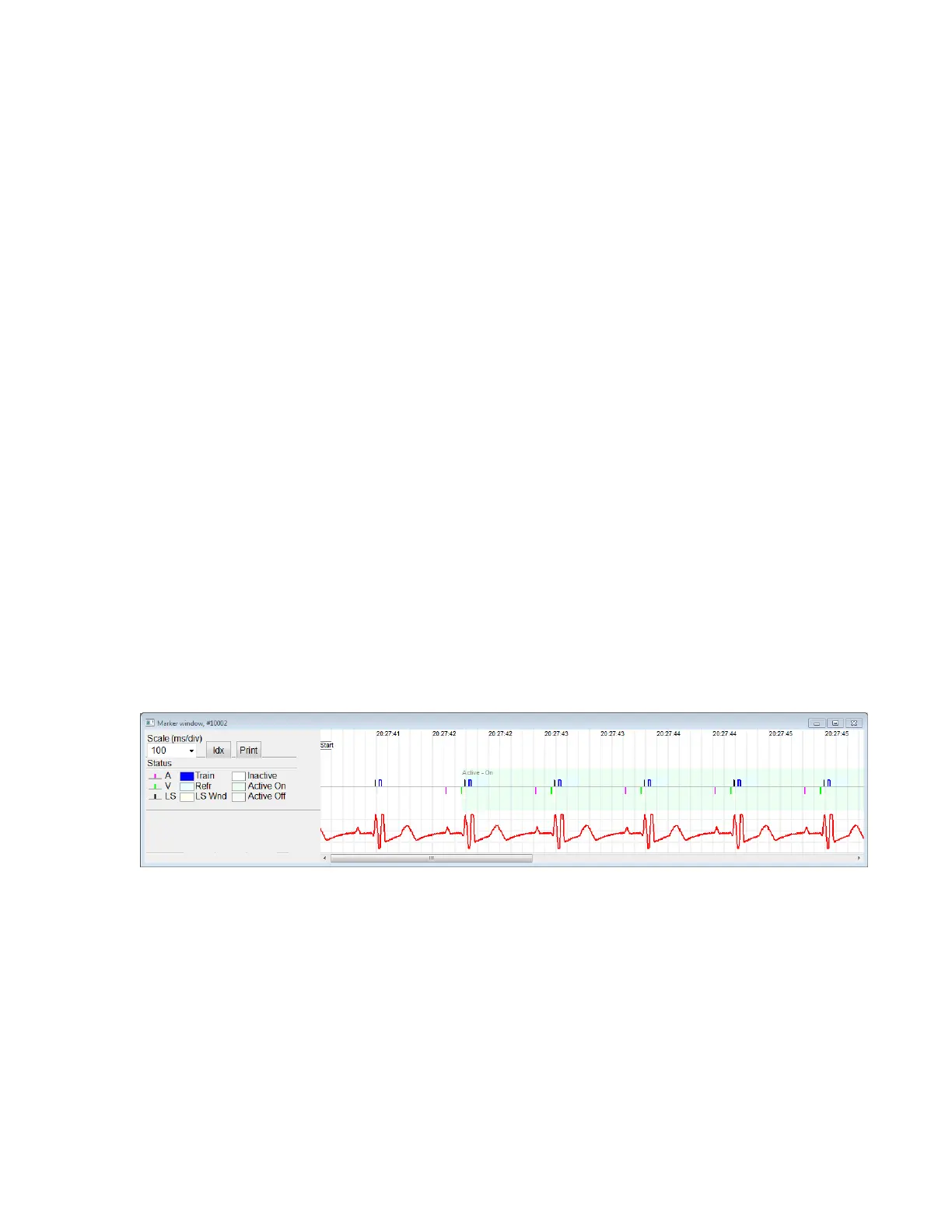
CCM signal delivery is represented by a marker in the shape of a blue rectangle whose
width is in proportion to the duration of the CCM signal.
23.5 CCM Inhibit Conditions in Active OVO-LS-CCM Mode
Labels for the following events are displayed:
• VT: Ventricular rate above the ventricular tachycardia rate limit.
• V Noise: Noise detected on the ventricular sense channel.
23.6 CCM Signal Delivery State
CCM signal delivery state is indicated by labels as well as by the background color of the
ECG window as follows:
• Inactive: this label appears on the ECG window when CCM delivery first
becomes not Active. The background color of the ECG window is white in this
case.
• Active-On: this label appears on the ECG window when CCM delivery first
becomes Active and On. The background color of the ECG window is green in
this case.
• Active-Off: this label appears on the ECG window when CCM delivery first
becomes Active but Off. The background color of the ECG window is gray in
this case.
23.7 Log Browser Window
When Log Files button from the Task Bar is selected and then the Browse button is
selected from the Tool Bar, the corresponding window titled Marker Window is
displayed.
Figure 41: Marker Window



 To Next Page