The Operating Mode choices are:
• Standby (OOO): The device is placed in safe mode with no CCM signal
delivery.
• Active ODO-LS-CCM: The device uses atrial, ventricular, and local sense events
as triggers for CCM signal delivery.
• Active OVO-LS-CCM: The device uses only ventricular and local sense events
as triggers for CCM signal delivery.
To program the Operating Mode into the OPTIMIZER Smart IPG:
• Place (or replace, if necessary) the Programmer Wand over the OPTIMIZER
Smart IPG implant site.
• Select the Mode parameter on the Device Bar.
• Select the operating mode from the Mode pop-up menu.
• Perform one of the following actions to issue the Program command:
o Press the Program button on the Programmer Wand or
o Select the Program button on the Tool Bar, or
o Select the Program button on the Programming Bar
If the programming is successful, the OMNI Smart Programmer will display the message
“Programming OK”.
However if the Programmer Wand is not well positioned over the implant site, the
programming operation may fail. If a failure in communication occurs, the Programmer
will display the message “Programming Error” along with the options Retry and
Cancel.
Retry can be performed by repositioning the Programmer Wand and selecting the Retry
button or by pressing the Program button located on the Programmer Wand.
22.2 CCM Signal Delivery Options
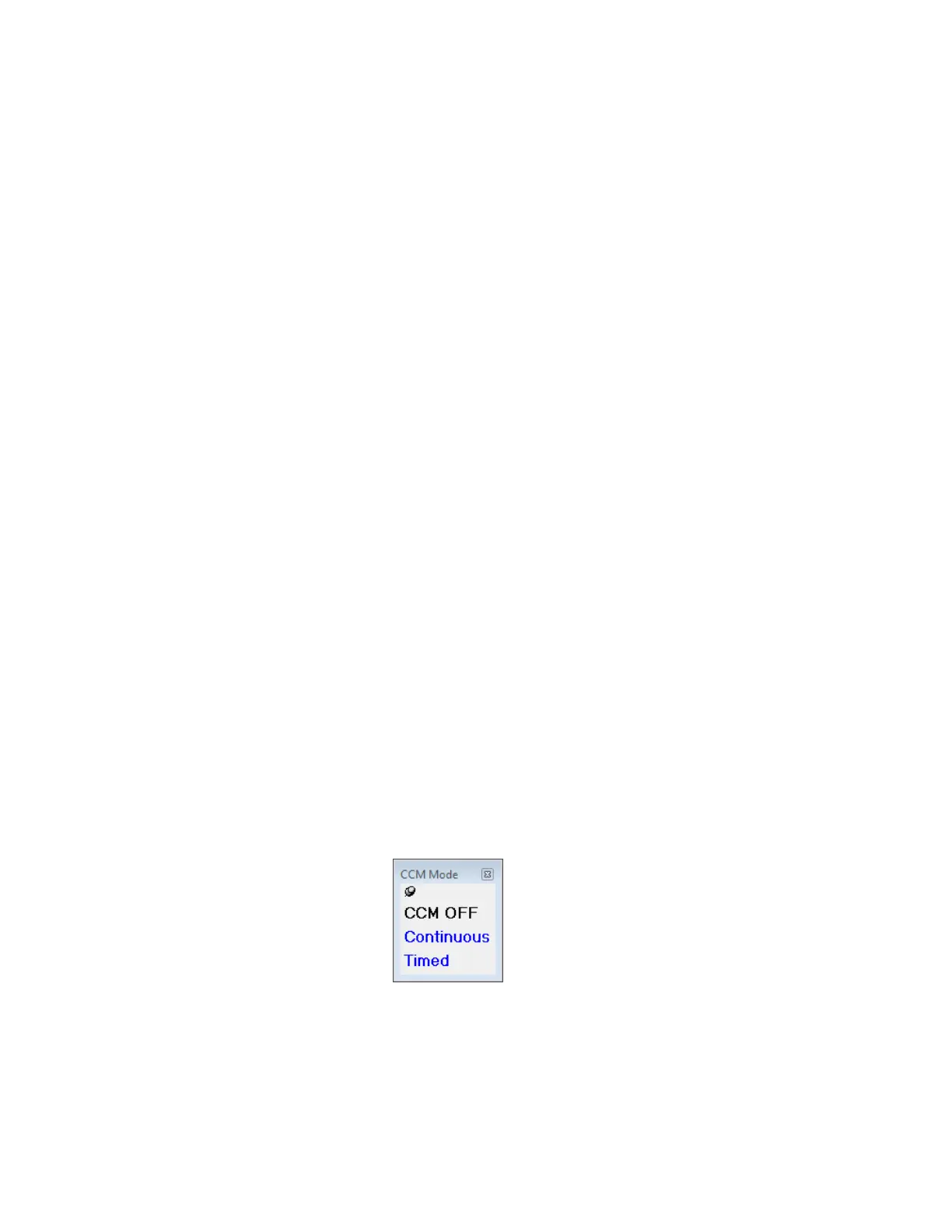
CCM signal delivery by the OPTIMIZER Smart IPG is set by the CCM Mode parameter
on the Device Bar.
Selecting the CCM Mode parameter will cause the CCM Mode pop-up menu to appear.
Figure 39: CCM Mode Pop-up Menu



 To Next Page