The CCM Mode choices are:
• CCM OFF
• Continuous: For testing purposes only.
Warning: The OPTIMIZER Smart IPG MUST NEVER be left in Continuous mode.
• Timed: CCM signals will be delivered as scheduled by the CCM Schedule tab.
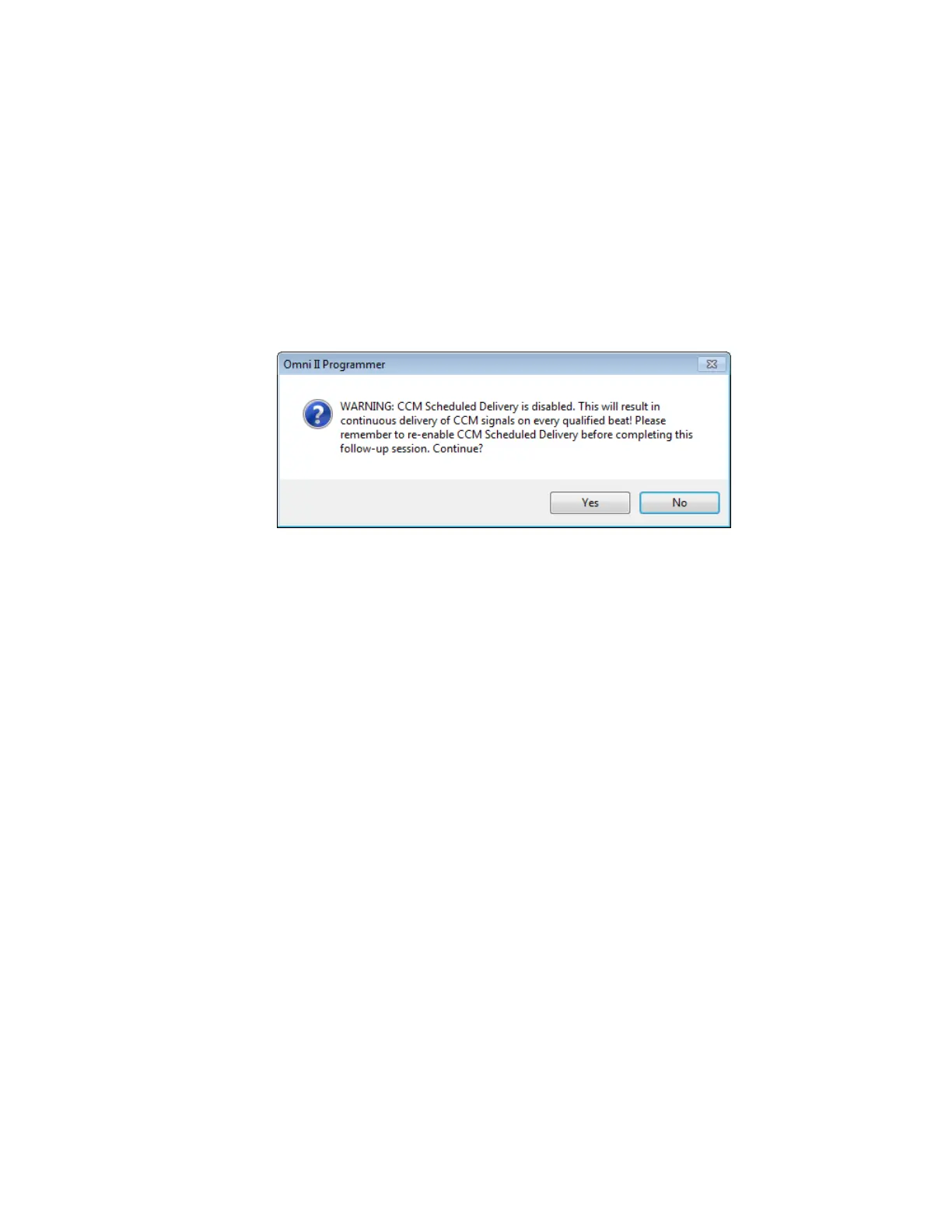
Selecting Continuous will cause a warning window to appear. This window will
reappear every time a programming command is issued to remind the operator that the
OPTIMIZER Smart IPG is still set to Continuous mode. Inadvertent extended use of
Continuous mode will cause the battery of the OPTIMIZER Smart IPG to prematurely
run-down, necessitating frequent recharging sessions.
Figure 40: Continuous CCM Delivery Warning
To program the CCM Mode into the OPTIMIZER Smart IPG:
• Place (or replace, if necessary) the Programmer Wand over the OPTIMIZER
Smart IPG implant site.
• Select the CCM Mode parameter on the Device Bar.
• Select the CCM Mode from the CCM Mode pop-up menu.
• Perform one of the following actions to issue the Program command:
o Press the Program button on the Programmer Wand or
o Select the Program button on the Tool Bar, or
o Select the Program button on the Programming Bar.
If the programming is successful, the OMNI Smart Programmer will display the message
“Programming OK”.
However if the Programmer Wand is not well positioned over the implant site, the
programming operation may fail. If a failure in communication occurs, the Programmer
will display the message “Programming Error” along with the options Retry and
Cancel.
Retry can be performed by repositioning the Programmer Wand and selecting the Retry
button or by pressing the Program button located on the Programmer Wand.



 To Next Page