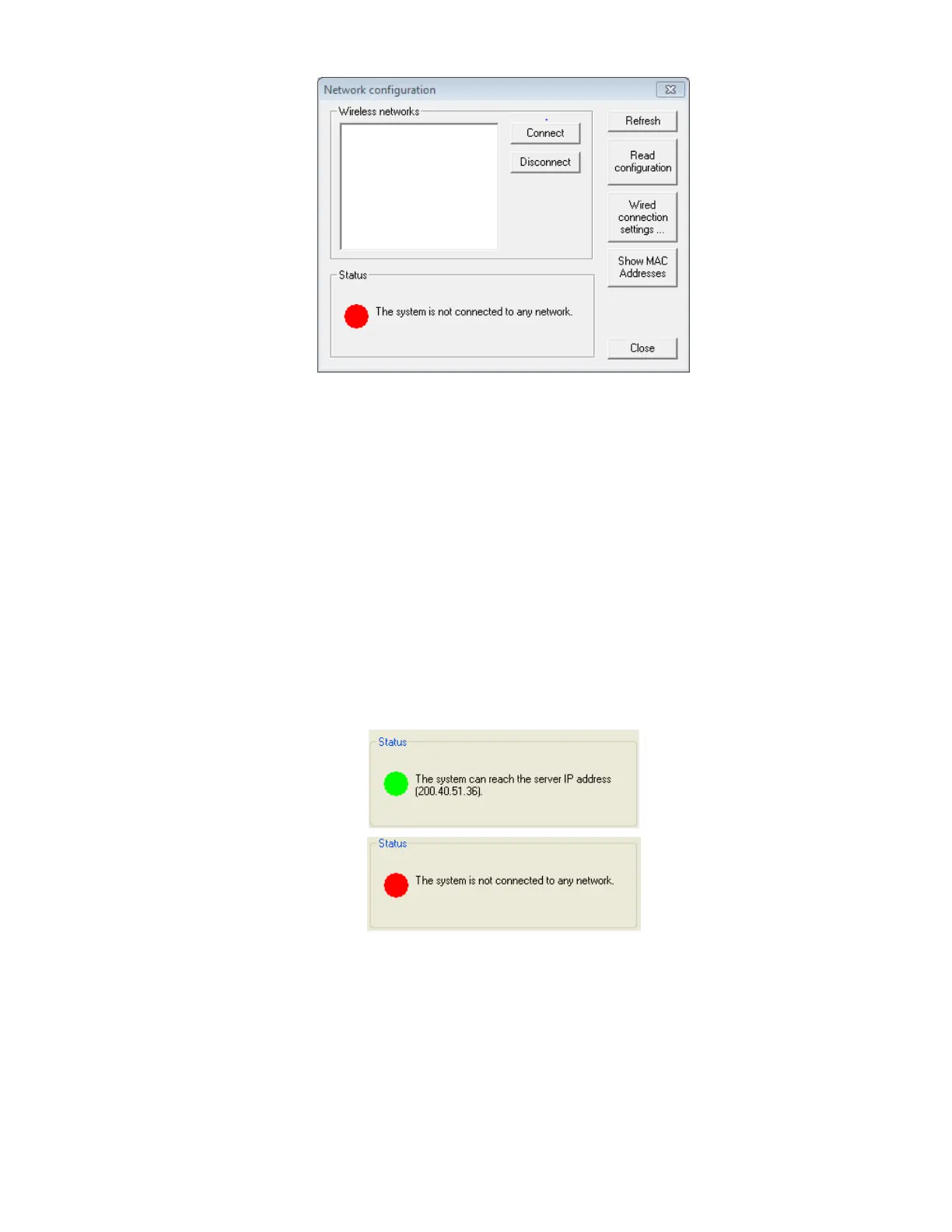
Figure 53: Network Configuration Window
The Network configuration window displays the following information:
• Wireless networks: a list of the available supported wireless networks with
the following information:
o Network name.
o Signal strength percentage.
o Connection status (“Connected” will appear next to the signal strength
percentage if the OMNI Smart Programmer is connected to that
network).
• Status: status of the connection. A green circle will indicate that the OMNI
Smart Programmer can connect with the server, while a red circle will
indicate that some problem is preventing the programmer from connecting
with the server.
Figure 54: OMNI Smart Network Status Indicators



 To Next Page