111
16. Working with Groups
Groups are meant as a programming aid and are a quick way to access specific selections of fixtures.
Groups store information about fixture selection and selection order.
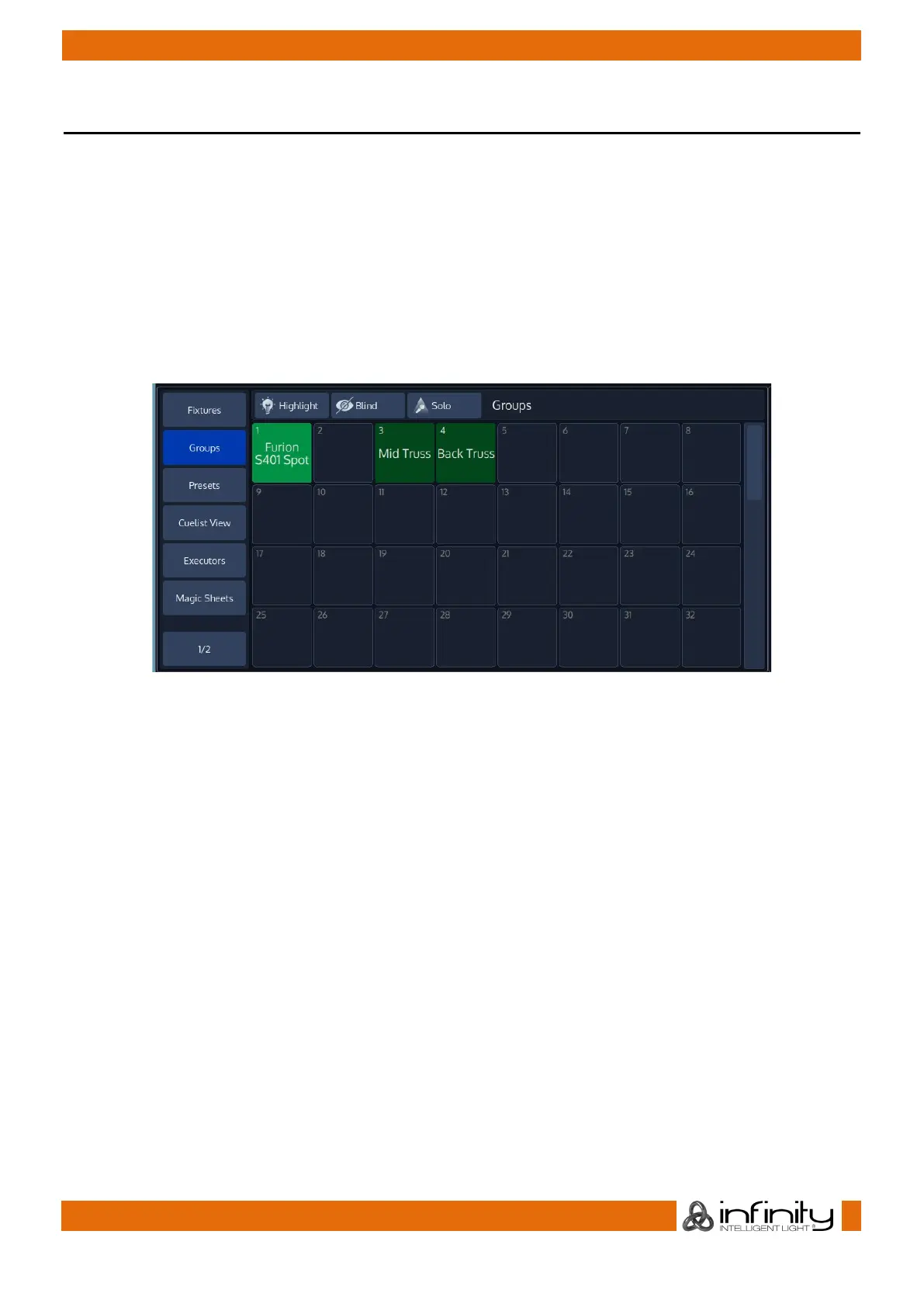
The Group Pool is used to show and select fixture Groups.
Groups which are have been directly selected by the user will be shown with a light green background
color, whereas groups which are implicitly selected (they contain fixtures which are selected but the
group itself has not been directly selected) will be displayed with a darker background color.
If the group is used in the showfile (it is linked to a fader or displayed in a magic sheet), the number found
in the top left corner of the item is displayed in a red color. Information about where a group is used may
be found in the Edit Group menu.
Fig. 88: Group Pool



 To Next Page